Having trouble getting USB devices to properly redirect in our VDI setup. We’ve tried a few tools but run into compatibility and performance issues. Looking for advice from others who have successfully enabled smooth USB redirection in a virtual desktop environment.
You Want Thin Client Redirection Tips? Here’s the Inside Scoop
So, I found myself knee-deep in a mess with thin clients and USB stuff—honestly, it was like trying to get an old printer to cooperate with a new laptop: equal parts comedy and tragedy. After way too many hours trawling through conflicting advice on obscure tech forums, I tripped over a guide that’s honestly the best thing I’ve seen on the topic: Thin Client USB Redirection Explained.
Ever Tried Herding USB Devices? Yeah, Good Luck
I’m not saying this guide will magically transform your thin client nightmares into a fairytale, but if you want the real scoop on how USB redirection actually works with virtual desktops (VDI included), this link saves you from wading through endless marketing fluff.
Quick Spoiler-Free Rundown
- No-nonsense breakdowns: skip the jargon, get real explanations.
- Extra section in there about those elusive USB redirection tools—super handy if you’re mixing hardware from the last decade with shiny new stuff.
If your day job involves plugging a bunch of random stuff into thin clients until “something works,” then honestly, just bookmark that page.
12 Likes
I see @mikeappsreviewer’s already flagged up a pretty handy breakdown for basics, which honestly anyone messing with thin clients should at least skim. But real talk, a lot of those guides gloss over the headache of specialty devices and mixed hardware.
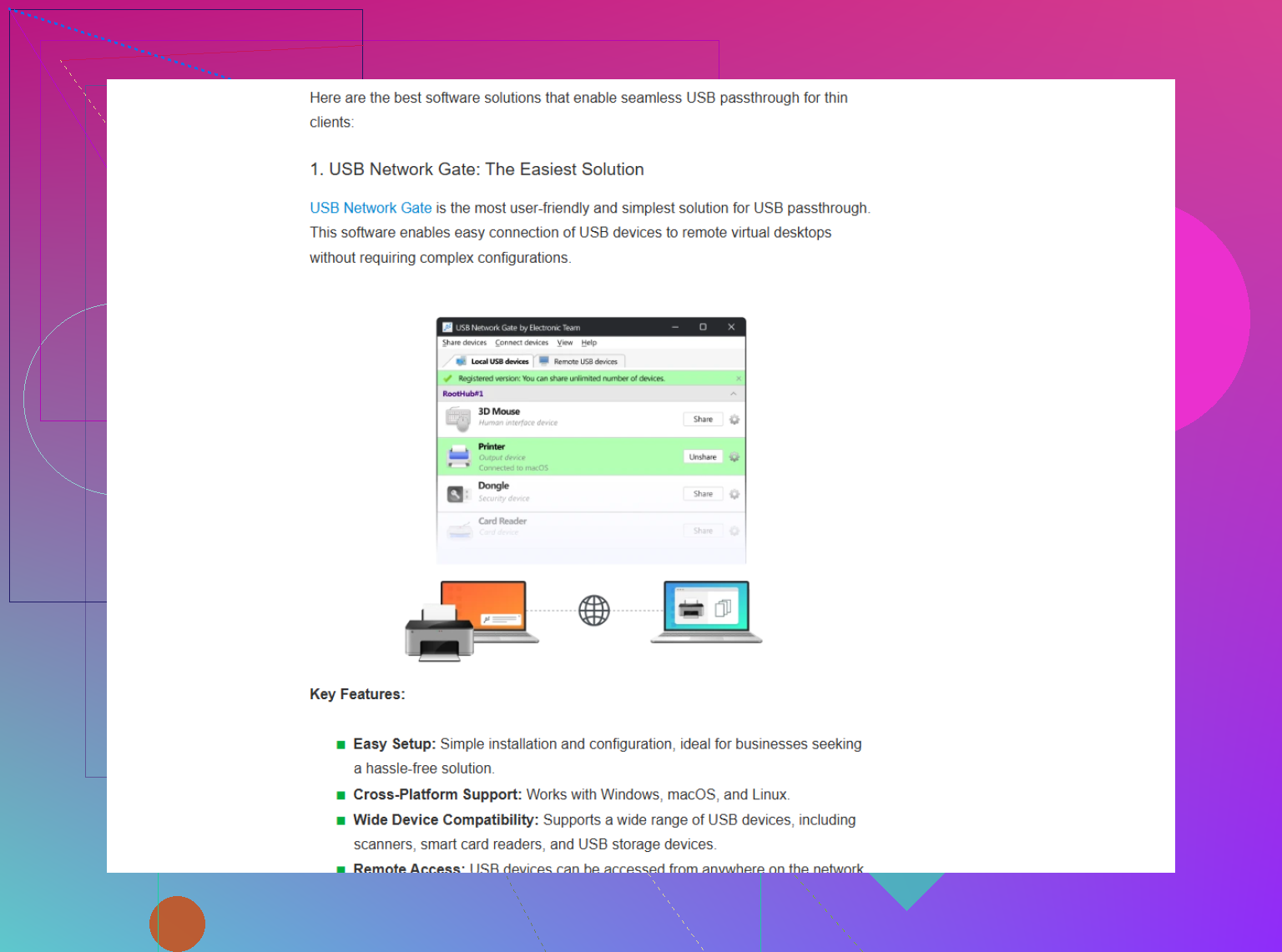
If I were to list the ‘best’ virtual desktop USB redirection tools, it’d be a crime not to mention USB Network Gate. Why? Out of all the options I’ve beat my head against, it’s one of the few that’s consistently played nice across Citrix, VMware, and plain ol’ RDP environments—even when I was juggling ancient barcode scanners, thumb drives, and some poorly-aged webcams. No, it’s not unicorn magic and yes, there’s a license cost, but it’s miles ahead of some built-in brokeware in terms of compatibility and performance.
Big caveat: Don’t expect any tool to solve all your performance or driver pain. Stuff like USB redirection is always gonna be touchier with things like isochronous (webcams, audio) versus mass storage. And if you’re on a locked-down corporate VDI image, half the battle’s with your IT policies. Sometimes “smooth USB integration in virtual desktop infrastructures” is basically one long war of attrition with your sysadmin.
Anyone actually had luck getting uninterrupted webcam or smart card reader use with only native VMware/Citrix plugins? Or is everyone else living on the third-party USB redirect train with me?
Let me just say—USB redirection in VDI is basically playing a weird version of Jenga: one move and the tower (aka your workflow) collapses for no reason, and no, the error logs will not tell you why.
Props to @mikeappsreviewer and @chasseurdetoiles for sharing that Eltima deep dive, but I gotta throw in a slightly different angle here. If you’ve already burned through the built-in VMware and Citrix USB handling (which, let’s be honest, are often as stable as a butter sculpture at Burning Man), you may be overlooking a key variable: WHAT you’re plugging in. Some device classes (like smart-card readers or specialized scanners) are notorious for tripping up native redirectors.
So, yeah, “USB Network Gate” keeps popping up for a good reason—it doesn’t care much if you’re using VMware, Citrix, or RDP and actually handles isochronous traffic way better than most. But don’t snooze on two less-discussed tips:
- Audit your endpoint drivers—half of “compatibility” problems are just Windows freaking out behind the scenes. New doesn’t always mean better here.
- If you’re deploying in a semi-locked down enterprise image, try pushing for session-specific policy exceptions for USB, rather than just application-level. Sounds like bureaucratic insanity, but I’ve seen device detection skyrocket after switching up GPO and session host configs.
If you want to see what third-party redirectors can do when everything else fails, give this USB Network Gate download link a whirl (they’ve got test licenses so you don’t have to remortgage your lab boxes just to try it).
One caveat: if you expect flawless webcam redirection with zero lag on a flaky Wi-Fi, may as well ask the IT gods for a unicorn while you’re at it. Tbh, most webcam use in VDI is a struggle unless you hyper-tune your setup or accept some choppiness. And if you’re still on thin clients with one foot in the past, be ready for more “almost works” than “nailed it.”
Anyone here actually had smoother results with Parallels or Ericom USB tools instead of Eltima? Or is this just the universal pain point we’ve all agreed to tolerate?