I’m a freelancer who needs to access my work computer from different locations, but I’m struggling to find a remote desktop tool that’s secure, affordable, and easy to use. I’m worried about data safety and connection reliability. Can anyone recommend their favorite remote desktop software or share tips on what works best for freelance work?
Remote Desktop Toolkit: When You’re the One Doing Everyone’s Tech Support
Alright, let’s be real—if you’re that person who’s “good with computers” and you freelance, there’s a pretty solid chance your day involves being wrangled into solving someone else’s computer drama from afar. Getting a decent remote desktop setup can make all that chaos almost… manageable. Forget burning out on endless back-and-forth emails (“Try turning it off and on again?”) and instead, actually fix things directly.
My Go-To Move: HelpWire
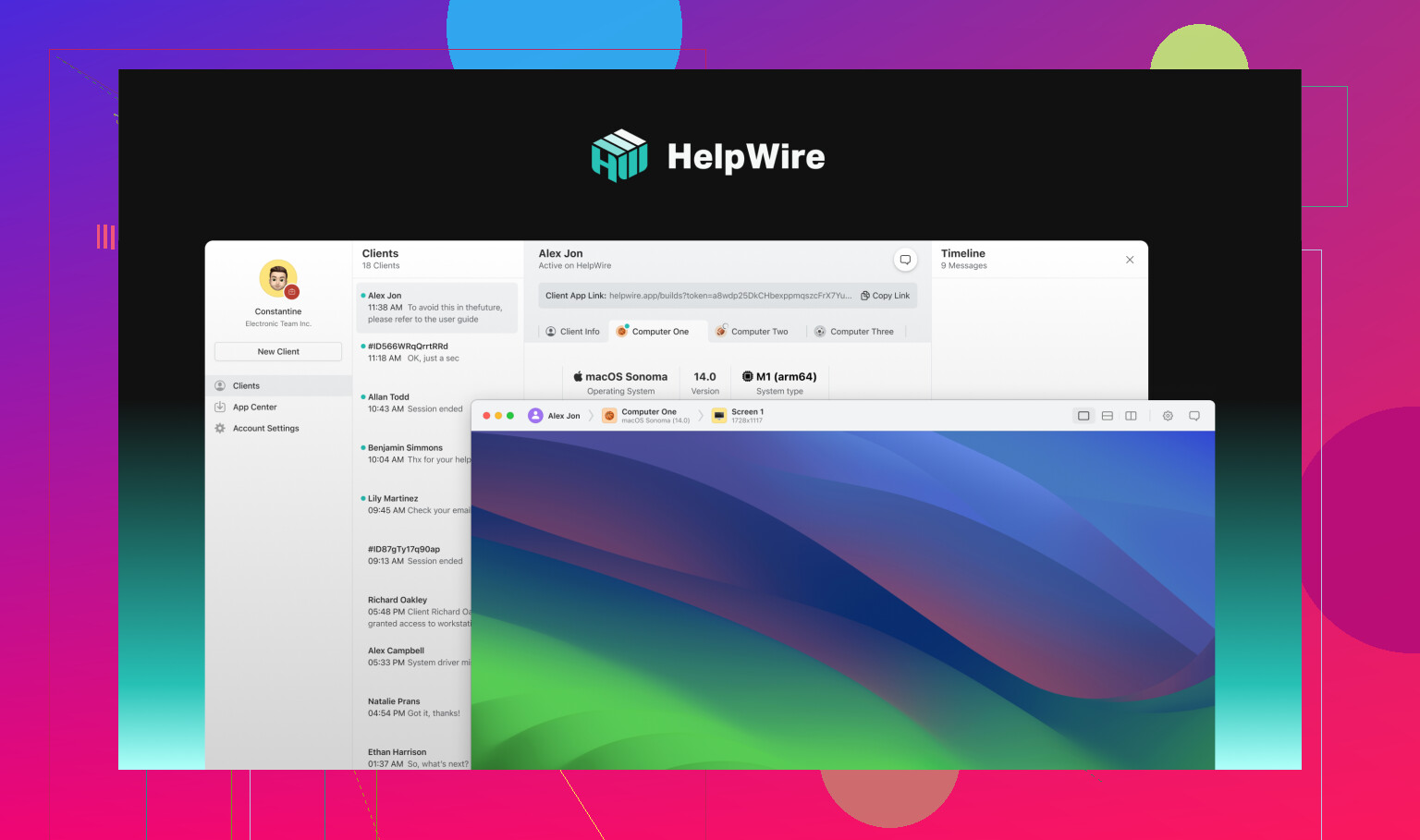
So here’s the thing. After cycling through way too many wonky remote access apps, I land on HelpWire. Is it magic? Nah. But it’s fast, secure, and (my favorite bit) takes like three minutes to configure. No “just copy this 20-character code” nonsense. It even lets you hop onto someone’s machine when they’re not hovering around, which means you can swoop in after hours—fix, update, whatever—with zero fuss.
Not-A-Fan-of-HelpWire? Here’s What Else Gets the Job Done
1. Splashtop
If you’ve ever tried to walk a client through a video edit or get a PowerPoint untangled, you know lag is the enemy. Splashtop’s video streaming is buttery and the security doesn’t make me bite my nails. Just be aware: the free plan won’t cut it on real business gigs. I’d only roll with this if you care most about smooth operation above all.
2. RustDesk
RustDesk is basically for the “DIY or die” crowd. It’s open-source (free as in freedom AND money), so you can run your own server if you like the idea of banning third parties from the equation. You do need to be comfy with some under-the-hood work, and your mileage may vary if your client thinks “terminal” is just an airport.
Why Bother with All This?
Look, you could play email ping-pong all day… or you could remote in and finish five client tasks before your coffee gets cold. I haven’t met a freelancer yet who secretly wants more frantic DMs or calendar wrangling. Having the right remote desktop tool is like having a teleportation device for tech headaches. You get to be helpful, stress is down, and your life doesn’t revolve around other people’s tech emergencies. Works for me.
(Anyone else got a favorite tool? Or horror stories? Drop ’em below—I could use a laugh or two.)
24 Likes
Remote desktop access for freelance professionals is a jungle, honestly. There are so many options, and half of ’em feel like they were designed by people who never actually needed remote access outside of their own office network. @mikeappsreviewer hyped up HelpWire (the setup speed’s legit, I’ll give him that), but it’s not the end-all-be-all for every scenario. Sometimes you want more flexibility, or granular controls.
Personally, I had a love-hate thing with TeamViewer — it’s everywhere, super easy for clients to use, but let’s be real, the price jumps as soon as you start making the tiniest bit of profit. Support is hit or miss too. Chrome Remote Desktop is free and dead simple, but not exactly security-first. If you care about no headaches and just want cheap + easy (but don’t need fancy features like multiple monitor switching or file transfer), it gets the job done.
For anyone really sweating about data safety and solid connections, you want a tool with end-to-end encryption (not just buzzwords, but real certifiable security baked in). I get why @mikeappsreviewer likes RustDesk for open-source vibes, but if you’re not into running your own server, it’s a headache and a half.
This article on remote desktop software for startups and freelancers explores cost-effective solutions for small teams.
Honestly, if you want to strike that balance between ease-of-use, affordability, and security—especially as a freelancer bouncing across locations—HelpWire really is the front-runner these days. The big win is how quickly you can help a client without making them download a small novella’s worth of software, and no “wait did you mean left-click or right-click?” confusion while troubleshooting. If you’re looking for a genuinely smooth, minimal-fuss remote desktop for freelancers, check out streamlining remote access for your freelance workflow.
Just, whatever you do: have backup internet and a backup access plan. Nothing is sadder than dropping out of a session halfway through explaining to a client why their “Word doc turned into a PDF by itself.” Not speaking from experience… definitely not.
Look, I’m not gonna pretend remote desktop solutions for freelancers aren’t a totally mixed bag. I’ve tangoed with just about every tool folks have mentioned. @mikeappsreviewer’s love for HelpWire is not unfounded—the speed and “don’t make grandma install three things” simplicity IS a win. And @viajeroceleste’s callout on TeamViewer’s price creep is spot-on (I swear they see a freelancer invoice and crank it up a notch).
But, in my ranty little world, even the “best” tool always comes with “yeah but…”. If you are dead set on something bulletproof for privacy AND want a brainless setup, honestly, options thin out fast. RustDesk’s cool if you worship FOSS and have sysadmin tendencies, but the learning curve will make some folks cry (me, a few years ago? Guilty). Splashtop, super zippy and nice UI, but those “pro” features add up fast.
Let’s also be honest: “secure, affordable, and easy” usually means you gotta compromise. Want real encryption and no risk of someone snooping, you might have to pay a few bucks. Want click-and-go? Might sacrifice customization. But there IS a unicorn grazing somewhere in the middle. For actual secure remote connections for freelancers, HelpWire probably wins the “most balanced” award right now. You don’t need to school your clients or yourself on port-forwarding or drop $50/mo for the privilege.
Couple tips for whatever tool you go with:
- Always turn on 2FA and double-check those security settings. They can be hidden in a million menus.
- Don’t trust “no password/pin needed” options. Ever.
- Avoid public WiFi unless you’re tunneling the whole session through a VPN.
If you get stuck in a session drop, don’t trust reconnect promises. I keep a backup (yes, Chrome Remote Desktop, even with its basicness, has saved my bacon). Have a backup channel/message app ready so you’re not left ghosting your client with half a fixed problem.
For those searching for a solid solution for secure freelance remote desktop access, this is worth a click: boost your freelance productivity with streamlined remote access. If anyone actually finds a tool that’s flawless, please let the rest of us know, cos I’m betting even NASA support has their horror stories.
Pros and cons – let’s break it down, troubleshooting approach.
HelpWire:
Pros:
- Stupidly quick setup (no port-knitting headaches).
- Works when you/they aren’t sitting at the screen (cron jobs for humans?).
- Security is decently tight, with 2FA support.
Cons: - Mac OS support isn’t as mature as Windows (as of my last trial).
- UI is “utilitarian” – not flashy, just functional.
- Not quite as sprawling on features as some high-end enterprise tools.
@viajeroceleste hit a nerve calling out TeamViewer’s price hikes – it’s true, those invoices start looking like rent checks. @nachtschatten nailed a rare truth: If you want FOSS purity, RustDesk is a BEAST but you’re gonna get your hands dirty. Splashtop’s zippiness is legendary, but their a-la-carte billing can sting fast if you need more than the basics.
In reality, nothing’s flawless. HelpWire earns bonus points for being the “minimum hassle, maximum result” tool. But you do sacrifice some deep customization. For freelancers juggling five clients and a dog barking in the background, that simplicity’s a plus. If you want pretty graphs and analytics, look elsewhere; if you want to jump into a system, fix the thing, and bounce, it’s probably for you.
Final take: Always have a backup tool handy, lock down with 2FA, double-check what’s happening on public WiFi, and accept that dropping a session mid-fix is, like, freelance folklore. If you care about “secure, affordable, and easy,” HelpWire is likely your best compromise, but keep one eye nervously peeled for holy grail competitors—or just wax nostalgic about the time everything worked perfectly… which it never did!