I lost my Sony TV remote and need a free iPhone app that actually works to control my TV. I tried a couple of remote apps, but they either wanted a subscription or would not connect to my Sony Bravia. Looking for recommendations for the best free Sony TV remote app for iPhone that is easy to set up and reliable.
Free Sony TV Remote Apps for iPhone, what I found after trying a few
I went looking for a free iPhone remote for a Sony TV and ran into the same dumb issue over and over. Pairing was not the hard part. The hard part was finding an app that did the basics without asking for money two taps later.
If your Sony TV is a newer Bravia running Google TV or Android TV, you’ve got better odds. Those models usually connect over Wi-Fi without much fuss.
These are the ones worth checking first.
1. TVRem – Universal TV Remote
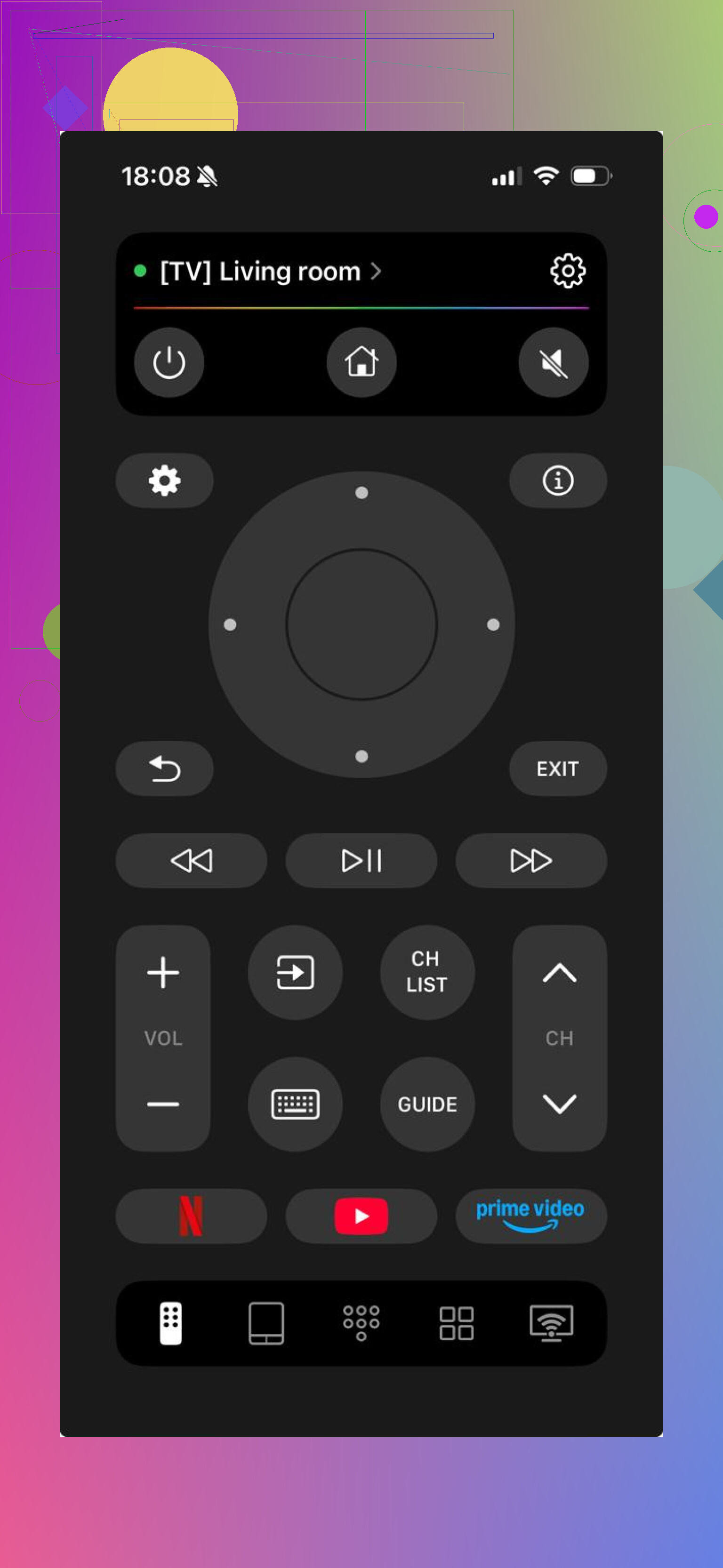
This one felt the least annoying.
I tested it with Sony sets running Google TV and Android TV, and it fit those setups well. Since it is not locked to one brand, it tends to pick up Sony TVs fast on the same Wi-Fi network. For most people, that matters more than a Sony logo on the app screen.

What it includes
- Volume, channel, and navigation controls
- Touchpad-style movement
- Built-in keyboard for searches in apps like YouTube and Netflix
- Voice search support
- Shortcuts for apps
- Auto-detection for supported TVs
- Good support for Google TV and Android TV devices
What stood out
- 100% free app
- Works with Sony and other TV brands
- No immediate paywall on the basic stuff
- Setup is quick
What bugged me
- It is not built only for Sony
For me, that last point was not a problem. If anything, it saved time since I did not need a different app for every screen in the house.
2. Remote Control for Sony TVs
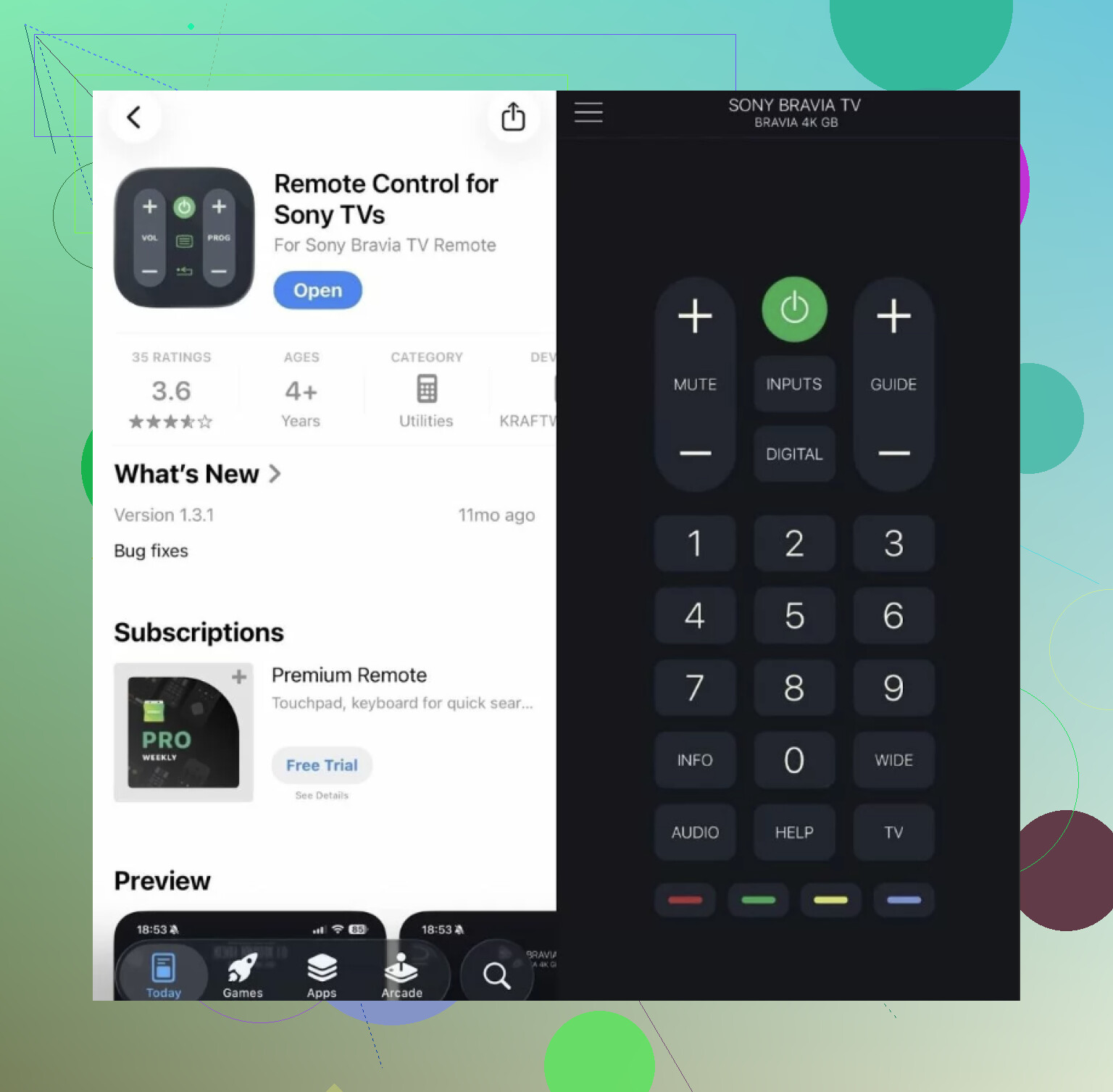
This one goes the opposite way. It sticks to the familiar Sony remote layout and keeps things simple.
If you want your phone screen to act like a plain old remote, this is the type of app you try first. As long as your iPhone and TV are on the same Wi-Fi, pairing is usually easy enough.
Features
- Direction pad navigation
- Volume and power buttons
- Input switching
- Basic smart TV movement
- Simple pairing
Good parts
- Sony-focused layout
- Easy to understand fast
- Fine for everyday basics
Weak spots
- Fewer extras
- Keyboard and voice tools are not the strong point
- Feels more limited next to newer universal apps
I’d use this if all you do is open one app, change volume, switch HDMI, done.
3. TV Remote – Universal Remote
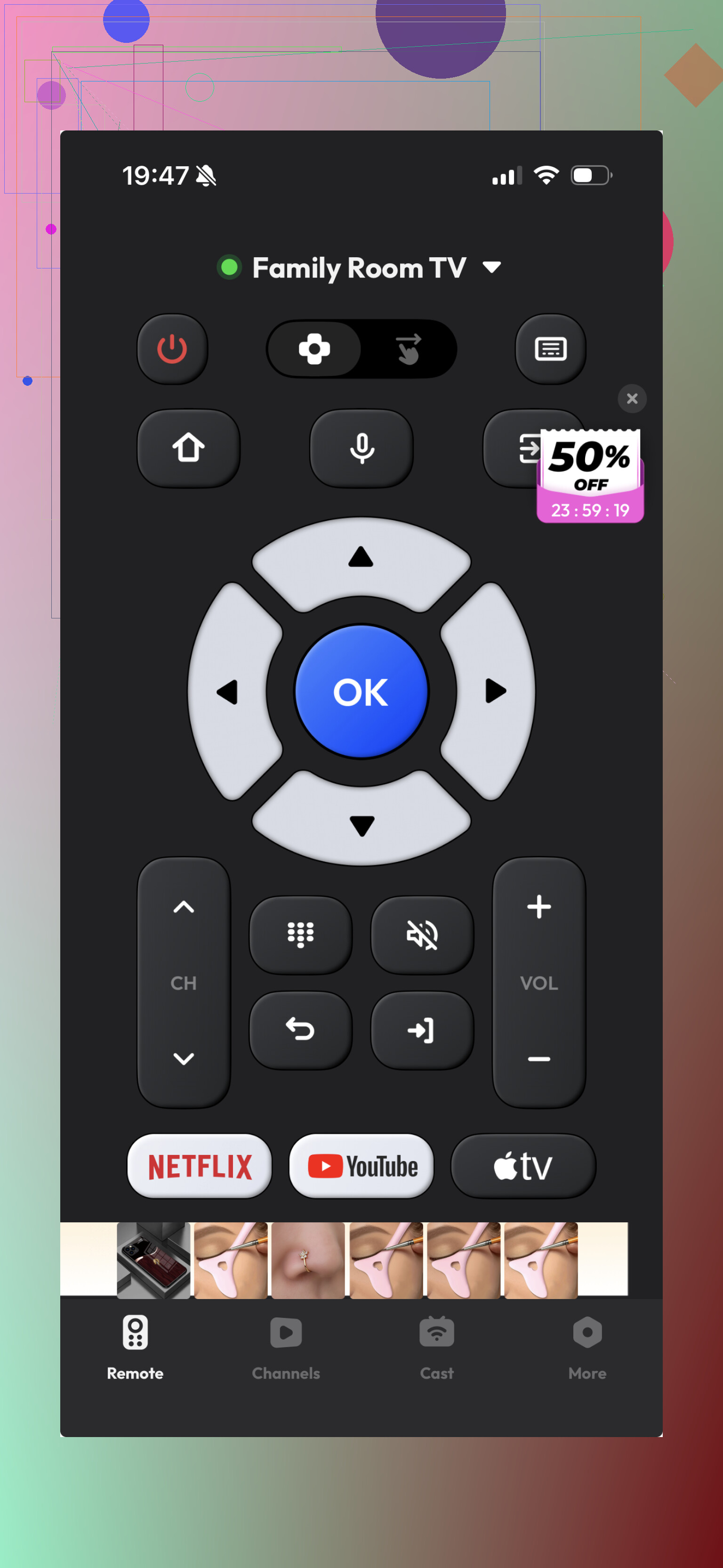
This is the usual universal remote app story. It supports Sony TVs, installs fast, and gives you enough to test in a minute or two.
Past that, your experience depends on the TV model and how much the app tries to funnel you into ads or a paid tier. Mine was ok-ish, not great.
Features
- Standard remote buttons
- Touch navigation
- Keyboard input
- Basic smart TV controls
Upsides
- Supports multiple TV brands
- Fast to install and test
Downsides
- Some functions end up blocked by ads or subscription prompts
- The overall feel is less smooth
My take after comparing them
The Sony-only option is fine if you want the basics and do not care about extras.
The broader remote apps make more sense if you want one app for more than one TV, or if you type into streaming apps a lot. The catch is that many of them feel free for about five minutes, then start trimming features.
TVRem stood out for one simple reason. It did not feel half-unlocked. On newer Sony TVs with Google TV or Android TV, it covers the stuff most people use every day:
- Full remote controls
- Sony support plus other TV brands
- Keyboard input
- Voice search
- Fast setup
- Stable Wi-Fi connection
- Fewer fake-free limits
If your goal is to install one app, pair it, and move on, TVRem is the best overall free Sony TV remote app for iPhone from this group.
7 Likes
If your Bravia runs Google TV or Android TV, I would skip most Sony-only apps first. A lot of them connect, then shove ads or a trial screen in your face. I tested three on my iPhone 13 with a Bravia X80K. The one I kept was TVRem. It found the TV fast, volume worked, input switching worked, and the keyboard saved me a ton of time in YouTube.
I disagree a bit with @mikeappsreviewer on one thing. A Sony-focused layout is not always better. On iPhone, the better pick is often the app with the best Wi-Fi pairing and least nags.
One more thing. If your TV has Google TV, try the Google TV app too. It is free, stable, and the remote tool works suprisingly well. If your Bravia is older and not on Android TV, your options get worse fast. Most iPhone apps won’t fix tht.
If you’ve got a Sony Bravia with Google TV or Android TV, I’d honestly try the Google TV app on iPhone before chasing third-party remotes. Slight disagreement with @mikeappsreviewer and @cacadordeestrelas here: sometimes the “best free Sony remote app” is the one that isn’t pretending to be a Sony remote at all.
Why I’d start there:
- totally free
- remote works over Wi-Fi
- keyboard input is built in
- usually less spammy than “universal remote” apps
- no weird “3-day trial” nonsense every 8 seconds
Catch is obvious: it works best on newer Bravias. If your Sony is older and not running Google TV/Android TV, iPhone options get kinda bad real fast. A lot of those App Store “Sony remote” apps are basically ad delivery systems with buttons.
If Google TV app does not see the TV:
- make sure both are on the same Wi-Fi
- enable network/remote control on the TV
- restart the TV once, seriously this fixes dumb stuff more than it should
If you want a backup, then sure, try TVRem after that.
I’d split this by TV age.
If your Sony Bravia is newer and runs Google TV or Android TV, I actually think @sonhadordobosque is closest to the practical answer: try the official Google TV app first. It is the least “fake free” option on iPhone.
Where I differ a bit from @mikeappsreviewer and @cacadordeestrelas is this: I would not chase Sony-branded layouts unless you really care about familiar button placement. Reliability beats looks.
If Google TV does not cut it, TVRem – Universal TV Remote is probably the best backup pick.
Pros for TVRem – Universal TV Remote
- 100% free app
- fast pairing on Wi-Fi
- keyboard input is actually useful
- input switching works better than many rivals
Cons
- older non-smart Bravia sets may still be hit or miss
For older Sony TVs, honestly, iPhone remote apps are mostly a mess. In that case, a cheap replacement physical remote may be less frustrating than any app.