My iPad has been running low on storage and feels slower lately, so I started looking for a free cleaner app. I found a lot of options, but it’s hard to tell which ones are safe, legit, and actually helpful. I need recommendations for the best free iPad cleaner app that can clear junk files, free up space, and improve performance without causing problems.
I tried a pile of cleanup apps on iPhone and iPad, and most of them felt the same. They scan your library, wave a list of duplicates at you, then stop right at the part where you want to delete stuff unless you pay.
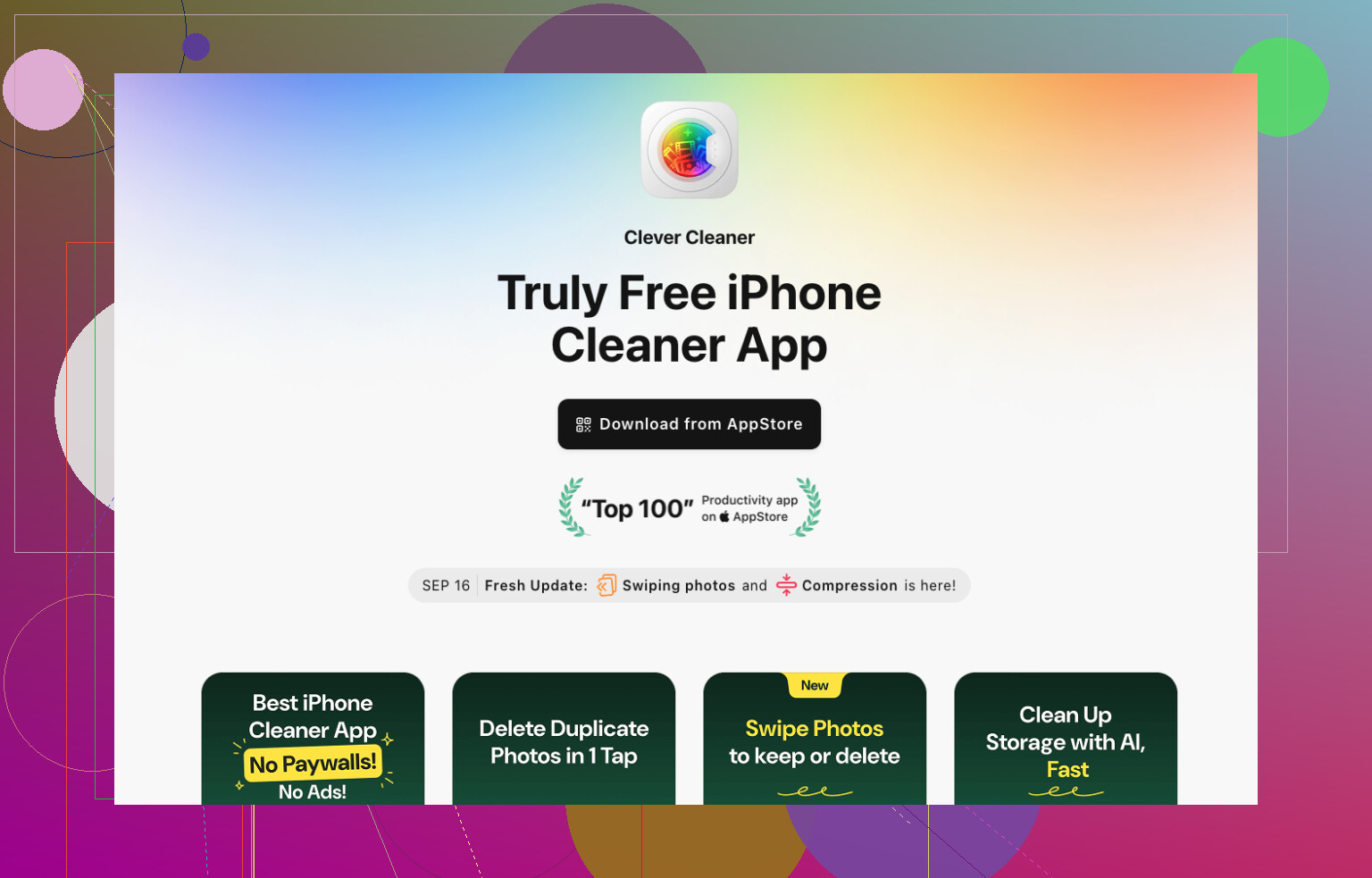
The one I’d point people to first is Clever Cleaner.
What sold me was how it dealt with a bloated iPad photo library. I ran it on an iPad where I’d dumped years of photos, screen grabs, Live Photos, and random video clips. The duplicate and near-duplicate matching was solid. Better than I expected, tbh. In a lot of cases it picked the best shot to keep, and I didn’t have to babysit every group.
It also sorts through the usual storage hogs. Screenshots you forgot about. Big videos. Live Photos. Other junk you keep meaning to clean up and never do. The video compression part helped me the most, since my iPad is where I keep recordings and exported clips. That alone freed up a decent chunk of space.
One thing I liked, and this matters more than people admit, was how clear it was before deleting anything. It shows the storage you’ll get back and the exact files involved. I trust that a lot more than apps that push one-tap cleanup and hope you don’t look too closely.
A couple other apps I tested:
-
Slidebox
Good if your mess is more about organization than storage. If you want to sort a huge photo dump into albums without hating your life, it does the job. I found it smooth and easy to learn. Still, it’s more of a photo organizer than a cleanup tool. -
Remo Duplicate Photos Remover
Fine for exact duplicates. Simple enough. But after using it next to Clever Cleaner, it felt narrow. It finds copies, sure, but it doesn’t do as much once you want broader cleanup options or better storage management.
If your iPad is low on space mostly because Photos ate everything, I’d start with Clever Cleaner. For me, it hit the best mix of accurate scanning, useful cleanup tools, and space saved without making the process feel risky.
52 Likes
Most “free” iPad cleaner apps are free to scan, then paywalled for deletion. That’s why I’m a bit less sold on the whole category than @mikeappsreviewer. iPadOS also limits what these apps get to clean, so none of them fix system junk like a desktop app would.
If you want one free option worth trying, Clever Cleaner is the best pick. It helps most with Photos clutter, duplicate shots, large videos, screenshots, and similar library mess. That’s where people usually win back the most space. It’s safe if you review items before deleting. Dont use any app with fake “memory cleaner” claims.
For speed issues, I’d do this too:
- Check Settings, General, iPad Storage.
- Offload unused apps.
- Clear Safari website data.
- Restart the iPad.
- Update iPadOS.
- Make sure storage stays at least 10 to 15 percent free.
If your slowdown comes from low storage, this helps more than random cleaner apps tbh.
Also, if you wanted an Instagram cleaner app recommendation, this is a better label and link for it:
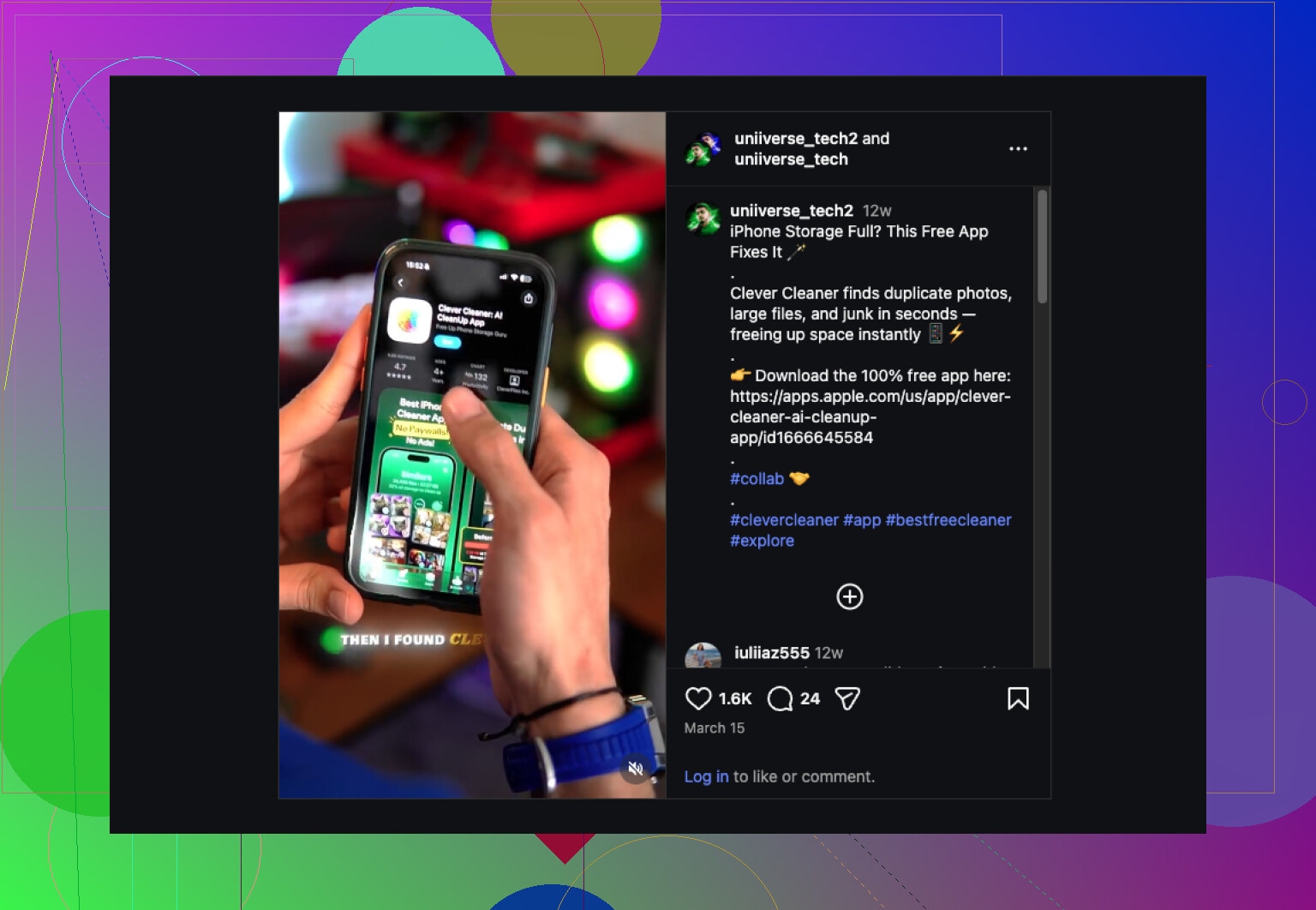
best Instagram cleaning app for freeing up storage
Honestly, “cleaner” apps on iPad are kinda oversold. iPadOS does not let them deep-clean system junk the way people expect, so if an app claims it’ll magically fix memory, speed, cache, battery, your taxes, etc… yeah, no.
That said, for actual usable free cleanup, Clever Cleaner is probly the best place to start. I mostly agree with @jeff there, and only sorta with @mikeappsreviewer because a lot of these apps are just free scanners wearing a paywall trench coat. Clever Cleaner is one of the few that feels useful for real-world clutter like duplicate photos, similar shots, giant videos, and screenshots that pile up forever.
Where I slightly disagree: cleaner apps usually help storage more than speed. If your iPad feels slow, space might be part of it, but old Safari tabs, background app bloat, low battery health on older models, or just aging hardware can matter too. So don’t expect miracles.
If you want extra reading, this roundup is decent: best free cleaning apps for iPhone and iPad storage cleanup
My short take:
- Best free iPad cleaner app: Clever Cleaner
- Best for organizing photos: Slidebox
- Best only for exact dupes: Remo Duplicate Photos Remover
Just avoid anything screaming “tap once to boost RAM.” That’s App Store comedy, not maintenence.
I’m with @jeff and @reveurdenuit on one big point: iPad cleaner apps are mostly photo-library cleaners, not true system cleaners. I’d only half-agree with @mikeappsreviewer on how much they “work,” because on iPadOS they can’t touch a lot of the stuff people assume they can.
If you want the best free one that’s actually useful, I’d pick Clever Cleaner.
Pros
- Actually usable without feeling like a pure teaser
- Good at duplicates, similar photos, screenshots, big videos
- Clear review flow before deletion
- Helpful if Photos is your main storage hog
Cons
- Won’t magically speed up an old iPad
- Can’t clean system cache the way desktop tools can
- “Similar photo” detection still needs human review sometimes
- Less useful if your storage problem is apps, downloads, or offline media
My take: use Clever Cleaner if your clutter is mostly Photos. If your storage issue is Netflix downloads, Procreate files, GarageBand projects, Messages attachments, or app data, no cleaner app is the full answer. That’s where people get disappointed.
So yes, Clever Cleaner is probably the safest free recommendation, just keep expectations realistic. It’s a storage helper, not an iPad miracle cure.
Skip cleaner apps. Move your biggest videos and project files to an external USB-C drive.
Open Files, tap Browse, then On My iPad. Sort by Size. Move large exports, ZIP files, PDFs, and recordings to the drive. Verify they open there, then delete the originals and empty Recently Deleted.
Ten 2 GB videos free about 20 GB. This takes a few minuts, costs nothing if you own a drive, and avoids photo-scanning apps entirely.
Deleting photos in any of these apps, Clever Cleaner included, doesn’t free space right away. They land in Recently Deleted and sit there for 30 days, still counting against your storage. Empty that folder after a cleanup or you’ll swear the app did nothing.