The Amazon Fire TV Remote app on my iPhone suddenly stopped connecting to my Fire TV, even though both devices are on the same Wi-Fi network. I’ve already tried restarting the app, phone, and Fire TV, but the remote still won’t pair. I need help figuring out why the iOS Fire TV Remote app is not working and what else I can do to fix it.
If you need an iPhone app for controlling a Fire TV, I tried a few of the usual ones. The one I kept going back to was this:
TVRem – Universal TV Remote App
It felt like the least annoying option. I wanted something for one job, controlling the TV, and this one stayed focused on it.
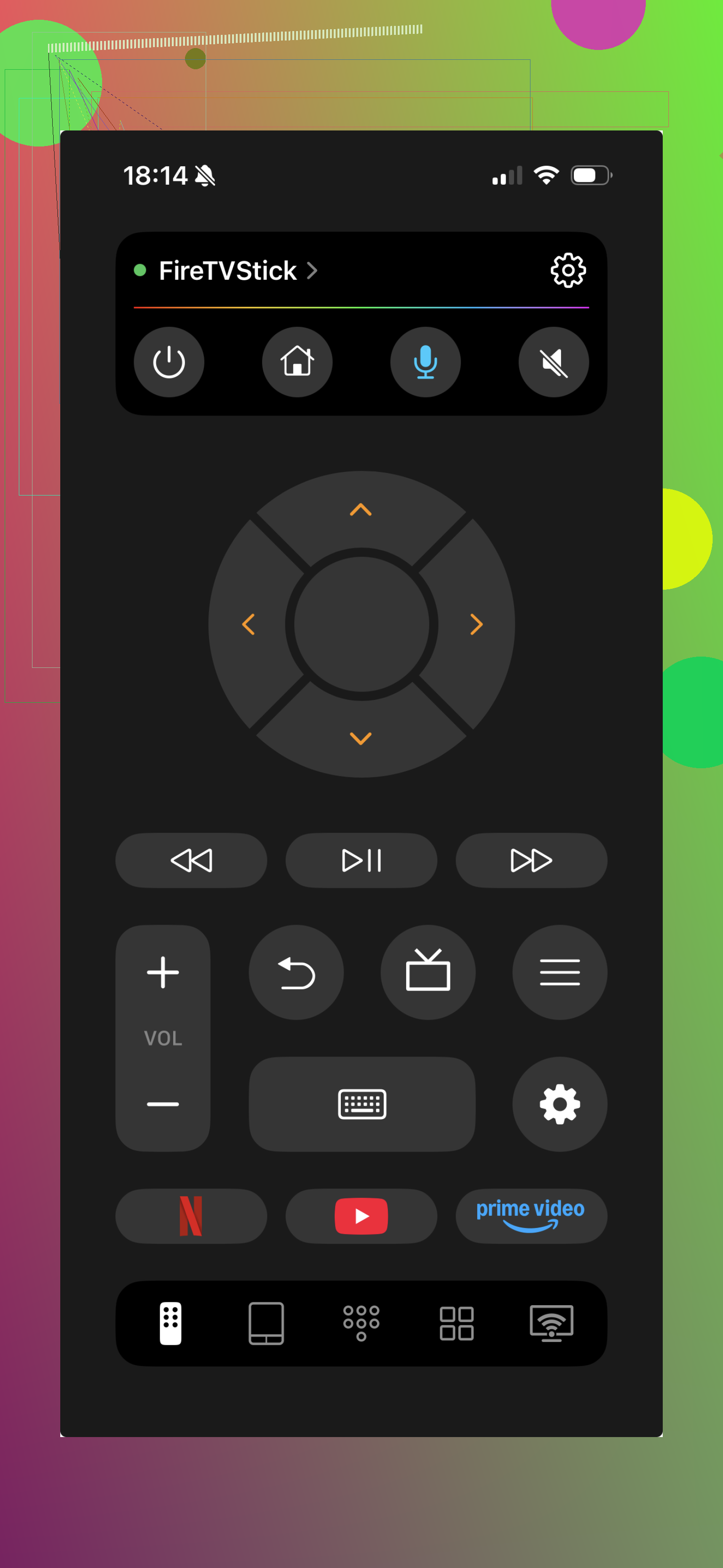
Why it worked better for me on Fire TV:
It connects with Amazon Fire TV and Fire Stick.
It also works with other stuff like Android TV, LG, and Samsung.
Pairing over Wi-Fi on the same network was quick when I tested it.
The touchpad felt smoother than apps stuck with only directional buttons.
You get the full remote setup, home, back, volume, input, and playback.
There’s a keyboard built in, which saved me from pecking out search terms one letter at a time.
I didn’t run into locked controls or a paywall for basic use.
What stood out was the feel. Some remote apps seem like a bonus feature bolted onto something else. This one felt closer to using a normal remote.
The official Amazon Fire TV app is still an option.
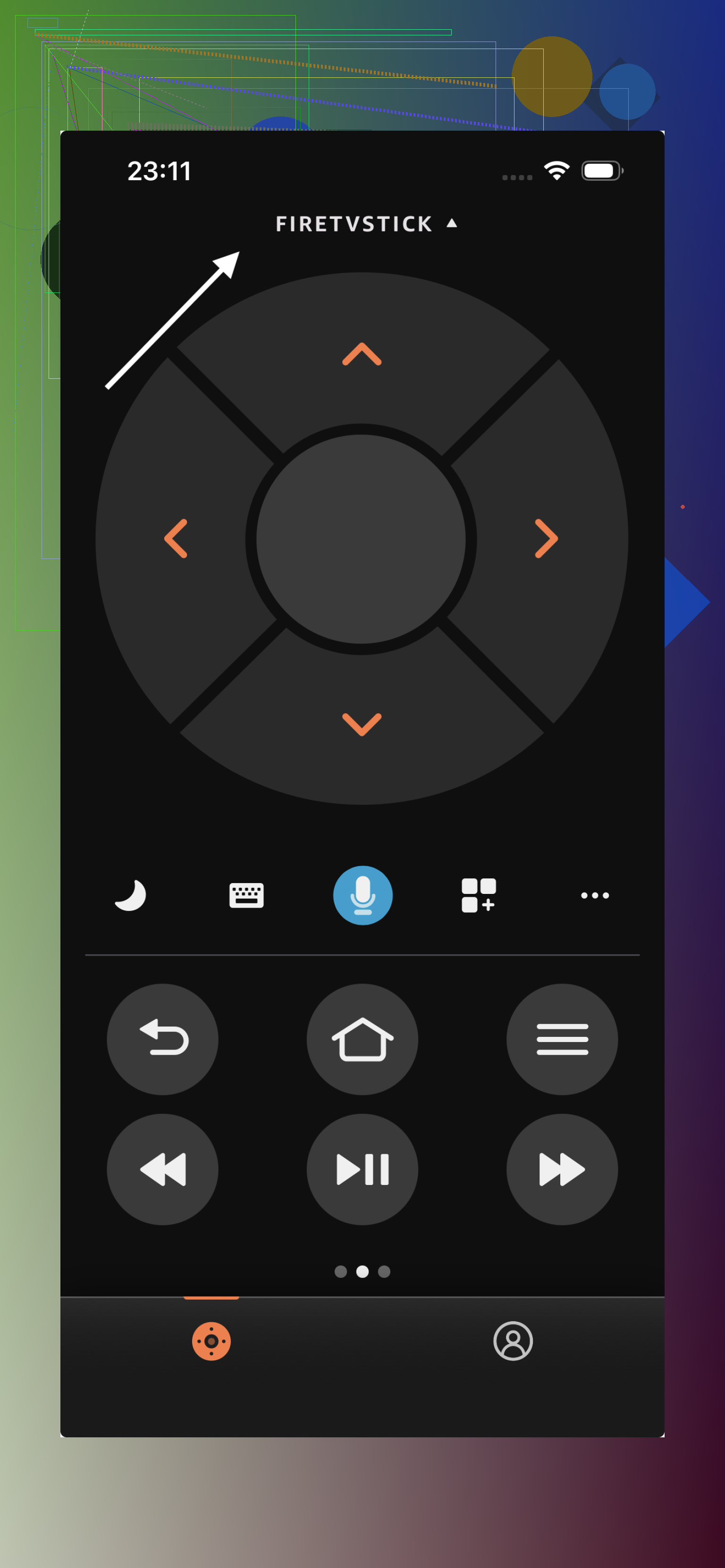
I used it too. It does the core stuff fine, navigation, voice search, keyboard entry, playback controls. No issue there. My problem was the app felt busier than I wanted. It pulls in more of the Amazon side of things, browsing content, recommendations, account-related bits. If you only want to turn the TV on, move around menus, and type fast, it felt heavier than needed.
There’s also TV Remote – Universal Remote.
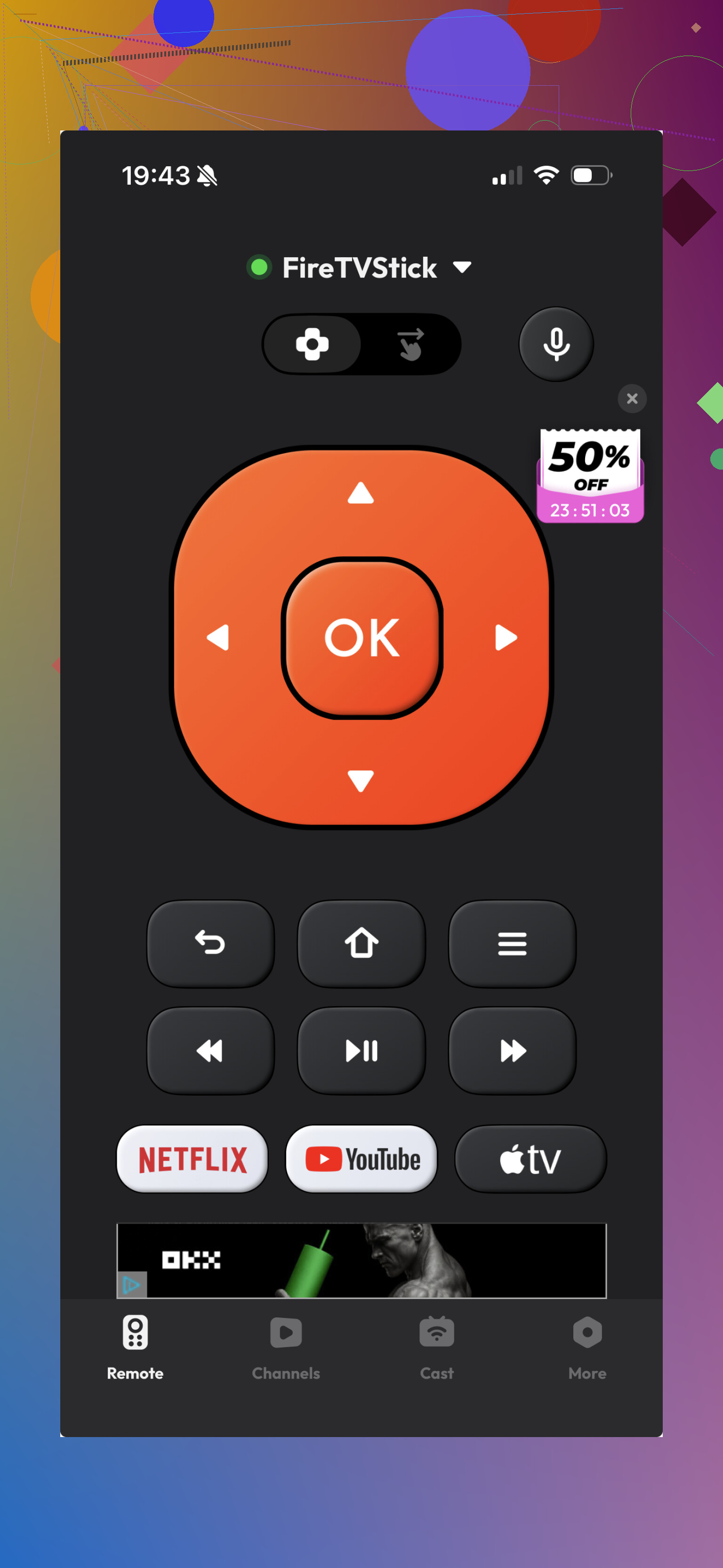
It supports Fire TV, so it’s not useless. I still found it more generic in daily use. The layout didn’t feel as clean to me, and depending on the version, I saw more ad pushes and upgrade prompts than I wanted.
My take after using them:
If you want the Amazon-branded route, the official app does the job. If you want something leaner for day-to-day control, I’d pick TVRem. It was quicker to get into, less cluttered, and felt more like a straight Fire TV remote replacement.
30 Likes
Same Wi-Fi is only part of it. Fire TV remote pairing breaks a lot when one device ends up on a different band or subnet.
Try these, in this order.
-
Turn off VPN on your iPhone.
A lot of people miss this. If your phone uses iCloud Private Relay, a VPN app, or ad blocker with local network filtering, the Fire TV app often stops seeing the device. -
Check Local Network access on iPhone.
Go to Settings, Amazon Fire TV, Local Network, make sure it’s on.
Also check Bluetooth is on. Pairing sometimes gets weird without it. -
Forget and rejoin Wi-Fi on the iPhone.
Not the TV first, the phone. I’ve seen iPhones hold onto stale network info after router changes. -
Check your router.
If “AP isolation”, “client isolation”, or guest Wi-Fi is enabled, devices on the same SSID still won’t talk to each other. This trips up tons of people. -
Remove old remote pairings on Fire TV.
Settings, Controllers and Bluetooth Devices, Amazon Fire TV Remotes, clear old entries if you see a pile of them. Then try the iPhone app again. -
Force a new IP.
Restarting helps less than renewing the connection. Reboot the router for 60 seconds, then reconnect both devices.
I slightly disagree with @mikeappsreviewer on switching apps first. Third-party remote apps are fine, but if the network path is blocked, those fail too. Fix discovery first, then test another app if needed.
If nothing works, try pairing by IP if the app offers it. That bypasses auto-detect, wich is often the broken part.
One thing I’d try that neither @mikeappsreviewer nor @mike34 really got into is checking whether your Fire TV app got bumped off the device’s allowed apps list after an update.
On the Fire TV, go to Settings > Applications > Manage Installed Applications and make sure there isn’t some weird restriction or background process issue affecting remote discovery. I’ve also seen Fire TVs stop responding to the app when they’ve been asleep too long, and waking it with the physical remote first suddenly makes the iPhone app see it again. Annoying, but real.
Also check the date and time on both devices. Sounds dumb, but if your Fire TV time is out of sync, app handshakes can get flaky. Same for pending Fire TV software updates. Sometimes the remote app breaks first and everything else looks “fine.”
I kinda disagree with jumping straight to a third-party remote app. If the official one suddenly stopped, I’d first assume the Fire TV itself is being weird, not the app. Still, @mikeappsreviewer isn’t wrong that testing another remote app can at least tell you whether the issue is app-specific or system-wide.
Last thing: delete the Amazon Fire TV app from the iPhone completely, reinstall it, then re-allow every permission when it asks. iOS sometimes keeps stale permission junk even when the app looks normal. Super dumb, but it happens alot.
Use your TV’s regular remote through HDMI-CEC. This skips the iPhone app and Wi-Fi pairing entirely.
Open your TV settings and enable HDMI-CEC. Brands use names like Anynet+, Simplink, Bravia Sync, or Viera Link. Then select the Fire TV HDMI input and test the arrow, OK, back, and playback buttons.
If needed, enable CEC on Fire TV under Settings, Display & Sounds, HDMI CEC Device Control.
This is the simplest backup for daily use. Volume and power usually work too. No extra app, account, or network troubleshooting requried.
Don’t jump to a factory reset on the Fire TV. People get frustrated and wipe the whole thing, then have to sign back into every app, and nine times out of ten the discovery problem comes right back because it was never the Fire TV in the first place. Save that for last.
@mike34 nailed the real culprit for me. When ‘same Wi-Fi’ fails, it’s almost always the router doing something quietly in the background. AP isolation is the sneaky one because most people never open those settings, and a lot of mesh systems ship with band steering that shoves your phone onto 5GHz while the Fire TV sits on 2.4GHz. Same network name, two different worlds. If your router lets you split the bands into separate SSIDs, do that and put both devices on the 2.4GHz one just to test. Ugly, but it tells you fast whether the bands are the problem.
The Local Network permission tip is also the thing I’d check before anything else, because iOS is genuinely bad about this. An app update or an iOS update can silently flip that toggle, and the app gives you zero warning. It just quietly can’t see anything.
Where I’d gently disagree is treating iCloud Private Relay and VPNs as edge cases. For a chunk of people that IS the whole problem. If you turned on Private Relay at some point and forgot, the Fire TV app can look completely broken while everything else on your phone works fine. Worth a hard look.
On the CEC idea from @digitalbear6945, it’s a solid fallback and I use it myself for volume and power, but be honest about the limit. CEC gives you basic navigation from your TV remote. It does not give you the keyboard or fast search, so if the reason you wanted the phone app was typing out show names, CEC won’t save you there. It’s a backup, not a replacement.
Realistic expectation: if the official app suddenly died and nothing changed on your end, I’d bet on a stale permission or the router before I’d blame the Fire TV. Try the phone-side stuff first since it costs nothing. The third-party app someone mentioned above is a fair test to see if the problem is app-specific, but if your network path is actually blocked, swapping apps just hands you a second app that can’t connect either.