After a recent computer crash, I lost some critical files and am trying to recover them using Easeus Data Recovery Wizard. I don’t have the activation key anymore. Can someone help me with retrieving or finding the key?
Hey, so I get it, losing critical files after a crash is a total nightmare. As far as retrieving your Easeus Data Recovery Wizard key, first thing you should do is check old emails, especially those that contain purchase confirmations or activation details. If you bought the product digitally, Easeus sends a confirmation email with the key.
Next, try logging into the account you used for the original purchase on Easeus’ website. They might have a ‘My Orders’ section where you can find your key. If you still can’t find it, reaching out to Easeus’ customer support with your purchase information (like order number, email, etc.) might help. They can usually retrieve your key.
If you’re hitting dead ends, you might want to consider using an alternative data recovery software. Disk Drill is a solid choice that might help you recover lost files just as effectively. It’s known for being user-friendly and offering a robust set of features for data recovery.
Just in case you’re interested in Disk Drill and looking for ways to save, you can find discount codes on Reddit. Check out this link for Disk Drill Coupon Code on Reddit. It might save you a few bucks!
Hope this helps and good luck with your data recovery!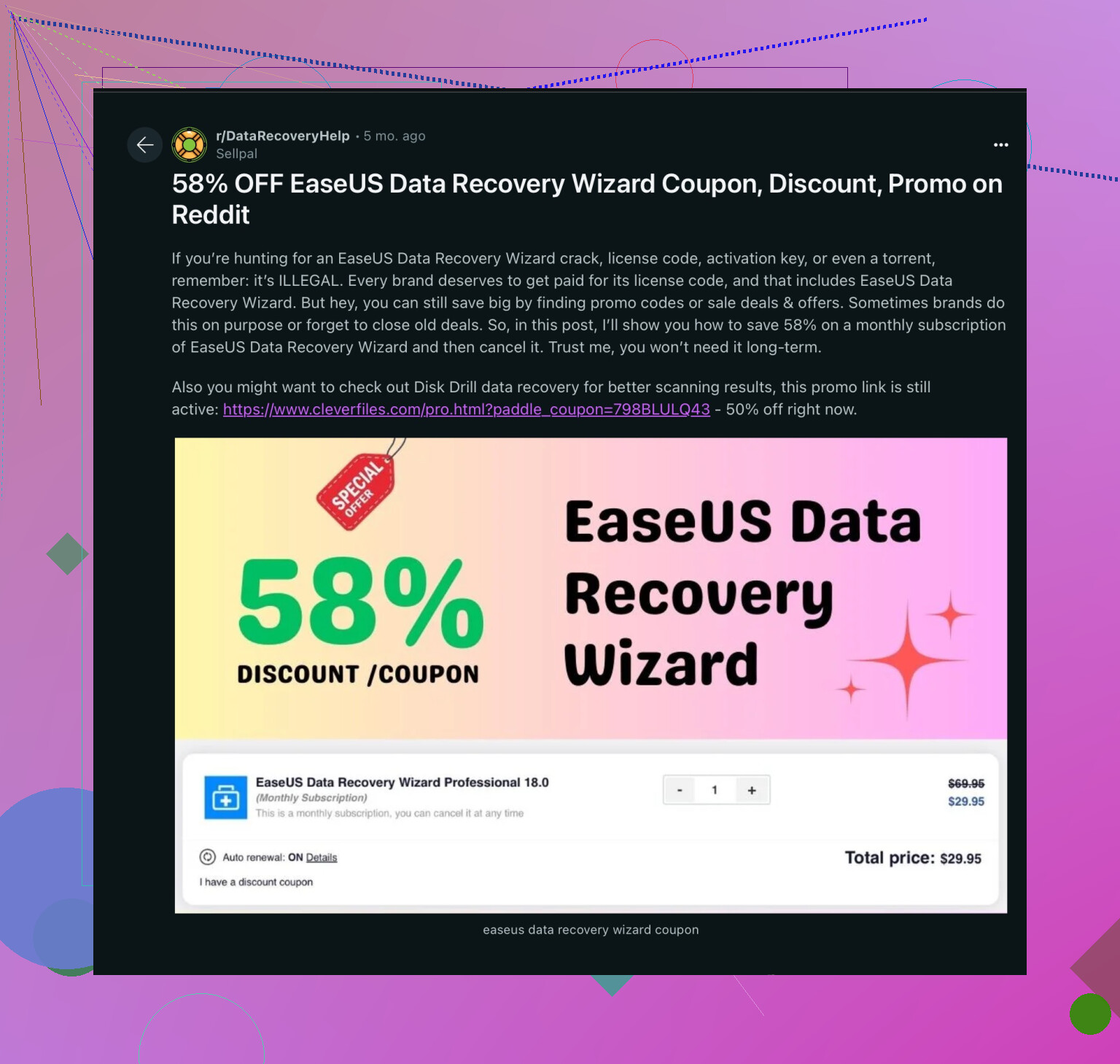
33 Likes
Hey, definitely frustrating when you lose critical files. Sonhadordobosque had some great suggestions, but if you’ve hit a wall with those, I’ve got a few other ideas for you.
Firstly, if you previously saved your Easeus Data Recovery Wizard activation key anywhere on your computer, Windows might have logged that information. There are tools like ProduKey or Product Key Finder that can scan your system for product keys of installed software. It’s a long shot, but worth a try!
Another angle would be to check any cloud backups you might have, such as Google Drive or Dropbox. Sometimes, when I purchase software digitally, I make it a point to save a backup copy of the email, including the key, to the cloud. If you do the same, you might just find what you’re looking for there.
Regarding reaching out to Easeus support, definitely agree with sonhadordobosque, but do remember these customer service inquiries can sometimes take a bit longer than you’d like. In the meantime, you might want to download the trial version of another software, as suggested. Disk Drill is indeed a solid alternative and quite user-friendly. Plus, it doesn’t hurt to have multiple recovery options at your disposal when dealing with lost data.
As for finding discounts or promotions, you could check out Disk Drill Coupon Codes on forums. They often post up-to-date deals that can save you some cash, like this one for Disk Drill Coupon Code on Reddit.
Finally, for those looking for a deal on Easeus Data Recovery Wizard, check out this 58% off Easeus Data Recovery Wizard Coupon. It might improve your odds of recovery while easing the wallet pain a bit.
Good luck, and hope you get those files back!