I lost my TV remote and tried using my iPad instead, but I’m not sure which TV remote control app actually works with my TV. I’ve downloaded a couple of apps and none of them connected properly, so I need help finding a reliable iPad TV remote app and figuring out how to set it up.
If you want to run your TV from an iPad, the easy route is a Wi-Fi remote app. I set mine up by putting the iPad and TV on the same network, then letting the app look for nearby devices. No extra box, no weird pairing ritual on most setups.
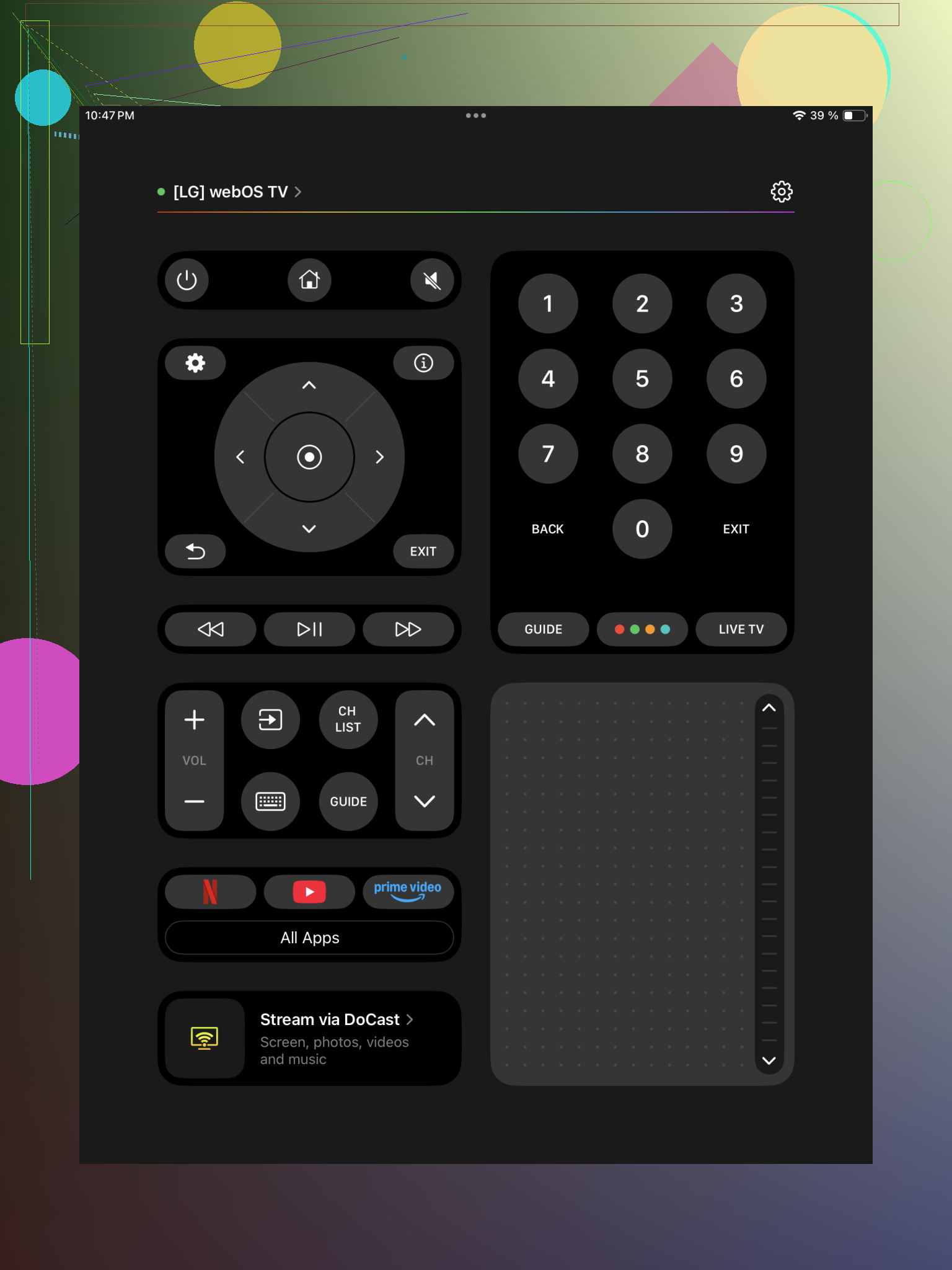
This one felt like the least annoying to live with. I installed it, opened it, waited a few seconds for the scan, then picked the TV. It worked with a mixed setup I had lying around, Samsung in the living room, Roku in the bedroom, Fire TV stick on an older screen. It also lists LG, Android TV, Google TV, Apple TV, and a bunch of others.
What stood out for me was the extra stuff beyond the usual directional buttons. There’s a touchpad, keyboard entry for search boxes, volume control, and shortcuts into common streaming apps. If your place has more than one TV or streaming stick, this saves some clutter.
- Universal Remote Smart TV
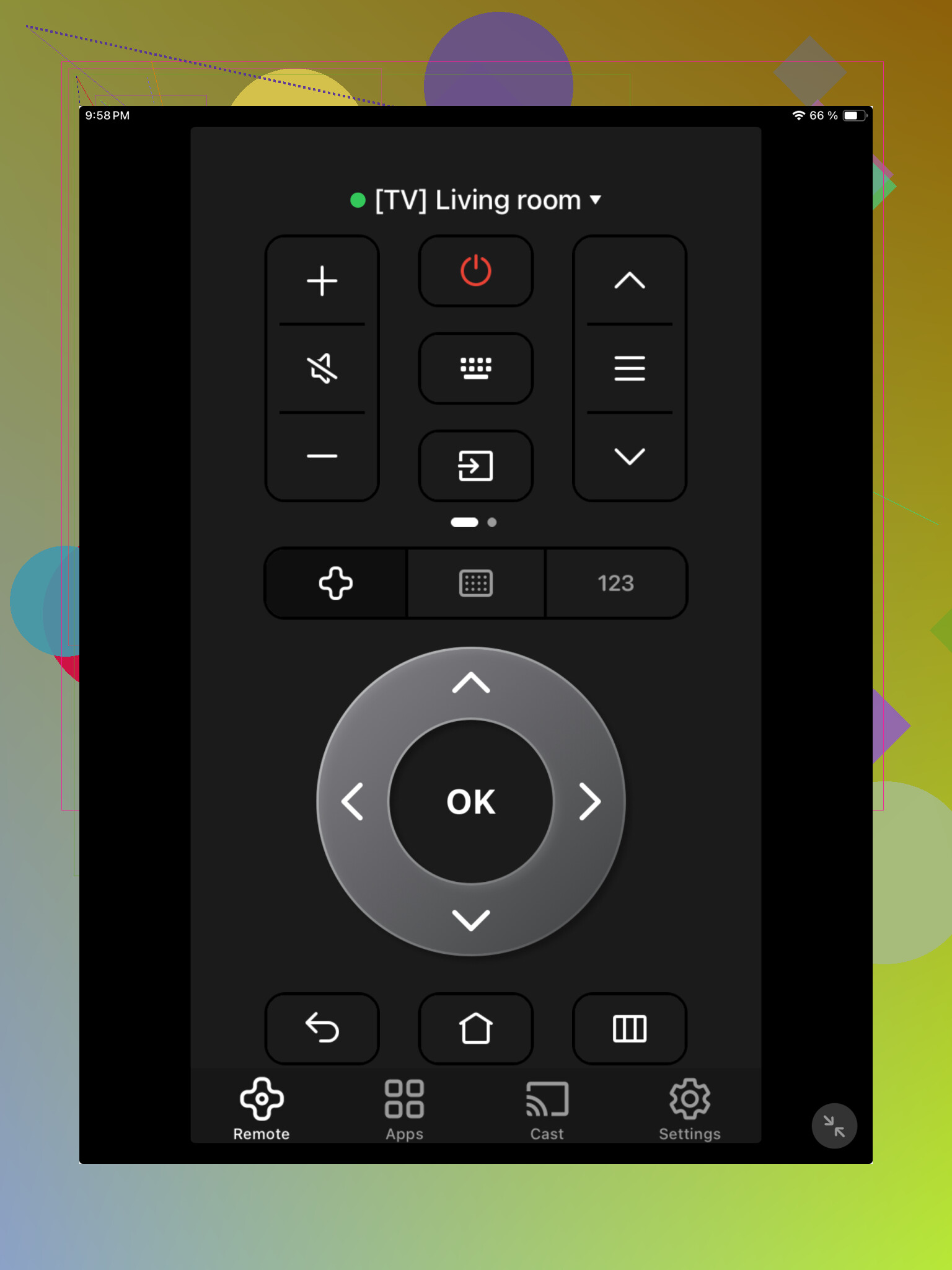
This one is more plain, but plain is fine if you only want the core buttons. Setup is the usual routine. Same Wi-Fi, open app, pair device. I saw support listed for Samsung, LG, Sony, TCL, Roku TV, Fire TV, Android TV, and other mainstream sets.
Navigation worked fine. Volume worked. Playback worked. I wouldn’t call it fancy, but if your goal is to pause a movie, move around menus, and stop losing the physical remote in the couch, it does the job.
- TV Remote – Universal Remote
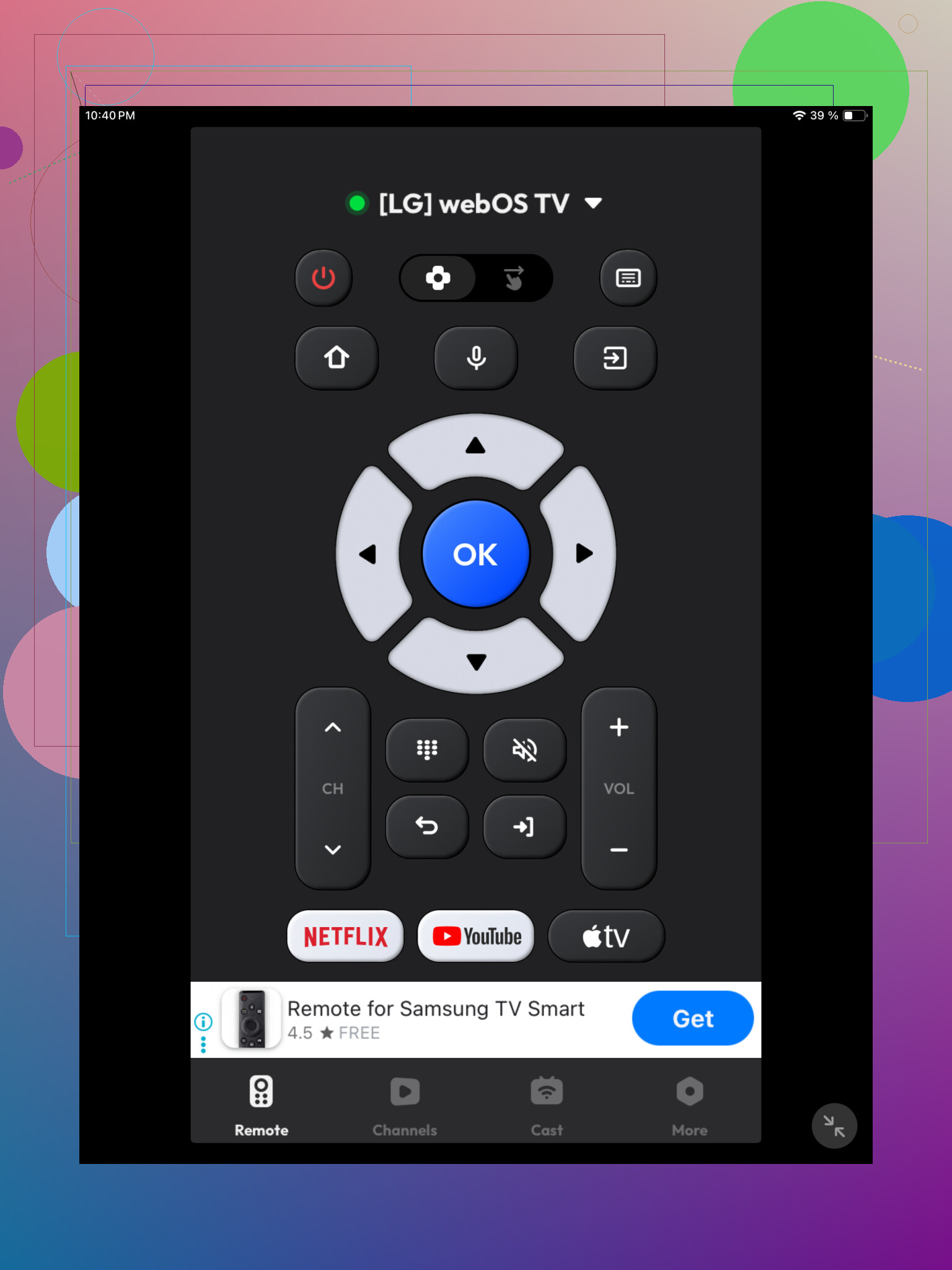
I tried this one after the others and it was pretty painless. It found the TV on the network, I tapped to connect, and it was ready. Brand support includes Samsung, LG, Roku, Fire TV, Android TV, Hisense, and Vizio.
Feature list is decent. Standard controls, volume, channel buttons, playback controls, a touchpad, and keyboard input. The keyboard part matters more than people think. Typing with arrow keys on a TV is miserable, so using the iPad for search feels way better.
Which one would I pick
If you only need simple remote controls, any of the three should cover it. I’d lean toward TVRem remote app for iPad. I had better luck with device support there, and it cut down the need to keep separate remote apps for different TVs and streaming boxes. The layout also felt cleaner, wich helped when switching between devices fast.
5 Likes
First thing, check what your TV is. Smart TV brand and model matter more than the app name.
I slightly disagree with @mikeappsreviewer on one point. Universal apps are fine, but brand apps often connect better. If you have Samsung, try SmartThings. LG, try LG ThinQ. Roku, use the Roku app. Fire TV, use Amazon Fire TV. Apple TV, use the built in remote in Control Center on your iPad. Those apps usually handle pairing better and fewer buttons break.
Important catch. An iPad remote app only works if your TV or streaming device is already on the same Wi-Fi and remote control over network is enabled. If the TV is off, or never joined your Wi-Fi, many apps fail. That trips people up alll the time.
If your TV is older and uses only IR, an iPad won’t control it by itself. iPads do not have IR blasters. In that case you need the original remote, a cheap replacement remote, or a hub like BroadLink.
If you post your TV brand and model, people here can point you to the right app fast.
I’d actually start by ignoring half the “universal remote” apps until you confirm what device you’re trying to control. That’s the part people skip, then they blame the app when the TV just isn’t compatible.
Small disagreement with @mikeappsreviewer and @sognonotturno: I don’t think trying 3 different universal apps first is always the best move. A lot of them are basically the same thing with different skins and more ads.
What matters:
- If it’s Apple TV, use the built-in Apple TV Remote in Control Center on the iPad
- If it’s Roku, use the official Roku app
- If it’s Fire TV, use the Amazon Fire TV app
- If it’s Samsung or LG smart TV, the official app often works better than “universal” ones
- If it’s an older non-smart TV, an iPad alone won’t do anything. No IR blaster, no magic, no secret setting
Also check this because it trips people up alll the time:
- TV and iPad must be on the same Wi-Fi
- Some TVs block network remote control until you approve it on the TV screen
- Guest Wi-Fi can break device discovery
- VPN on the iPad can mess it up too
If you already tried apps and they “didn’t connect properly,” that sounds more like a network/pairing issue than “wrong app” tbh.
Post the exact TV brand + model, or the streaming box model, and people can tell you the actual app instead of guessing.
I’d check one thing the others only hinted at: what exactly are you trying to control, the TV itself or the thing plugged into it?
A lot of people think “TV remote app” when the real target is a Roku stick, Fire TV, Apple TV, or Chromecast. If that box is doing the streaming, the TV app won’t help much.
Where I slightly disagree with @sognonotturno, @sonhadordobosque, and @mikeappsreviewer is this: compatibility lists sound nice, but HDMI-CEC can matter just as much. If your streaming box is connected and CEC is enabled, controlling the box can indirectly control power/volume on the TV too. That opens up more options than only hunting for a direct TV app.
If you still want one app to try, TVRem – Universal TV Remote is worth a shot.
Pros for TVRem – Universal TV Remote:
- handles multiple device types in one place
- easier if you have both a smart TV and a streaming stick
- keyboard/touch controls are useful on iPad
Cons:
- still won’t fix an older IR-only TV
- can be hit or miss if your network isolates devices
- universal apps sometimes expose too many buttons you’ll never use
My blunt take: if your TV is pre-smart era, stop fighting the iPad idea and buy a cheap replacement remote. That’s usually faster and less annoying.