I need to access a USB device that’s physically connected to another computer over my local network using my Mac. I’ve tried a couple of tools but ran into connection drops and some of them only support Windows. Can anyone recommend a stable, secure USB over Ethernet solution that works well on macOS, ideally with good performance and easy setup?
If you’re on macOS and need something that actually works for sharing USB over LAN, you’re in the same boat I was. Most of the Windows‑only tools are either half baked or flakey as hell on a mixed network.
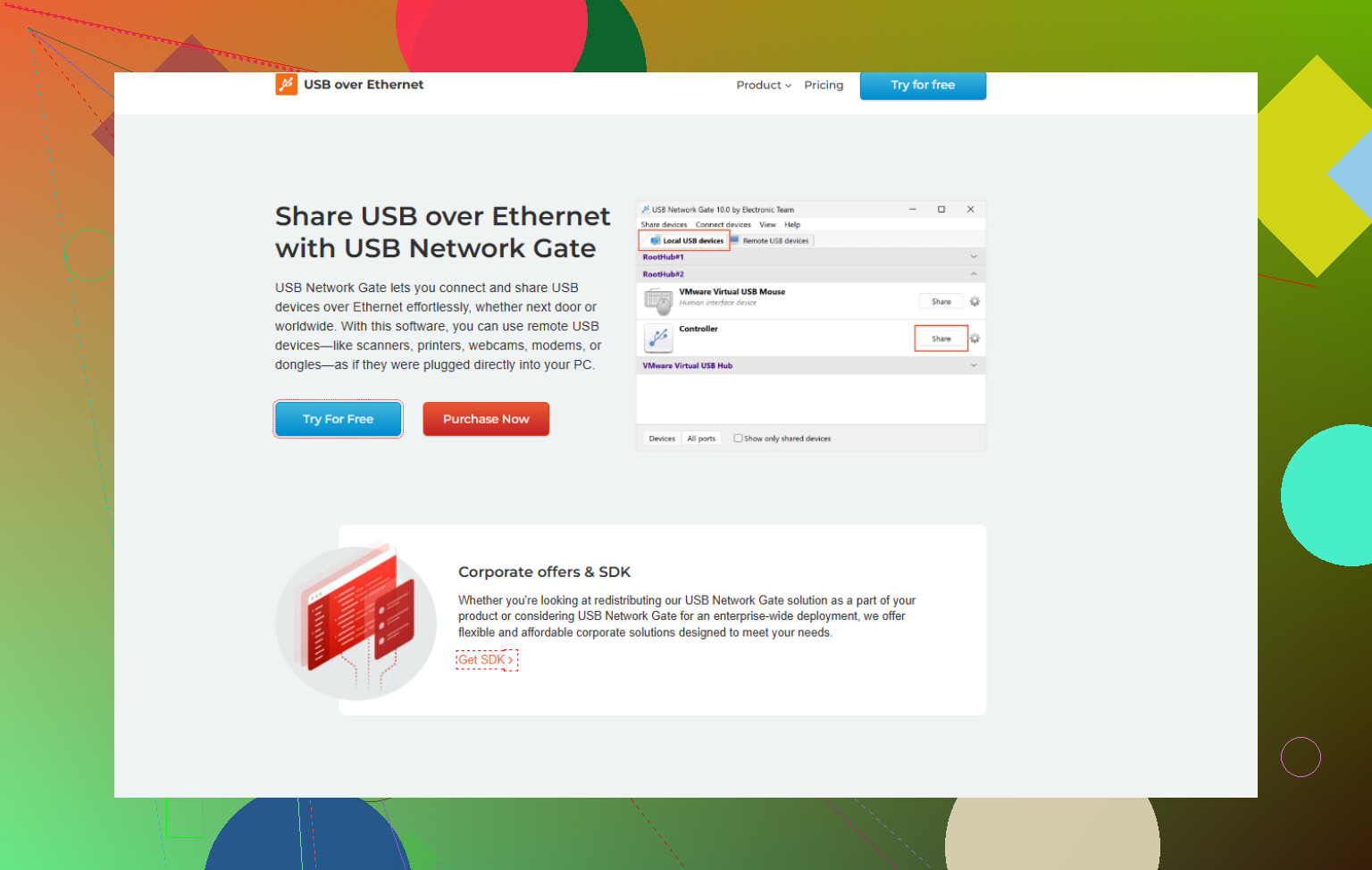
What finally behaved: USB Network Gate. It’s specifically useful if you want a reliable USB over IP solution for macOS, Windows, and Linux so you’re not locked into one OS. On my setup:
- MacBook as the client
- Old Windows box as the host with the USB plugged in
- Wired LAN, some Wi‑Fi use too
The pros I’ve seen:
- Stable sessions, no random disconnects every 10 minutes
- Supports macOS natively, not some hacky workaround
- Handles things like dongles, scanners, and even a USB serial adapter without freaking out
Stuff to keep in mind:
- Performance is only as good as your network. Over Wi‑Fi you can still get lag with high‑bandwidth devices like webcams.
- It’s not free forever, so if you need this daily, factor that in. For occasional use, might be overkill.
If you want more detail from someone who walked through it specifically for mac, this write‑up helped me decide:
a practical guide to USB over IP for macOS users
TL;DR: For a mac client plus “random other OS” host, USB Network Gate is probably the least painful option right now.
I’m gonna slightly disagree with @nachtdromer on one thing: USB Network Gate is solid, but it’s not the only sane option… it’s just the one that hurts your brain the least on mixed OS setups.
Couple of angles you might want to look at:
-
Straight up “USB over IP” software
If you want something that behaves most like a real cable from your Mac to the remote machine, then yeah, USB Network Gate is pretty much the practical choice right now for macOS + Windows/Linux. It creates a virtual USB port on your Mac, the remote machine “shares” the physical USB, and your Mac sees it like it’s plugged in locally.The big win here is:
- Works across macOS, Windows, and Linux
- Handles weird devices like dongles and serial adapters that many cheap tools just choke on
- Way fewer random disconnects compared to the no‑name “USB server” apps you probably already tried
If you want to actually grab it, check this out:
USB over Ethernet software for reliable device sharing -
Avoid Wi‑Fi when possible
A lot of people blame the app when the real villain is flaky Wi‑Fi. USB over IP is really sensitive to packet loss and jitter.- Use wired Ethernet on the host machine if you can
- If your Mac is on Wi‑Fi, at least make sure it’s on 5 GHz and not competing with five people streaming 4K
-
What type of USB device is it?
This matters more than people expect:- Low‑bandwidth stuff like dongles, COM adapters, scanners, HID devices: usually fine with USB Network Gate
- High‑bandwidth stuff like webcams, audio interfaces, capture cards: over Wi‑Fi, you’ll see lag and drops with any software; over gigabit Ethernet it’s better but still not perfect
- iOS / Android phones: often weird, because the OS stacks are picky about timing
-
Alternatives that are not really USB over Ethernet
These might be enough depending on what you’re doing:- For storage: just share the drive over SMB or NFS instead of forwarding USB
- For printers or scanners: many support native network protocols, use those instead of tunneling USB
- For serial devices: use a network serial server and a virtual COM driver instead of full USB passthrough
So, yeah, I’m with @nachtdromer on the main recommendation: if you specifically need true USB over Ethernet on macOS and you’re tired of random disconnects, USB Network Gate is the realistic, less‑painful solution. Just don’t expect miracles over junk Wi‑Fi and especially not with webcam‑level bandwidth.
57 Likes
If you mainly care about “plug it in once and forget it” stability, I’m roughly in the same camp as @boswandelaar and @nachtdromer, though I’d tweak the priorities a bit.
1. USB Network Gate: where it actually shines
Pros
- Cross platform: macOS, Windows, Linux without ugly workarounds
- Treats the remote device like a real, local USB device
- Handles tricky stuff like hardware dongles, USB serial, card readers reliably
- Decent at recovering from brief network hiccups compared to a lot of cheaper tools
Cons
- Licensing is not cheap if you just need this once in a while
- Over high‑latency or noisy Wi Fi it still stutters; no software can magic that away
- For very high bandwidth devices (webcams, capture cards, audio interfaces) you can hit limits even on a good LAN
- Needs software on both server and client, which some locked down environments will hate
Where I slightly disagree with the others: if your device is just storage or a printer/scanner, USB Network Gate is often overkill. Use:
- Native network printing / scanning if the device supports it
- File sharing instead of forwarding the USB disk itself
Save USB Network Gate for situations where you really need true USB protocol passthrough or have a licensing dongle that must look physically attached.
2. Competitors worth at least knowing about
Without getting into which is “better,” you’ll see tools like:
- Generic “USB over IP” daemons that run mostly on Linux, sometimes macOS through ports
- Little hardware USB device servers that expose one or two USB ports over Ethernet
These can work, but in mixed macOS / Windows setups they tend to break on:
- Code signing / kernel extension issues on macOS
- Flaky drivers for weird devices
- Poor handling of suspend / resume or network drops
This is basically why people end up back at USB Network Gate despite the price tag.
3. Practical angle: when it will feel solid vs annoying
You’ll usually be happy if:
- The host machine is on wired Ethernet
- The client Mac is either wired or on clean 5 GHz Wi Fi
- Device is low to medium bandwidth:
- Licence dongles
- Serial adapters
- Barcode scanners
- Simple measurement equipment
You will still be fighting physics if:
- You try to run a 4K webcam or an audio interface over a congested Wi Fi link
- You expect “0 latency” gaming controllers over a busy home network
4. Recommendation in plain terms
- Need full USB passthrough, mixed OS, and want fewer headaches: go with USB Network Gate and wire at least the host machine.
- Only need files or printing: skip USB over Ethernet and use native network features.
- Chasing free tools: be prepared to trade money for your own time spent debugging disconnects and driver quirks.
Alternative, simpler path: skip USB over Ethernet. Leave the USB on the host and remote into it. Enable Screen Sharing on macOS or RDP on Windows. Wire teh host to Ethernet. From your Mac, connect with Finder, Go, Connect to Server, vnc://host, or use Microsoft Remote Desktop. Launch the vendor app on the host. Only pixels move, not USB packets. This cuts dropouts on a clean LAN under 50 ms. Works for dongles, scanners, label printers, serial tools. For webcams, view on the host window. Fewer moving parts, less debugging. Better perfomance on a wired host.