I accidentally deleted photos and videos from my SD card while moving files to my Mac, and now I’m trying to figure out if recovery is still possible. The card hasn’t been used much since it happened, and these files are really important. I need help with the best way to recover recently deleted SD card files on Mac before anything gets overwritten.
First thing I’d do is stop using the SD card. Don’t shoot more photos on it. Don’t drag new files onto it. Don’t format it, even as a test. I made this mistake once with an old camera card and it cut down what I was able to get back.
On a Mac, deleted files from an SD card are often still sitting there for a while. What usually disappears first is the index entry, not the file data itself. If you kept using the card a lot after deletion, or did a full format, or the old data got overwritten, recovery gets worse fast. If it was a normal delete or a quick format, your odds are still decent.
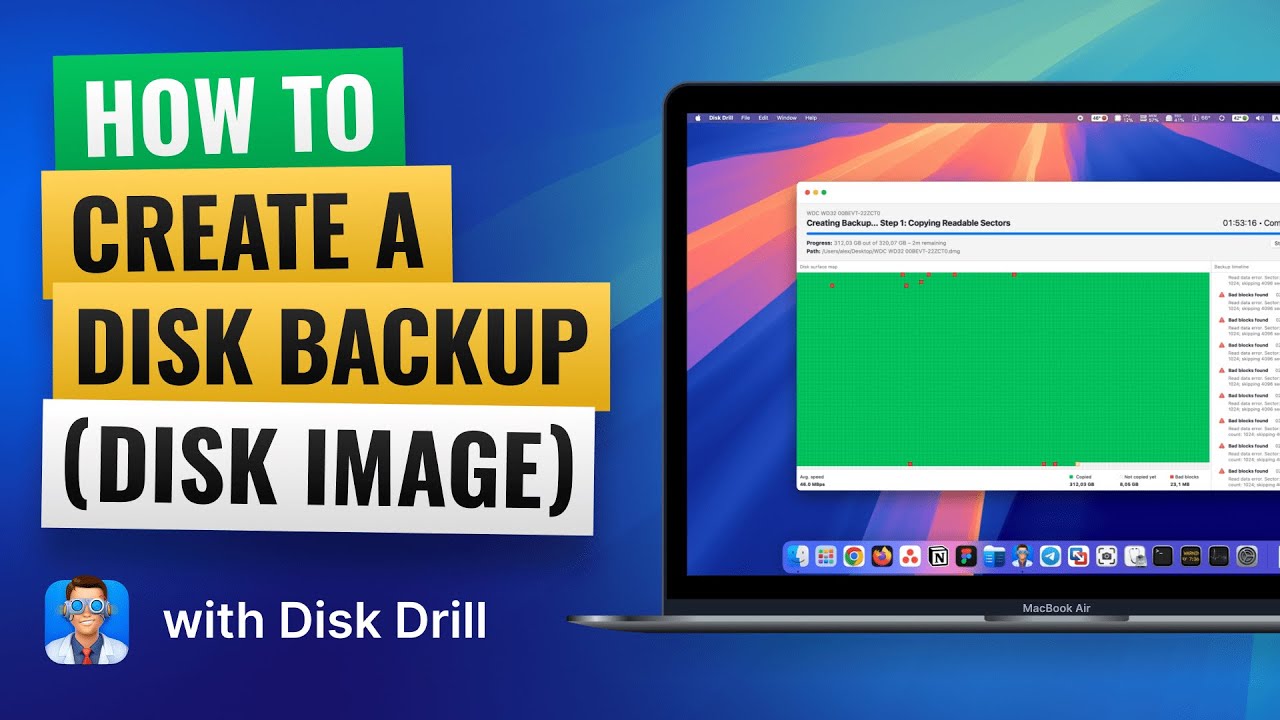
If you want the simple route, I’d start with Disk Drill. I used it on macOS when I didn’t feel like fighting with terminal tools and weird partition menus. It’s easier to read, file previews are useful, and it handles RAW photo formats without much fuss. One part I liked was the option to make a full card image first, especially if the SD card is flaky or keeps dropping connection. There’s a quick look at the byte-to-byte image part here:
What I’d do, step by step:
Put the SD card into a reader and connect it to your Mac.
Open Disk Drill and pick the SD card, not your Mac drive by accident.
Run the full scan. Let it finish. Cutting it short early sometimes leaves good stuff unseen.
Preview what it finds so you’re not recovering junk.
Save the recovered files to your Mac’s internal drive or another external disk.
Big one. Do not recover the files back onto the same SD card. If you write recovered data onto it, you might overwrite photos you haven’t recovered yet. I’ve seen people do this once, then wonder why half the card came back corrupted.
If you want a free option, PhotoRec gets mentioned for a reason. It’s ugly, works in a rough way, and feels like software from another decade. Still good. On damaged or corrupted cards, it sometimes pulls out files other tools miss. The downside is mess. File names are often gone, folders are gone, and you end up sorting a pile of recovered files by hand.
If the card itself is acting bad, different story. If it disconnects every few minutes, throws read errors, makes odd sounds through the reader, or your Mac barely detects it, I’d stop pushing it. At that point I’d lean toward a recovery shop. Repeated scan attempts on a failing card can make things worse, and I learned this one the annoyng way.
8 Likes
Yes, recovery is still possible if the SD card saw little or no new writes after the delete. On flash media, deletion usually removes the file record first. The photo and video data often stays in place until new data overwrites it. So your timing is decent.
I agree with @mikeappsreviewer on one point, stop using the card. I slightly disagree on jumping straight into repeated full scans if the card is unstable. First check the card in Disk Utility on your Mac. If it mounts cleanly and shows the right size, your odds are better. If it drops off, hangs Finder, or reads slow, make one image of the card first and work from the image.
Also check the obvious thing people miss. If the delete happened during a move in Finder, some files might still be on your Mac in Trash, Photos imports, or a temp folder from the app you used. It sounds dumb, but I’ve seen ppl spend hours scanning a card for files already sitting on the Mac.
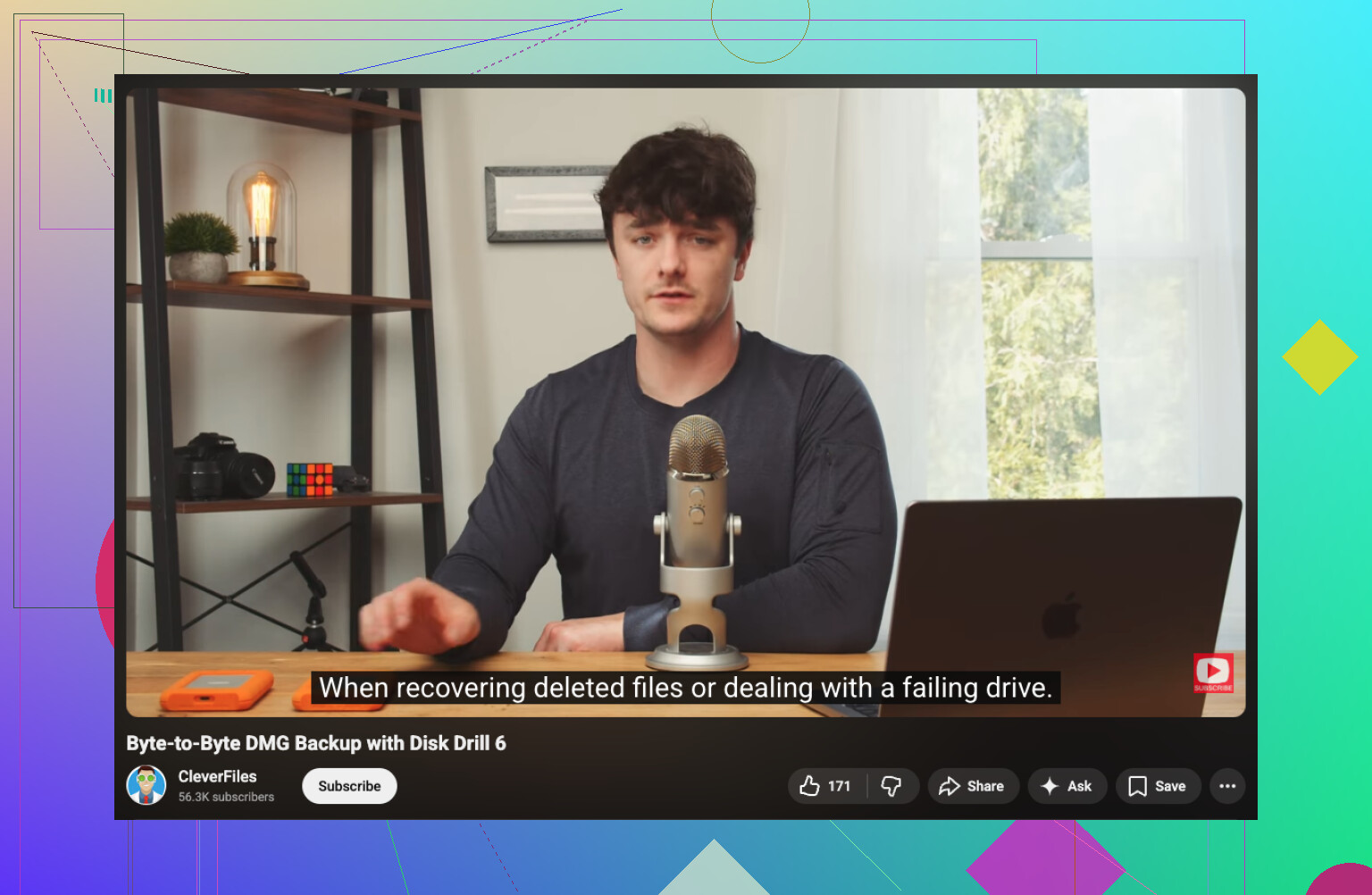
For recovery software on macOS, Disk Drill is a solid pick because it handles SD cards, previews many photo and video types, and is easy to sort through. If you want a simple guide, this video is useful: see how Mac SD card recovery works step by step. If you search around for the best Mac data recovery software for deleted photos and videos, Disk Drill comes up a lot for a reason.
One more thing. If your videos return but won’t play, recover them anyway. Corrupt video headers are common after deletion, and repair tools sometimes fix them later. Don’t skip those files on preview if they look broken at first. Thats a mistake people make.
Yes, recovery is absolutley still possible if the card hasn’t been used much since the delete. That part matters more than people think.
I mostly agree with @mikeappsreviewer and @ombrasilente, but I’d add one thing they didn’t really stress enough: if the files were deleted during a Finder move to your Mac, check whether the transfer was partially completed before you go deep into recovery mode. Sometimes the photos are already on the Mac, just split across Downloads, Pictures, Photos library imports, or even another user folder. Finder copy/move jobs can fail in weird half-finished ways.
Also, don’t trust the fact that the SD card “looks empty.” Flash storage lies pretty casually after deletion. The file table changes first, the actual blocks often stay there until overwritten.
My approach would be:
- check your Mac for imported/copied versions first
- then make a read-only image of the SD card if possible
- scan the image, not the card itself
- recover to a different drive
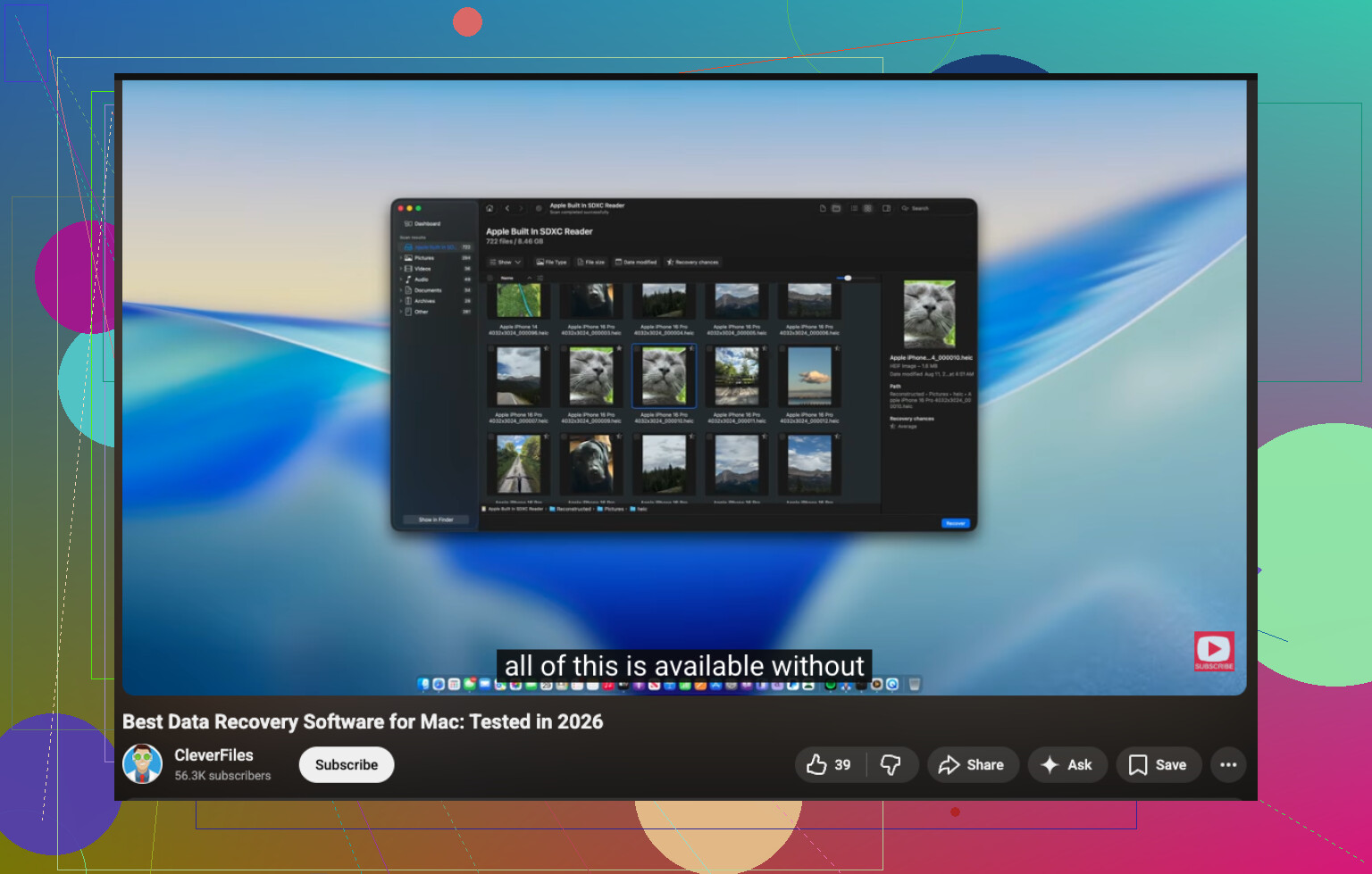
That’s where Disk Drill is useful on Mac. Not saying it’s magic, but for Mac SD card recovery it’s one of the less annoying tools, especially for photos and videos. If the files are recent and the card wasn’t reused, odds are decent. If it was formatted, still possible. If it was heavily reused, then yeah, things get ugly fast.
One more thing people skip: test recovered videos even if thumbnails look fine. Video corruption likes to hide until playback hits the damaged section.
If you want more real-world discussion, this Facebook group thread on Mac and SD card data recovery tips has some useful advice too.
So, short version: yes, Mac SD card recovery for recently deleted files is very possible. Just stop using the card now and don’t “try stuff” on it. That part is where ppl usually make it worse.