The first thing you wanna do is not panic, alright? 'Cause there are multiple ways you can potentially recover your data. First, we need to figure out how “dead” your Mac hard drive really is. Sometimes it’s the operating system that’s crapped out, not the actual hard drive. Let’s perform some basic steps:
-
Check for Symptoms: Are you getting a certain error code? Is the drive making weird clicking noises? If it’s just the OS, you might be able to boot from an external drive.
-
Target Disk Mode: Connect your Mac to another Mac via Thunderbolt or FireWire. Hold the “T” key while you restart the ‘dead’ Mac. If that works, you’ll see the hard drive from the dead Mac mount as a storage drive on the working Mac. Transfer your files right away.
-
Boot From External Drive: If Target Disk Mode fails, you can try booting your Mac from an external USB drive. You might need to install a new copy of macOS on that external drive and then restart your Mac holding the Option key to select the external drive. From there, you can access your internal drive and hopefully recover your files.
-
Disk Utility: Boot into Recovery Mode (Command + R upon startup), and use the Disk Utility tool to see if your hard drive is recognized. Run “First Aid” to attempt to repair the disk.
These methods primarily work when the drive is not physically damaged but has some OS or file system issue. Now, if the above steps don’t cut it, you might need to pull out the big guns.
Data Recovery Software:
I’ve had good luck using Disk Drill
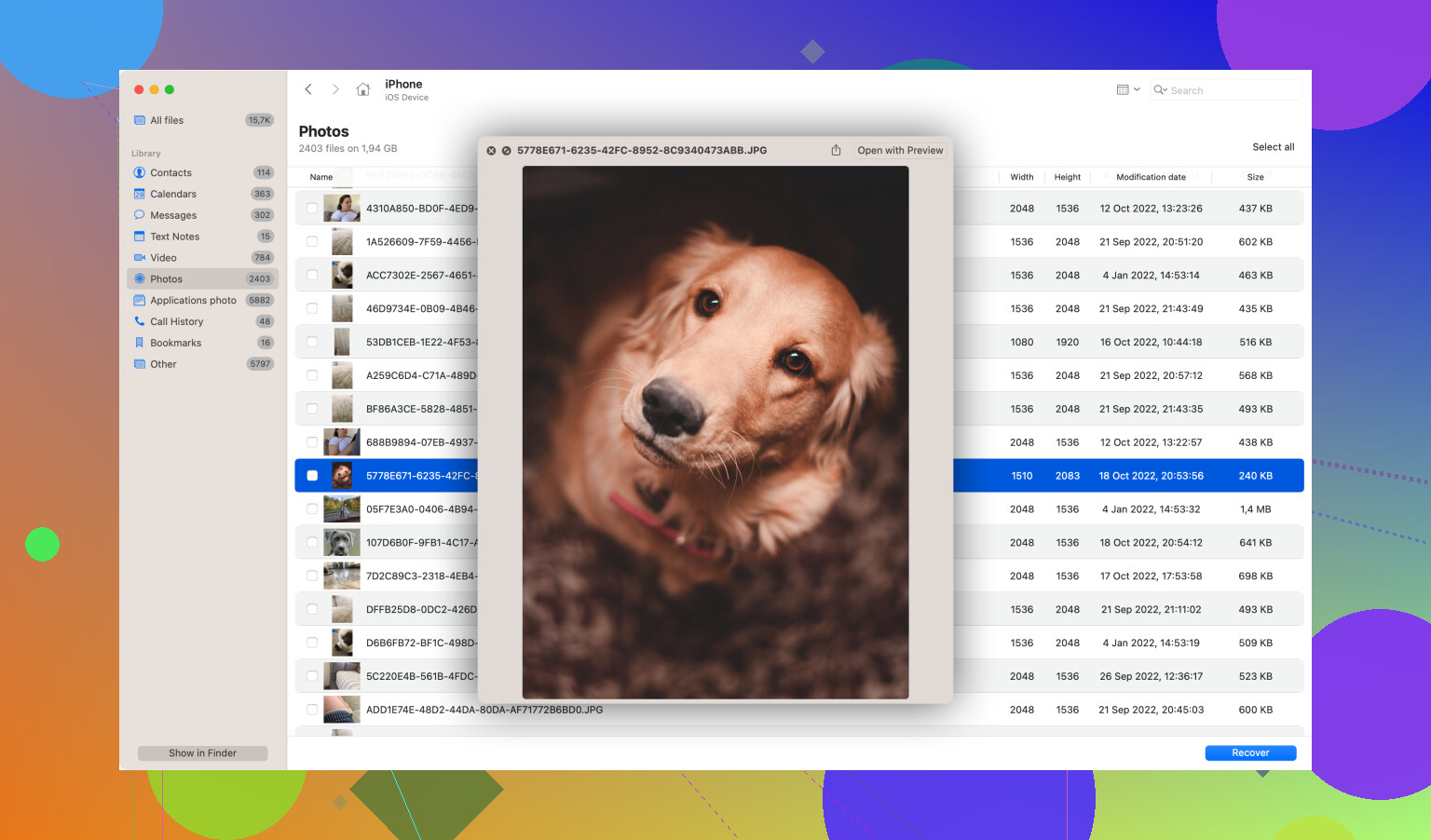
- Install Disk Drill
- Run a Deep Scan: This will take a while, especially if your drive is huge, but it’s thorough.
- Recover Files: Select the files you need and recover them to an external drive.
Remember that using data recovery software works best if the drive isn’t physically damaged. If you’ve got a situation where the drive just won’t spin up or is making ominous clicking noises, then you’ve likely got a mechanical failure.
Physical Drive Issues: If you think the hard drive is physically dead (like it makes weird noises or isn’t recognized at all), data recovery software won’t help. Here’s where it gets trickier.
- Professional Data Recovery Services: Companies like DriveSavers or Ontrack specialize in repairing physically broken drives and recovering data from them. Yes, they can be pricey, but they often have high success rates.
So, in short, try the basics first. If that’s still no-go, Disk Drill is your best friend unless the drive is physically damaged. In that case, prepare to spend some bucks on professional services if the data is irreplaceable.
Good luck with it! Keep us posted on how it goes, yeah?