That situation sounds frustrating, but don’t panic. There are a few steps you can take to try to fix your corrupted hard drive and recover your files.
-
Check Connections and Power: Sometimes, it can be a simple issue like a bad cable or insufficient power. Try connecting your external drive using a different cable or to a different port. Also, if your drive has an external power supply, make sure it’s properly connected.
-
Disk Management Tool: If your drive is not showing up in File Explorer, it might still be recognized by Windows Disk Management. Press
Win + Xand selectDisk Management. Look for your external hard drive here. If you see it, check if it has a drive letter assigned. If not, right-click on it and choose “Change Drive Letter and Paths.” Assign a new drive letter and see if it shows up in File Explorer. -
CHKDSK Utility: The Check Disk utility checks the file system and fixes logical file system errors. Open Command Prompt as an administrator and type
chkdsk /f /r X:, replacingX:with the drive letter of your external hard drive. This might take some time, especially if your drive is large, but it can help resolve minor issues. -
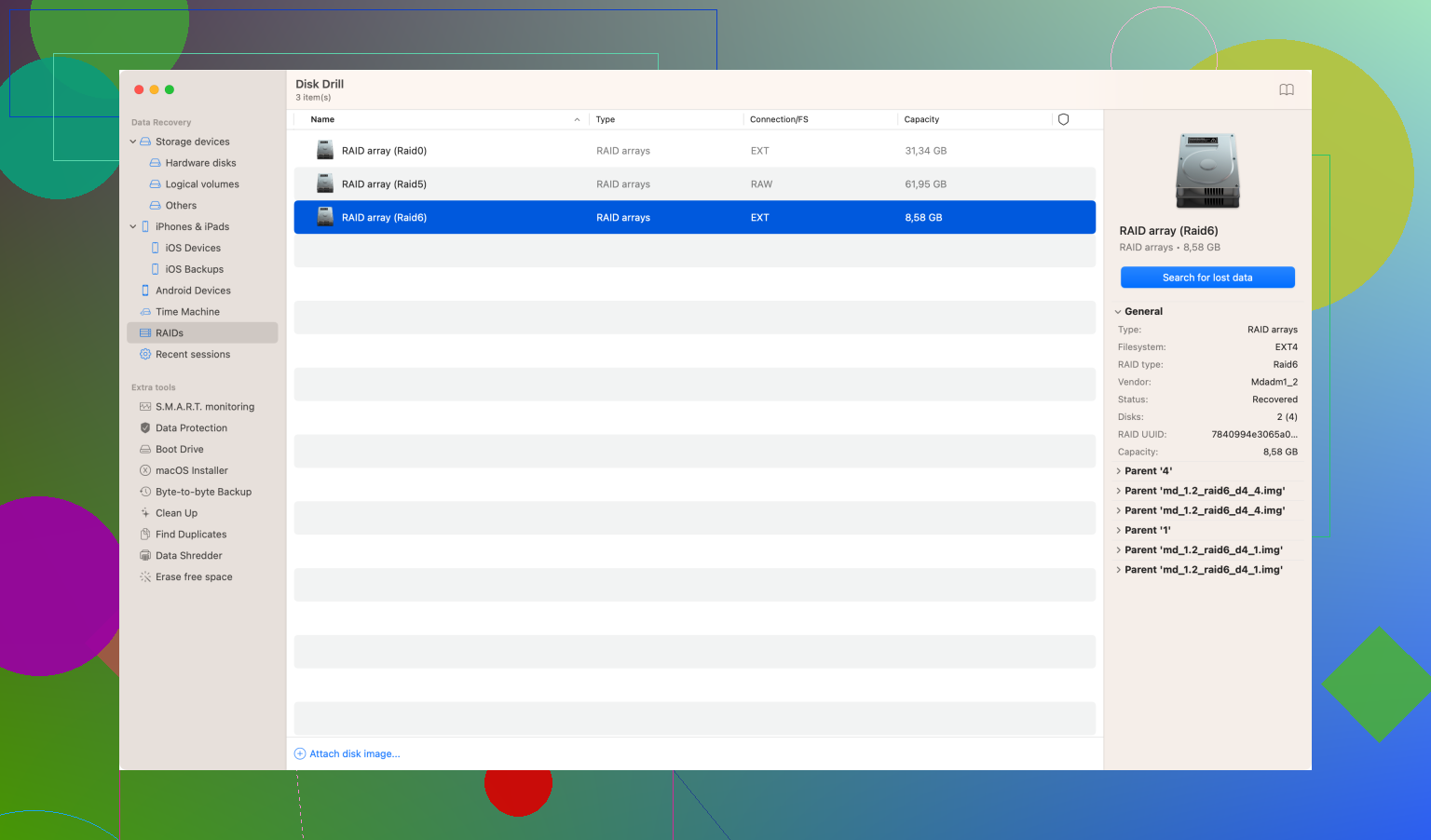
Use Third-Party Data Recovery Software: If the above methods don’t work, you might need specialized software to recover your data. Disk Drill
is a popular choice for data recovery. It’s user-friendly and powerful, capable of retrieving files from a variety of storage devices, including corrupted drives.You can get Disk Drill Data Recovery Software from here. It scans your drive for lost files and allows you to recover them, even if the drive seems inaccessible.
-
Try a Different Computer: Sometimes, the issue might not be with your drive but with the computer. Try connecting the external hard drive to another computer to see if it’s recognized there.
-
Professional Data Recovery Service: If none of these steps work, and the data is very important, consider taking your drive to a professional data recovery service. They have specialized tools and techniques to recover data from even severely corrupted drives.
Remember, each of these steps carries some risk of causing further damage if not done carefully. Always start with the least invasive method and only move to more involved steps if necessary. Good luck!