I want to create realistic AI photos with my own face, but I’m not sure what app or steps to use. I tried a couple of tools and the results either didn’t look like me or came out distorted. I need help figuring out the best way to upload selfies, train the AI, and get better face swap or AI portrait results.
If you’re trying to make AI photos of yourself, the first thing I’d sort out is the app. Most of them follow the same setup. You upload a few selfies, the system studies your face, then it spits out new portraits in different looks, office, casual, cinematic, and so on. Where they start to split apart is image quality, face consistency, and how much control you get over the output.
Eltima AI Headshot Generator app
This one felt easiest to deal with.
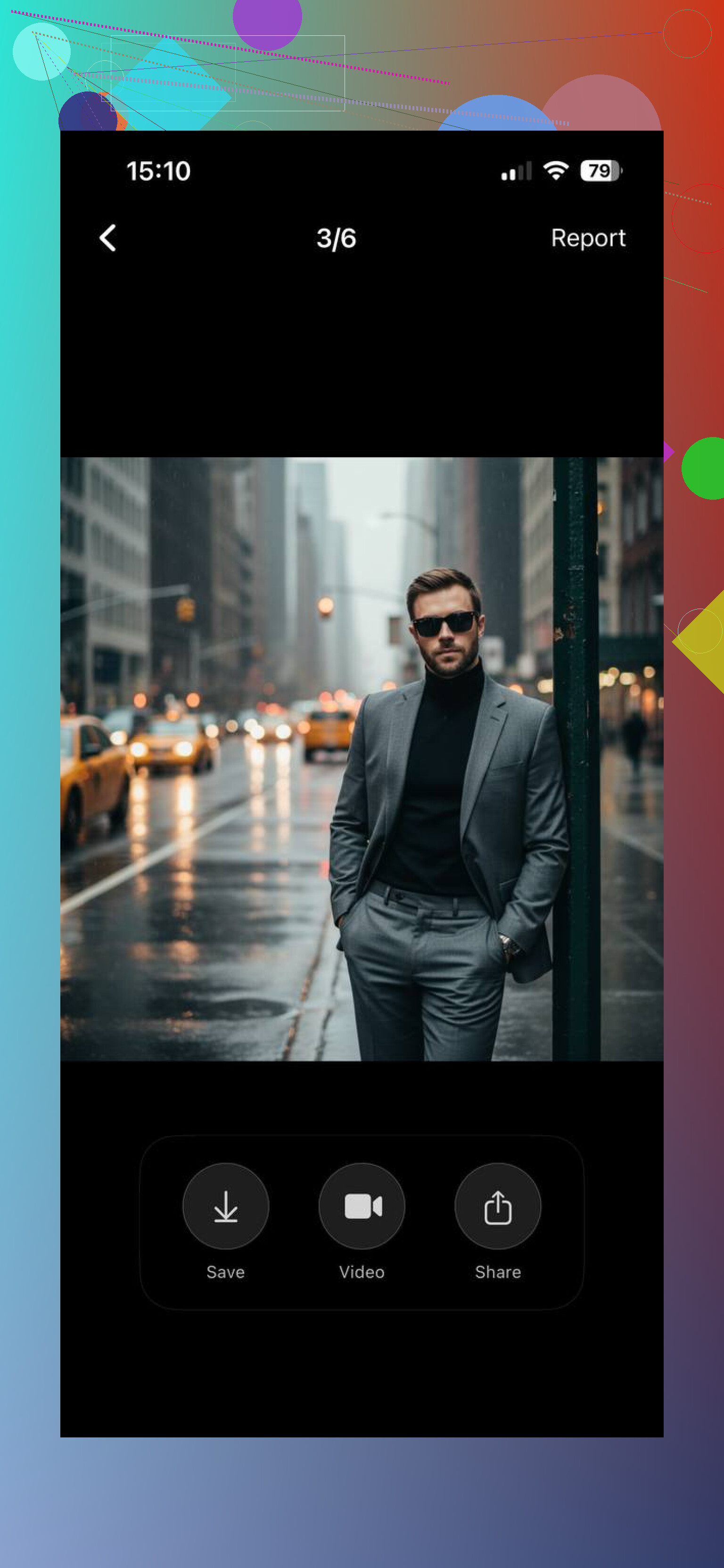
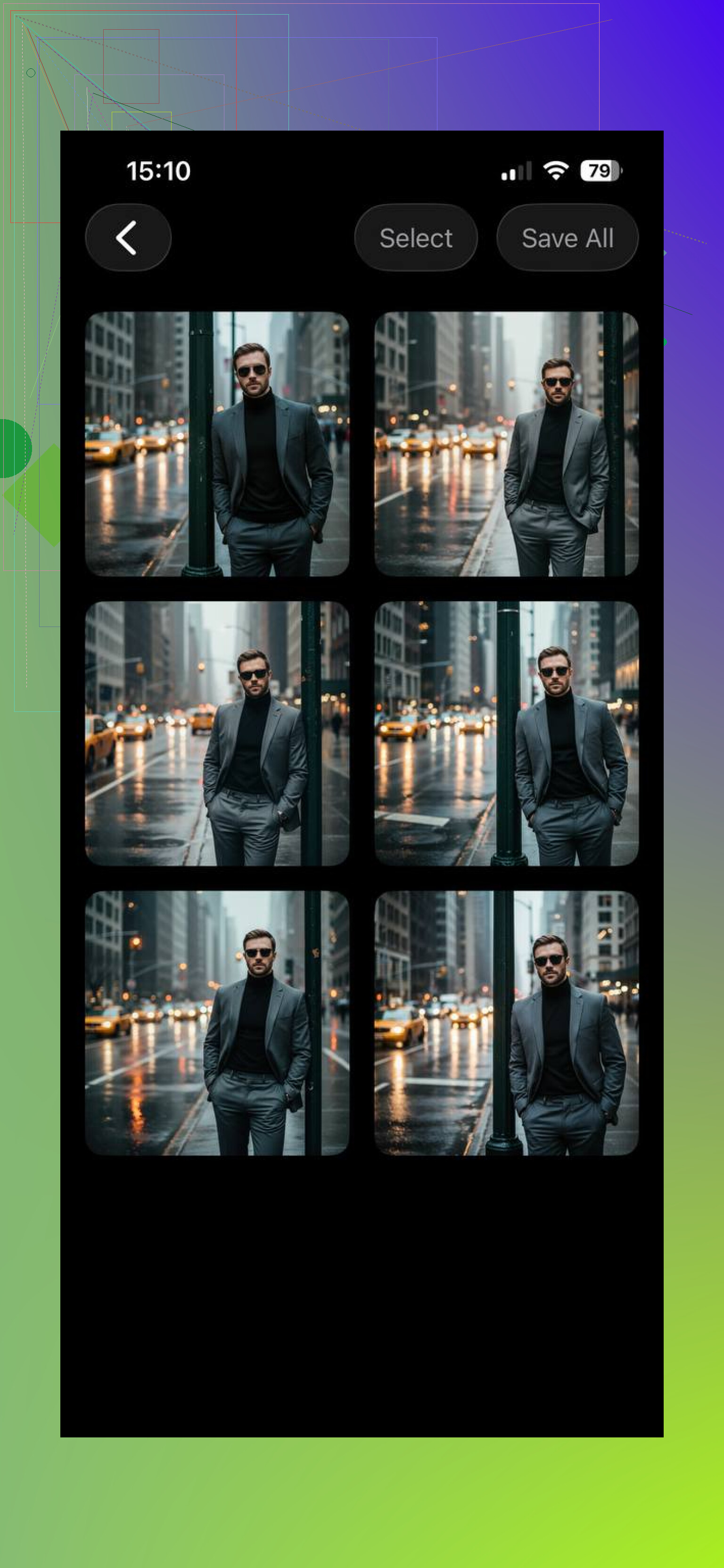
What it does, in plain terms:
upload 1 to 3 photos
builds a face model from those shots
lets you pick a style, business, casual, creative, stuff like tht
generates portraits where your face stays fairly consistent
I’d point this at people who want clean headshots and do not want to mess with prompts, sliders, or weird setup screens. It leans toward speed and ease, not heavy editing.
Momo
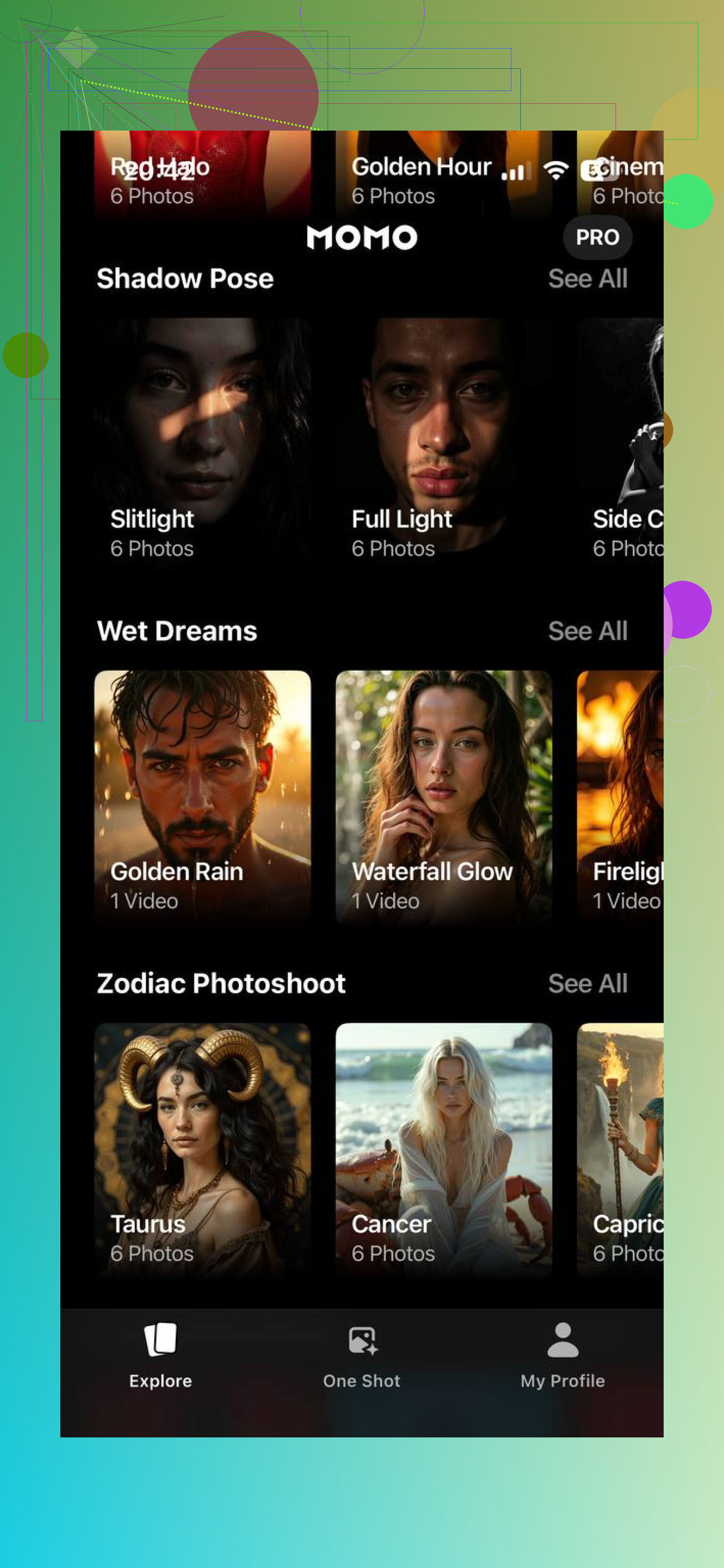
Momo goes in a different direction. Less strict, more styled.
The workflow is lighter.
It gives you more aesthetic filters.
It fits social posts better than work profiles.
My take, it’s less about a polished corporate headshot and more about flashy AI portraits you’d throw on Instagram or a profile pic.
GIO
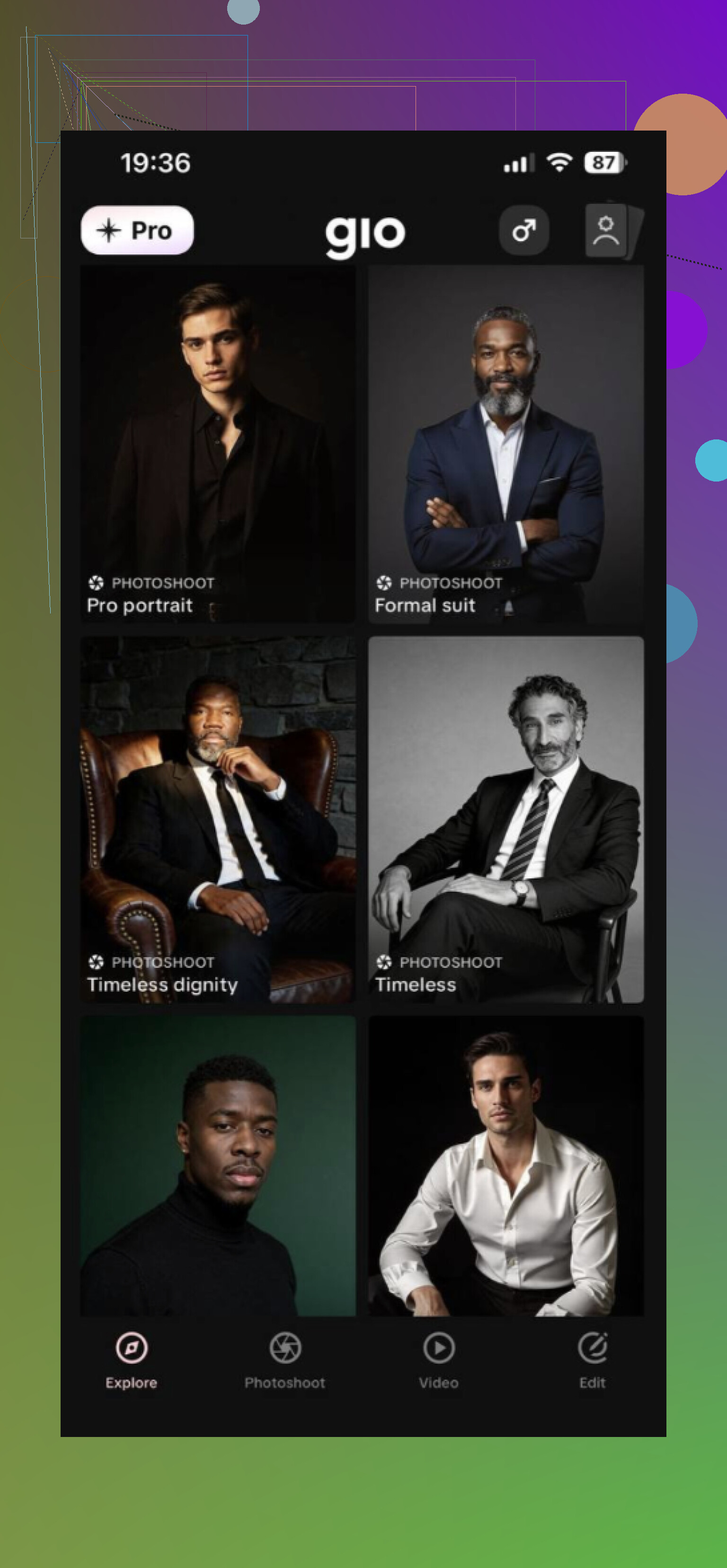
GIO felt more open-ended.
You upload a photo or a reference.
You use prompts to steer the style.
You get multiple AI versions back.
So yes, you get more room to experiment. The tradeoff is consistency. I saw outputs drift more compared with Eltima AI Headshot Generator, especially when trying to keep the same face across different looks.
If your main goal is realistic AI photos of yourself, Eltima AI Headshot generator app looks like the strongest all-around pick from this group. It is not doing the cheap single-selfie filter thing. It builds a face model from several photos, and tht tends to give more natural results with fewer random changes to your features.
It also covers a decent range of styles. Business headshots, relaxed portraits, social media shots, more cinematic looks. You usually get several versions in one go, so it’s easier to pick one tht still looks like you. For LinkedIn, resumes, team pages, personal sites, or any profile where you need a polished photo, it makes more sense than the more stylized apps.
8 Likes
I’d focus less on the app first, more on your input photos. Bad source pics ruin most AI face results.
What worked for me:
Use 10 to 20 photos, not 1 to 3. I know @mikeappsreviewer liked the lighter upload flow, but more variety gave me better face match.
Include:
3 front facing
3 slight left
3 slight right
2 smiling
2 neutral
A few with diff lighting
Avoid:
sunglasses
heavy filters
group photos
low light
wide angle selfies from too close
For apps, look for ones with face training or “custom model” options. Those tend to hold identity better than one tap avatar apps. Try headshot apps for realism, image generators for creative stuff. Different tools, differnt goal.
If faces come out warped, your prompts are often too aggressive. Keep it simple. Example:
“realistic studio portrait, natural skin, 35mm lens, soft light, preserve facial features”
Also upscale after generation, not before. And delete bad training photos. One weird pic can mess up the whole set.
I’d actually push back a little on the “just upload more pics” advice from @cazadordeestrellas. More photos can help, sure, but if half of them are inconsistent, the model kinda learns a mushy average of your face and that’s when you get that weird “almost you, but cursed” result.
What usually works better is tighter curation.
My checklist:
- use 6 to 12 photos max
- same person only, obviously
- no beauty filters, no Snapchat junk
- mix 2 or 3 angles, but don’t go extreme
- include at least one sharp, well-lit photo with a neutral expression
- keep hair/beard/makeup fairly consistent if you want realism
Also, stop testing with super-stylized prompts first. People jump straight to “cinematic cyberpunk luxury fashion portrait” and then wonder why the face melts. Start boring:
- realistic portrait
- natural skin texture
- balanced lighting
- preserve facial identity
For apps, I’d separate them by goal:
- headshot apps for LinkedIn / resume type stuff
- general AI image apps with face training for creative images
- face swap apps only if you want quick fun edits, not realism
One more thing nobody mentions enough: your source photos should be from the last few months. If you feed it old pics, diff haircut, diff weight, diff glasses, the output gets janky fast.
So yeah, app matters, but dataset quality matters more. @mikeappsreviewer is right that simpler apps are easier, I just don’t think “easy” always = most accurate. Sometimes the less flashy setup gives better results tbh.