Alright, so you’re staring down a weekend trip with spotty WiFi or your apartment’s internet ghosts you during crunch time. Yeah, I’ve been there. Here’s how I muscle through Dropbox access even when the signal bails—so you’re not caught downloading “project_final_V16.pdf” on cell data.
Making Files Stick Around Without Internet
Here’s the move: fire up your Dropbox desktop app, find any file or folder you need, and just right-click it. There’s an option called “Available offline.” Click that, done deal. Dropbox will pull a copy down to your machine. While you’re offline, you can open, edit, do your thing… and the magic happens the minute WiFi’s back: new versions sync straight to Dropbox, zero worries.
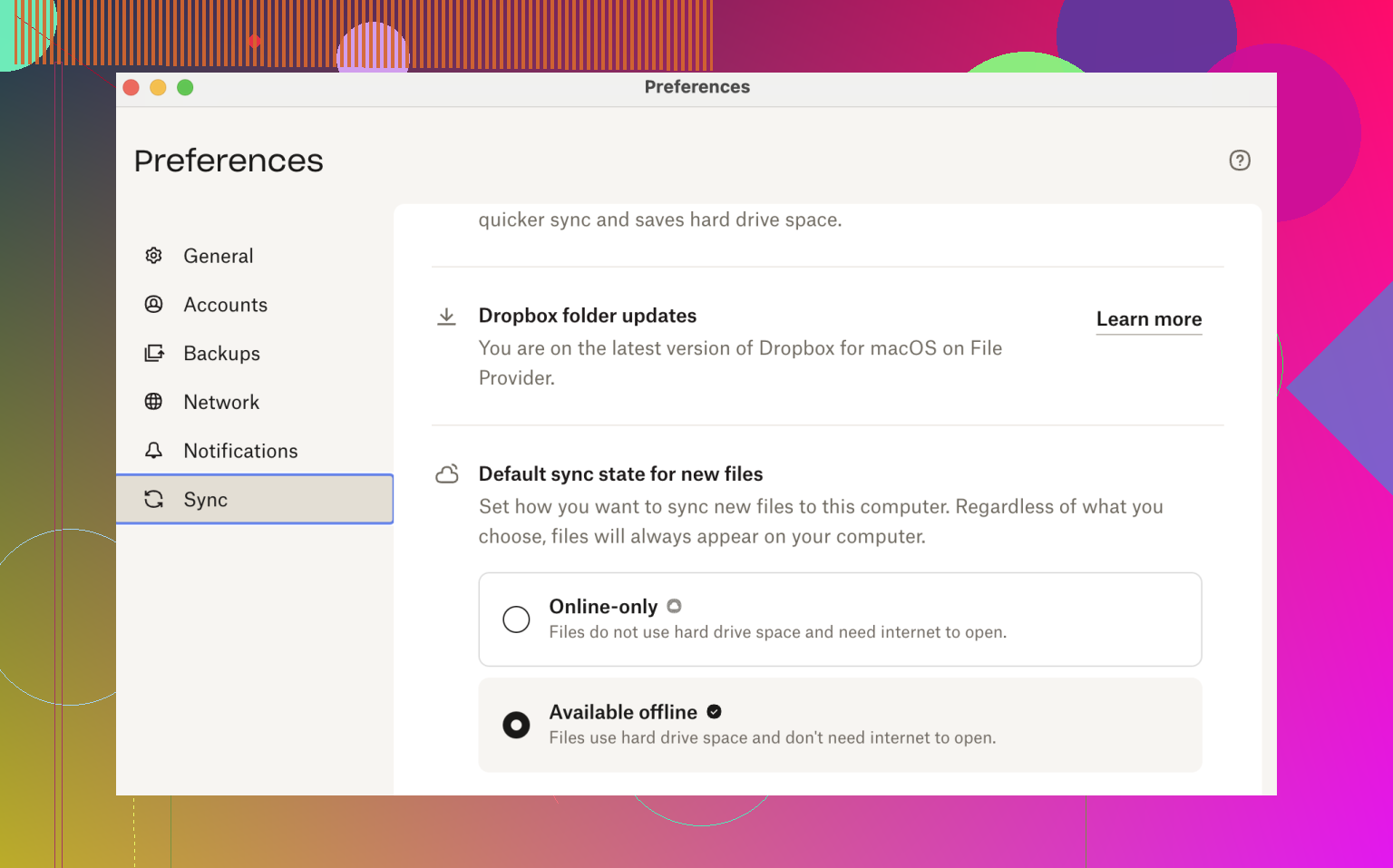
Alternative Approach for the Storage-Conscious
Maybe your laptop storage is perpetually maxed out or you’re juggling five cloud drives (I salute you)—then there’s another angle that’s worth a look. Ever heard of CloudMounter? It sorta lets you treat cloud files as if they’re chilling on your hard drive, but without gobbling up actual space. No syncing giant folders. Everything just appears local, but it taps Dropbox until you lose connection. When that happens, files marked for offline use are still there.
Why Even Use CloudMounter With Dropbox?
Let’s real-talk those killer features that actually made me stick around:
- It does local encryption on YOUR end, before anything leaves your computer. That means if Dropbox ever gets snooped on, your stuff’s still scrambled.
- Switching between different Dropbox accounts is frictionless. I’ve got one for freelance, one for personal—no annoying sign-in circus.
- No need to stress over lost edits. Edit your files wherever—CloudMounter keeps track and sends changes back to Dropbox whenever you’re plugged in.
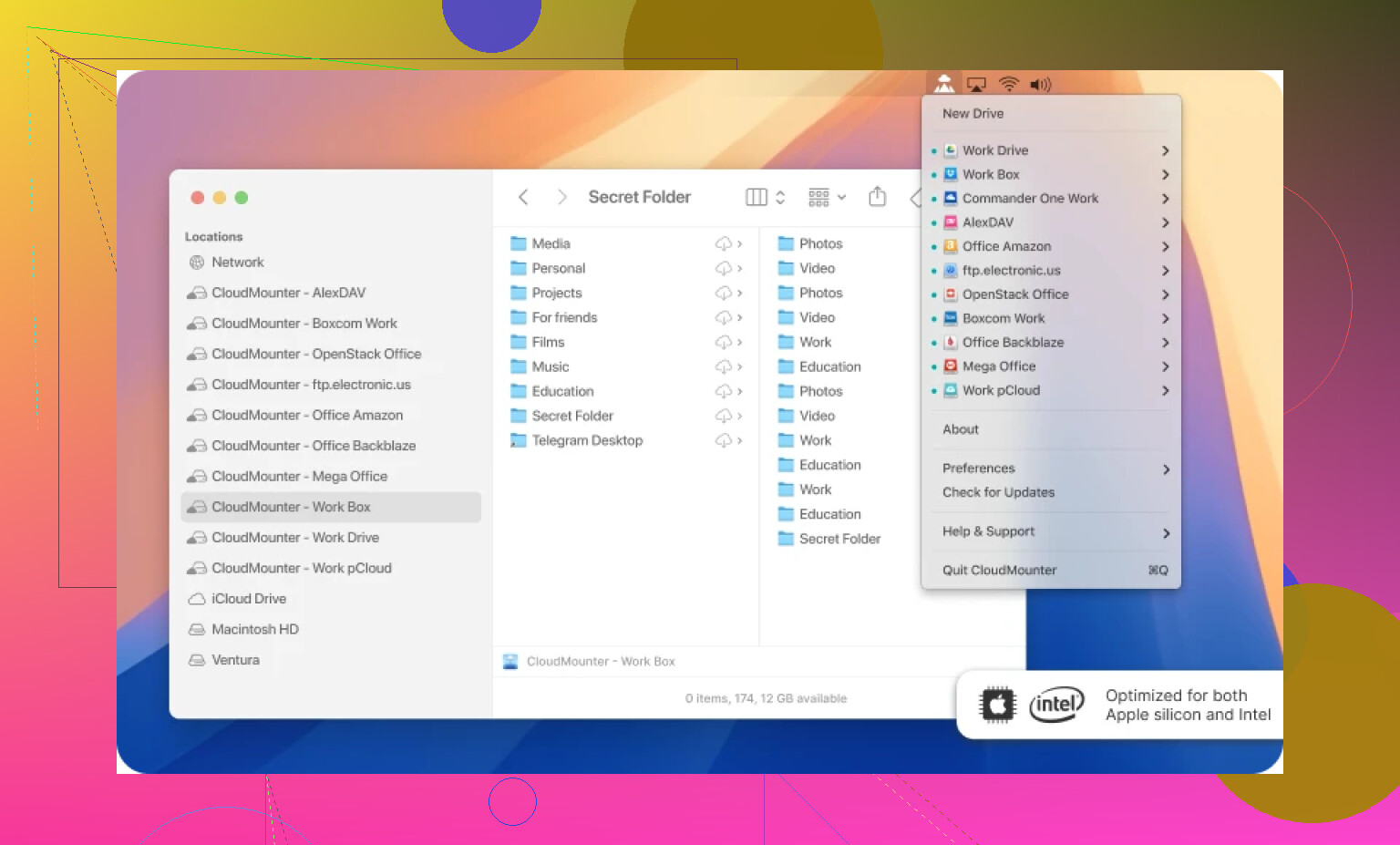
If you’re in that annoying crowd constantly chasing WiFi or running a bunch of cloud accounts, might be worth giving this app a try. Fewer headaches, no desperate phone tethering, and no more “which Dropbox am I even logged into?” slipups. Just grab what you need before your net ghosts you, and keep working. Works for me, anyway.