The remote in my hotel room is missing, and the TV controls are limited. Is there a reliable way to use my iPhone as a hotel TV remote, and does it require Wi-Fi, Bluetooth, or a specific app?
For a hotel TV, an iPhone remote app is usually a long shot. Most of those apps only work when the phone and TV can see each other on the same Wi-Fi network. Hotels often put TVs on a separate management network, disable guest control, or use client isolation so devices on guest Wi-Fi cannot communicate with each other.
The quickest fix is usually to call the front desk. If the remote is missing, broken, or has dead batteries, they can normally bring another one. It is a lot easier than spending half an hour trying different apps.
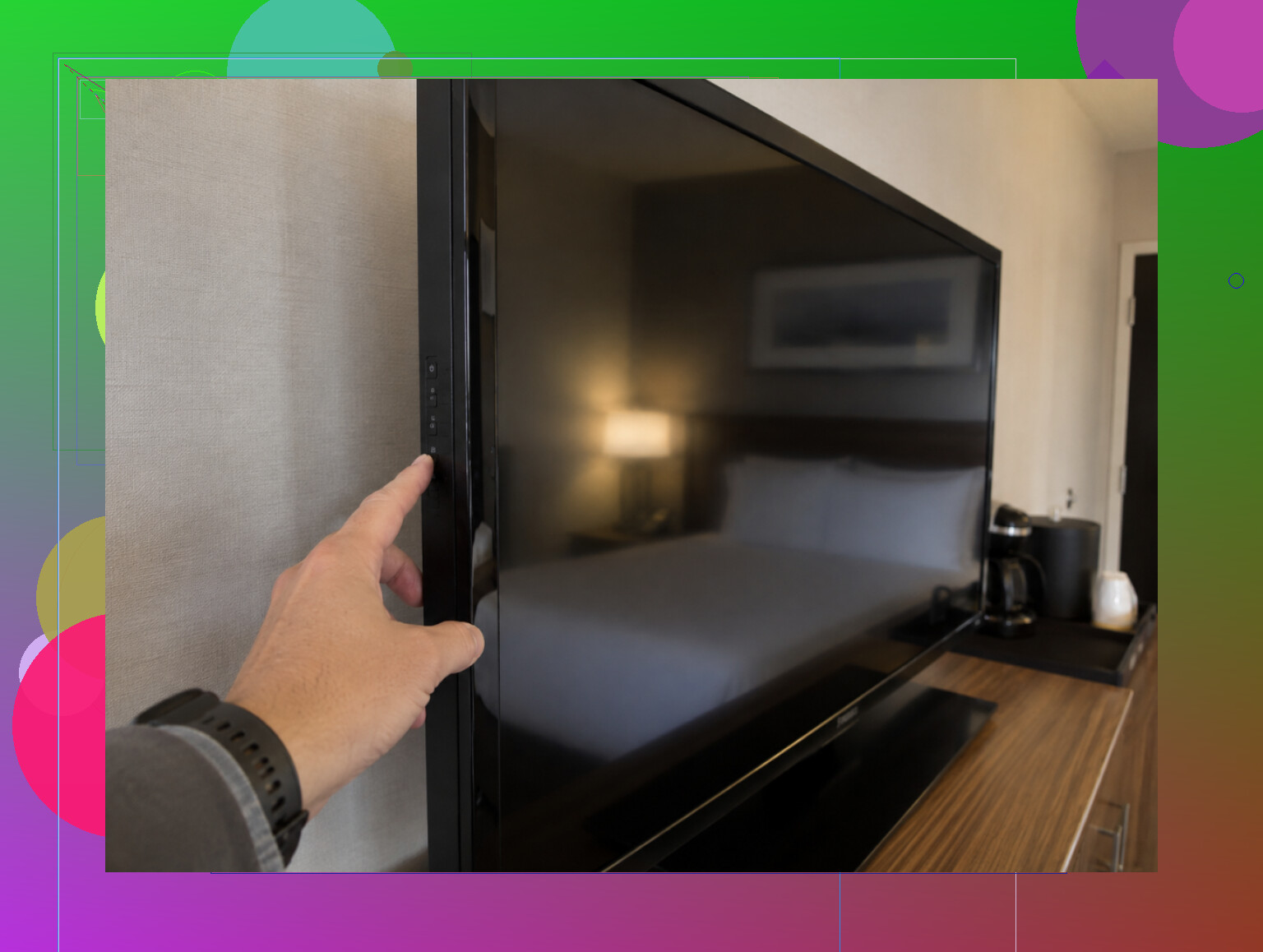
You can also check the TV itself for physical controls. The power, volume, input, and channel buttons may be underneath the frame, along one side, or around the back. Hotels sometimes make them annoyingly hard to find, but they should handle the basics.
If it is a regular smart TV running Fire TV, Google TV, or Chromecast, the matching phone app may work. That depends entirely on whether the hotel left guest access enabled, though. Many do not.
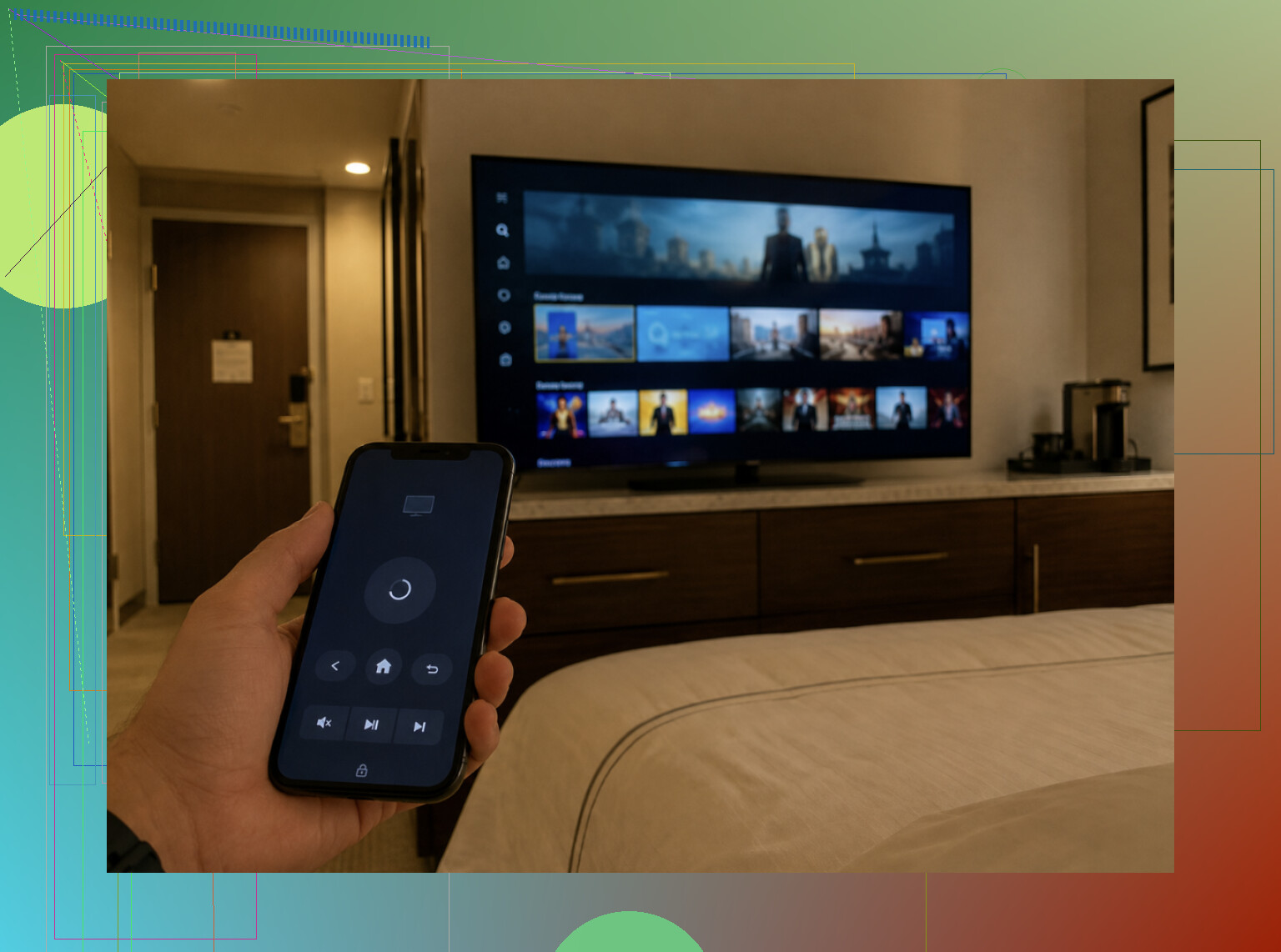
Casting is another option. When Chromecast or AirPlay is available, you may be able to send Netflix, YouTube, or other content from your phone without controlling the whole TV. Again, hotel network restrictions can block this, but it is worth checking.
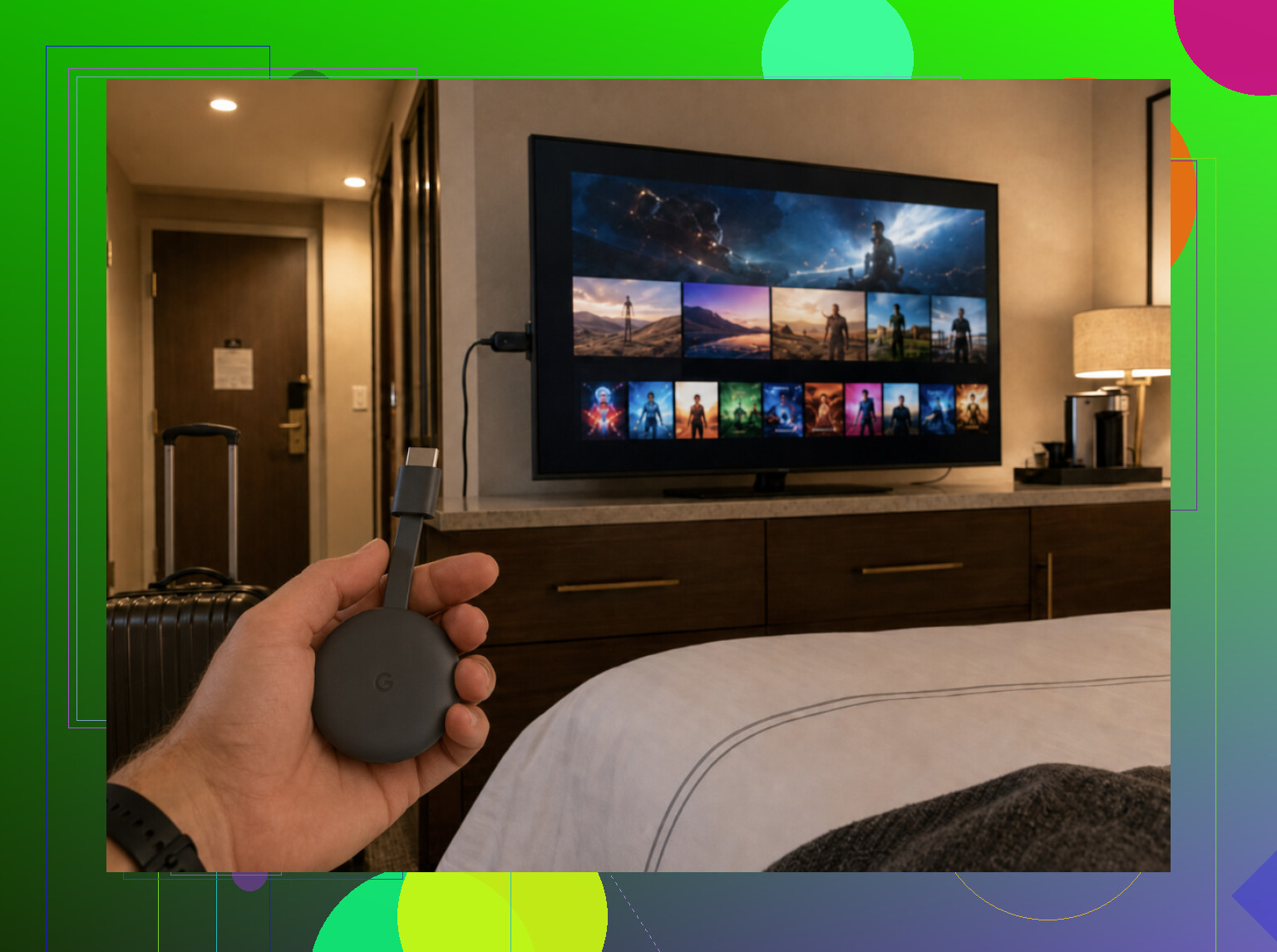
If you stay in hotels often, bringing your own Fire TV Stick or Chromecast is probably the most dependable setup. Plug it into an available HDMI port and use its remote or your phone. You still need access to the HDMI input and may have to deal with the hotel's Wi-Fi sign-in page, but this avoids most of the locked-down hotel TV system.
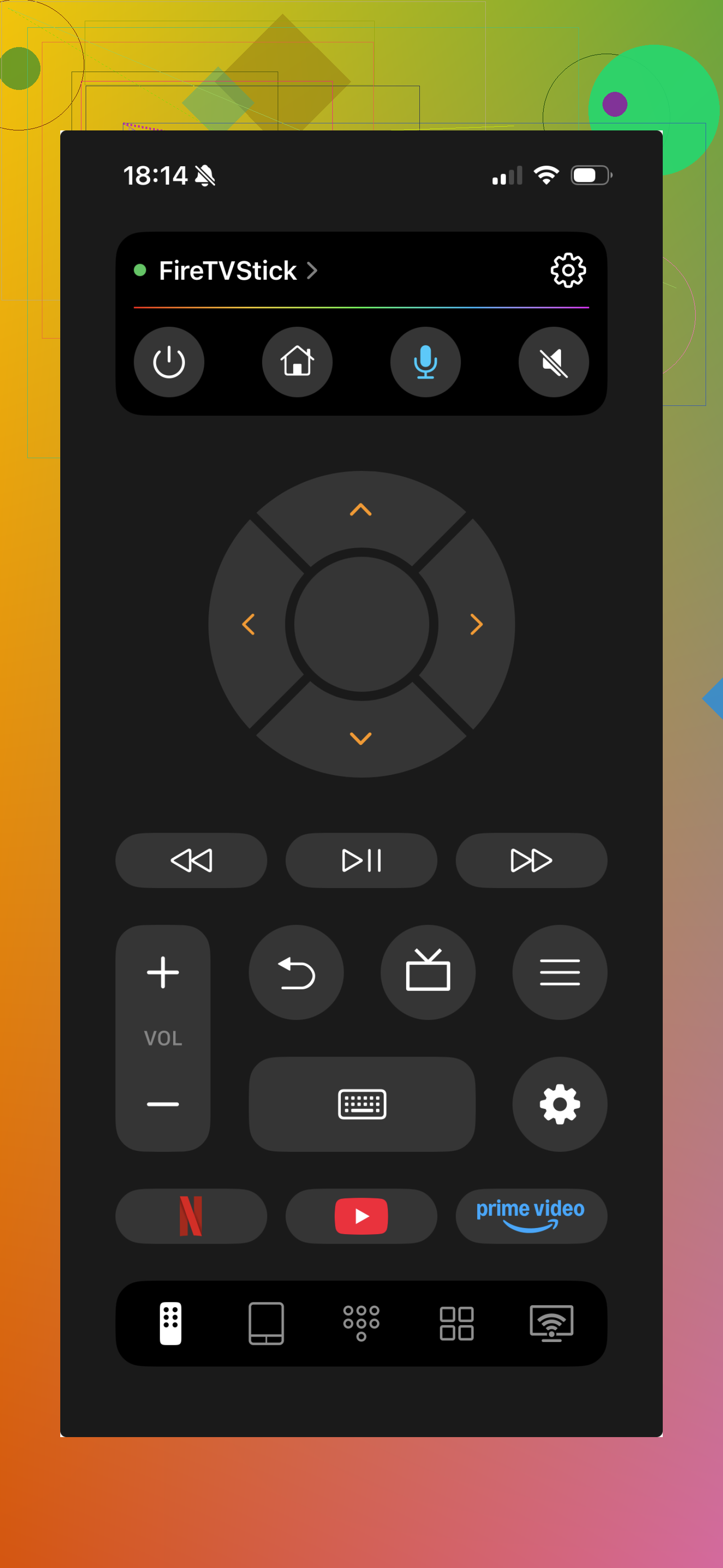
You can still try a universal app like TVRem. If the hotel uses a supported TV and has not blocked guest control, it may connect normally.
Just do not count on an app as the main solution. Hotel network settings are usually the problem, not the app itself. For a missing remote, use the TV buttons or contact the front desk. If the goal is watching your own streaming services, casting or bringing a streaming stick makes more sense.
11 Likes
Bluetooth usually won’t help because iPhones lack the infrared transmitter used by standard TV remotes. An app only works if it supports that TV’s smart platform and can reach it over the same network, so the front desk is still the reliable fix.
Don’t pay for a “universal remote” app before confirming the TV can connect to your iPhone. Many charge a subscription but still depend on the same Wi-Fi access that hotels often block. Bluetooth pairing is uncommon, and the iPhone has no IR blaster. Try the TV’s physical input button first, but for full control, getting a replacement remote from the front desk is still the only dependable option.
Look behind or underneath the TV before downloading an app. If there is a small hospitality box, cable receiver, or control unit attached to it, that box may be what actually receives the remote commands. In that setup, an app made for the TV brand can connect to the television and still fail to change channels, open the hotel menu, or control the program guide.
Wi-Fi control only works when the iPhone and the TV or receiver are on the same local network and device-to-device communication is allowed. Being connected to Wi-Fi with the same hotel name does not guarantee that. If the TV displays a QR code or pairing code specifically for phone control, use that process because it may be tied into the hotel’s system. Otherwise, guest-network isolation is likely to stop discovery.
Bluetooth is less promising. Some TVs use Bluetooth for their original remotes, but that does not mean they accept an iPhone as a generic Bluetooth remote. As @digitalbear6945 said, the iPhone cannot send the infrared commands used by most basic TV remotes. The built-in Apple TV Remote in Control Center only controls an Apple TV or compatible AirPlay setup. It is not a universal TV remote.
If you want to test an app without wasting much time, find the exact platform first. Check the startup screen, settings menu, or model label for Roku TV, Fire TV, Google TV, Samsung, LG, or another smart platform. Try that manufacturer’s official app before a paid “universal” app. Give it a minute to find the TV, and if nothing appears, stop there. Trying five more apps usually will not overcome a blocked network.
Use the TV’s joystick or button cluster to reach power, volume, and input selection. It may be a tiny single button centered under the logo rather than a normal row of controls. I would avoid factory-resetting the TV, changing service-menu settings, or disconnecting the hotel control hardware. That can leave the screen stuck in setup mode and turn a missing remote into a maintenance call.
For full access to hotel channels and menus, the replacement remote from the front desk is still the dependable answer. A hotel-specific remote may be required because it controls the external receiver or hospitality system rather than the TV itself.
A normal smart TV on open Wi-Fi is one case; a hotel TV connected to a hospitality controller is a completely different case. The second setup may ignore the TV manufacturer’s app because channel selection and menus come from a separate box.
An iPhone cannot replace a standard infrared remote by itself, and Bluetooth is not a universal fallback. Wi-Fi apps rely on local discovery protocols, which hotel guest networks commonly block even when both devices show the same network name.
If you only want to play your own video, a wired USB-C-to-HDMI or Lightning-to-HDMI adapter can bypass the networking problem. You still need access to an HDMI port and the TV’s input control, and some streaming apps may restrict output, but it is often more realistic than cycling through remote apps. For the hotel channel guide and full controls, the front desk’s replacement remote remains the practical answer.
A locked HDMI port is a very different problem than a blocked network, and people keep planning around the second one while forgetting the first. Plenty of hotels tuck the inputs behind a fixed panel or disable them entirely, so @shadowdev4396edge’s adapter trick can die before you even reach the app question. Check that you can actually reach a working HDMI port before you count on any of this.
Finding the TV in an app still may not be enough. Some models require you to approve the phone pairing on-screen, which can leave you stuck if the physical TV button cannot select “Allow.”
What confused me was assuming Bluetooth would handle that step. It usually does not. The useful path is the manufacturer’s official Wi-Fi app, and only when the hotel network permits device discovery.
So if the app finds the TV, try the pairing code once. If it asks for remote confirmation, stop fighting it and request the hotel remote.