I’m trying to use my iPhone to control the volume on my Apple TV, but the volume buttons are not working like I expected. I can navigate Apple TV just fine, but I need help figuring out how to adjust TV or soundbar volume from my iPhone. Looking for steps to set up Apple TV volume control with iPhone and fix this issue.
If you’re trying to raise or lower Apple TV volume from an iPhone, the annoying part is this: Apple TV itself does not have its own volume control. I had to figure this out the dumb way. The box passes audio along to your TV, receiver, soundbar, HomePod, or whatever else you use. So when people say “control Apple TV volume,” what they mean is sending volume commands through Apple TV to the audio gear on the other end.
Why it works for one person and fails for the next comes down to what your Apple TV is connected to.
The built-in route is simple enough.
Open Control Center setup on your iPhone. Add the Apple TV remote by going to Add Controls, then Add a Control, then search for Remote.
After that, check your network. Your iPhone and Apple TV need to be on the same Wi-Fi. I missed this once and spent 15 minutes blaming the wrong thing.
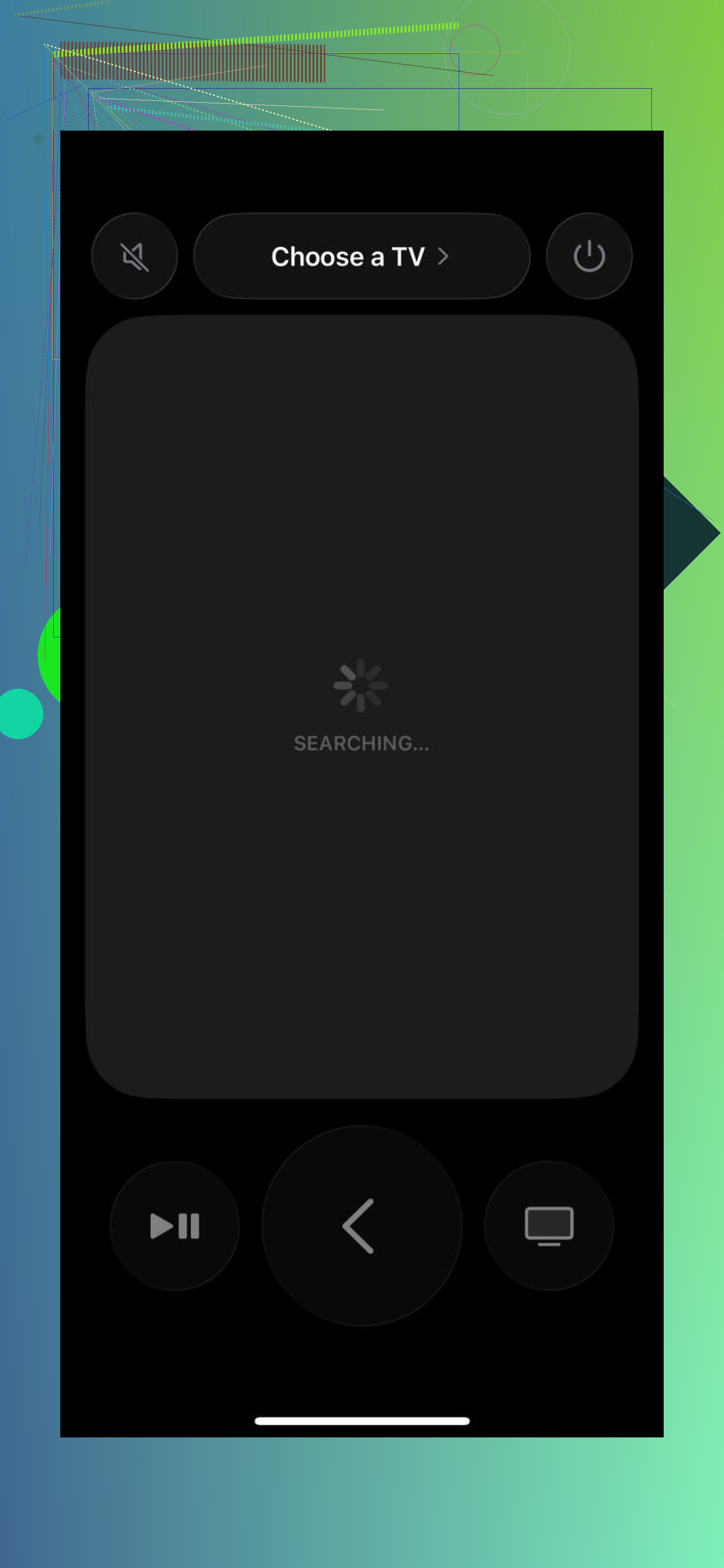
Then open Control Center, launch the remote, pick your Apple TV, and enter the 4-digit code if iOS asks for it.
Once the remote screen is open, press the physical volume buttons on the side of your iPhone.
Here’s the part people usually hit a wall on. Those side buttons only adjust volume when your setup supports it. In my case, it worked with AirPlay speakers and with a TV setup where HDMI-CEC was enabled. If your TV handles volume the old IR way, your iPhone won’t help. iPhones don’t send IR. You’ll still be able to move around menus and play stuff, but the volume buttons sit there doing nothing.
If that sounds like your setup, go into your TV settings and turn on HDMI-CEC. TV brands bury it under different names, so look for labels ending in things like Link or Sync. Once I turned that on for one older set, volume started routing through the Apple TV over HDMI instead of dying on the spot.
If Apple’s built-in remote keeps acting up, pairing fails, or it drops connection, I’d try Universal Remote Control TVRem. I found it easier to connect than fighting with Control Center on a stubborn setup.
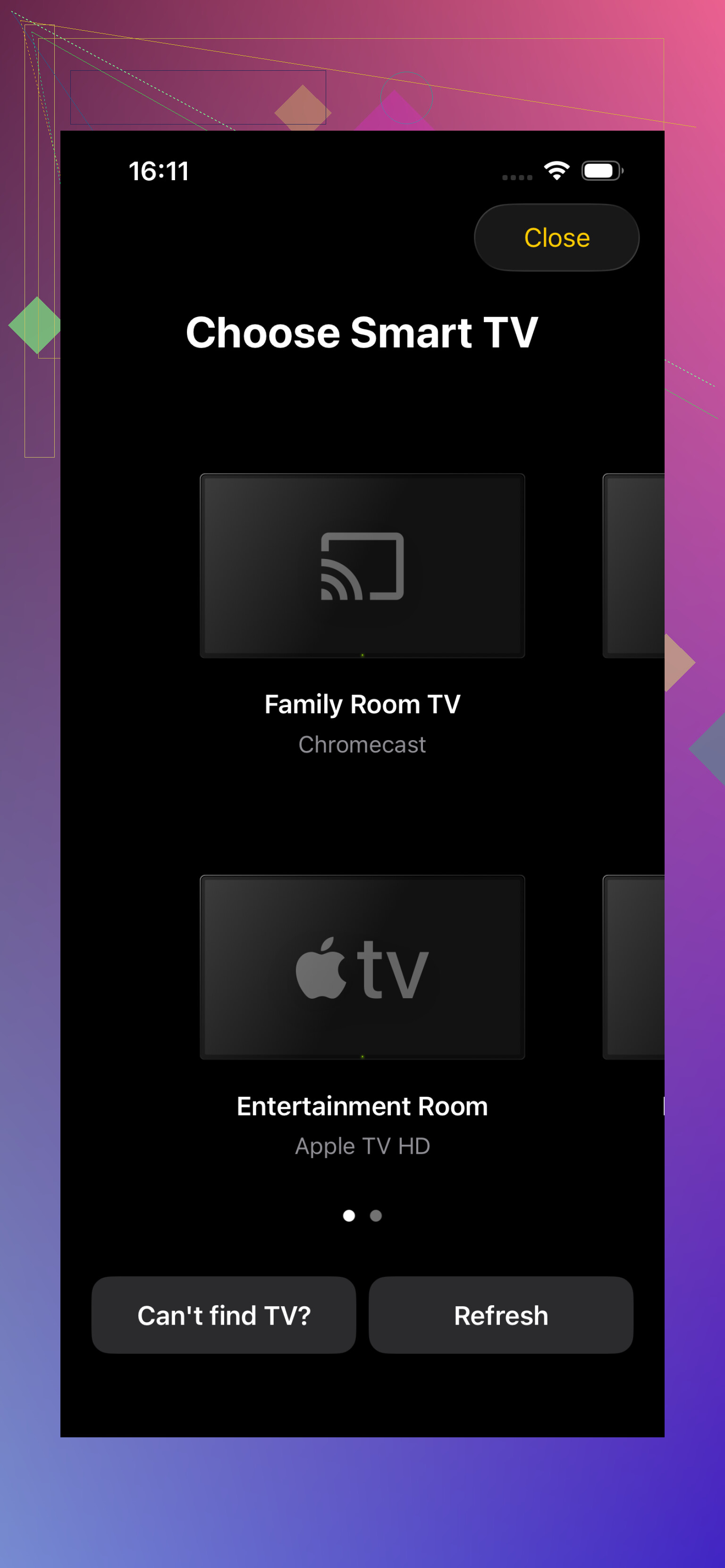
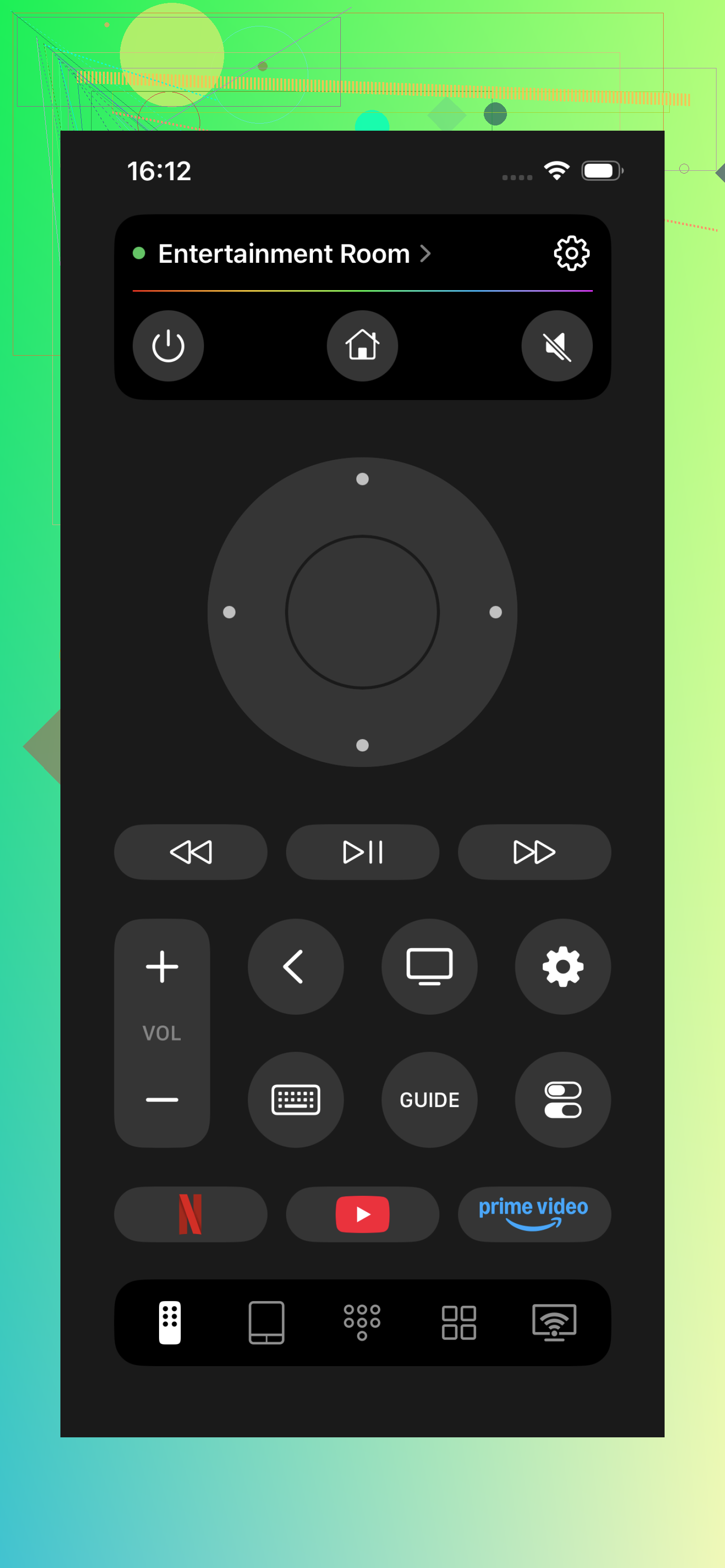
It also works with more than Apple TV. If your place has a mix of boxes and TVs, it supports Roku, Samsung, LG, Fire TV, and Android or Google TV too. The App Store listing shows 4.8 stars from around 2,400 reviews, which at least suggests people aren’t hate-installing it and bailing.
One thing to keep straight. TVRem still uses Wi-Fi, same idea as Apple’s remote. So it does not bypass the hardware limit. If your TV setup has no HDMI-CEC and depends on IR for volume, no iPhone app fixes that. You need CEC turned on, AirPlay audio, or the original TV remote.
So the short version is this. If volume from iPhone works, your audio path supports Apple TV relaying those commands. If it doesn’t, the fix is usually in your TV settings, not in the Apple TV menu. Took me a bit to stop looking in the wrong place tbh.
7 Likes
A small correction to @mikeappsreviewer. HDMI-CEC is only part of it. On many Apple TV setups, volume from iPhone works only when Apple TV already knows how to control your TV or soundbar through the Siri Remote settings.
Check this on Apple TV.
Settings, Remotes and Devices, Volume Control.
If you see Auto via HDMI, try it first.
If volume still fails, switch to Learn New Device and teach Apple TV your soundbar or TV remote commands. This matters a lot with soundbars that ignore CEC or do it badly. Mine did, and CEC looked ‘on’ but volume still failed. Super anoying.
Also check where audio is going.
If Apple TV is set to temporary AirPlay output, your iPhone buttons often target the wrong thing.
Go to Control Center on Apple TV and confirm the audio output device.
One more gotcha. If you use the iPhone Remote app view, the side buttons usually work only while the remote screen is open and connected. If you back out, iPhone volume goes back to phone media.
Fast test:
- Open Apple TV Remote on iPhone.
- Keep remote screen open.
- Press volume up.
- Watch for TV or soundbar volume OSD.
- If nothing appears, fix Volume Control on Apple TV first, not on the iPhone.
If you use HomePod stereo pair as default audio, your iPhone should change HomePod volume, not TV volume. Different path, differnt result.
I’d check one thing neither @mikeappsreviewer nor @sternenwanderer really emphasized enough: your iPhone volume buttons can be “working” but aimed at the wrong audio session.
If you open the Apple TV Remote on iPhone and the side buttons do nothing, try this:
- start playing something on Apple TV
- on iPhone, open Now Playing and see what device it thinks it’s controlling
- if it shows your iPhone or some AirPlay speaker instead of the Apple TV audio path, the buttons won’t affect the TV/soundbar how you expect
Also, not to be contrarian, but I would not assume this is always a CEC problem. A lot of TVs claim CEC support and still behave like lazy potatos. Sometimes a full restart fixes the handshake:
- unplug TV, soundbar, and Apple TV for a minute
- power TV/soundbar on first
- then Apple TV
That resets HDMI negotiation and volume control weirdness more often than it should.
Another thing: if you use the TV provider remote or a receiver remote daily, test volume with the actual Siri Remote too. If the Siri Remote itself can’t change volume, the iPhone definitely won’t. That narrows it down fast.
Short version:
- Siri Remote changes volume = iPhone probly can too
- Siri Remote does not = fix TV/soundbar control first
- if audio is going to HomePods or AirPlay, your iPhone may control that instead of the TV
Apple makes this feel way more “automatic” than it acutally is.
One angle I’d add to what @sternenwanderer, @nachtdromer, and @mikeappsreviewer said: check Reduce Loud Sounds / Sound Check / receiver volume modes on the TV or soundbar side. I’ve seen people think iPhone volume is broken when the audio device is actually clamping volume changes so tiny they’re easy to miss.
Also, I slightly disagree with the idea that the fix is usually only in the TV settings. Sometimes the problem is the audio chain order:
- Apple TV into TV, then TV to soundbar
- Apple TV into soundbar, then soundbar to TV
One route may pass volume commands correctly, the other may not. If you have both options, try swapping the HDMI path.
Another useful test: use the mute button if your setup has one on the Siri Remote. If mute works but volume up/down does not, that usually points to partial CEC support or bad learned IR mapping.
If you use Universal Remote Control TVRem, pros are cleaner device switching and easier control from one app. Cons are that it still cannot magically fix a setup that depends on pure IR volume, and it’s only as good as your network/device compatibility.
So my quick take:
- navigation working does not prove volume should work
- volume depends on the audio device path, not the Apple TV box itself
- test a different HDMI port/cable too, because CEC gets flaky for stupid reasons