Has anyone here used VLC for a while? I’m curious about real user experiences, does it actually work well day-to-day, or are there things I should know before committing to it?
VLC Media Player Review (From My Experience)
I decided to try VLC because I wanted a media player that could handle virtually any file I threw at MKV, AVI, obscure containers, without hunting for extra codec packs.
I’d been switching between different players for a while. Some looked great but choked on less common formats. Others handled everything but felt clunky. VLC has a reputation for just working, so I gave it a proper run as my go-to player.
After weeks of daily use, here’s how it actually felt.
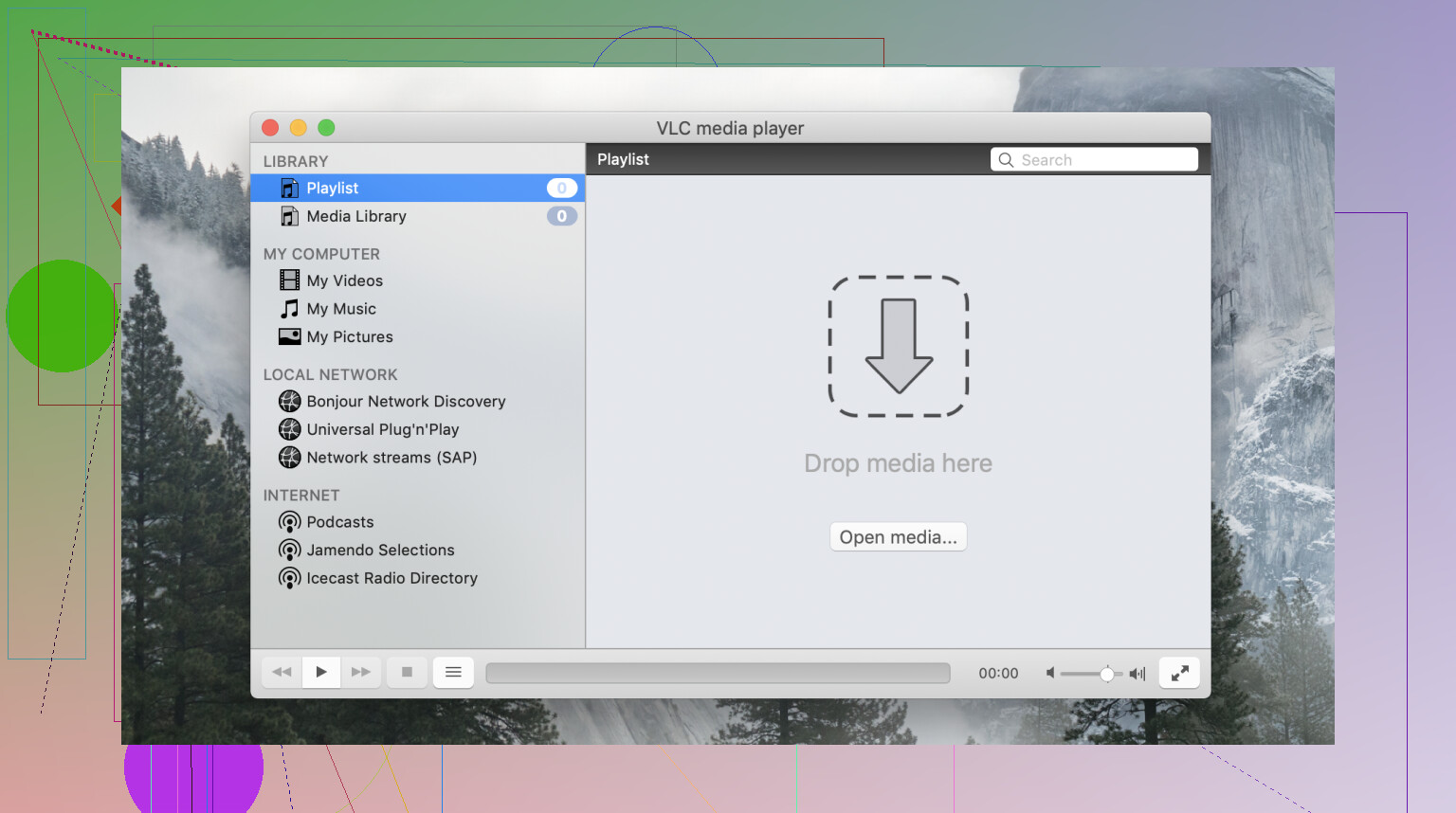
Interface & Design 
The first thing I noticed, and not in a good way is that VLC feels like it hasn’t been redesigned in years. That’s because it largely hasn’t.
- Dark Mode support is inconsistent
- The toolbar and menus feel dated compared to modern macOS apps
- It doesn’t follow a lot of macOS design conventions
It doesn’t feel like a cross-platform app trying to imitate macOS. It feels like a cross-platform app that isn’t trying at all. That said, once you get past the interface, the functionality underneath is genuinely impressive.
The preferences panel is deep, but that depth means you can tune nearly every aspect of playback if you’re willing to dig.
 When I Threw Different Files at It
Format Support 
I tested it with:
- Large MKV files with multiple audio tracks
- H.265 and H.264 4K content
- FLAC and MP3 audio
- Older AVI and VOB files
- Network streams via DLNA
It handled all of them, sometimes imperfectly, but rarely outright failing. The breadth of format support is genuinely where VLC earns its reputation. It’s not marketing; it really does play almost everything.
DLNA and network streaming are also built in, which is something a lot of local-focused players don’t offer. Connecting it to a Plex or home media server is straightforward enough.
 Performance in Real Use
On Apple Silicon, most files played smoothly, though I noticed hardware acceleration isn’t always as reliable as on other platforms. CPU usage crept higher than I’d like on some 4K content.
More noticeably, AV1 content was a sore spot. On two of my devices, AV1 playback stuttered or failed altogether, which matters more as AV1 becomes increasingly common.
For standard H.264 and H.265 content, performance was fine. But if your library skews toward newer encoding formats, you may run into friction.
 A Problem Worth Mentioning
One issue that came up when I tried using VLC on Apple TV: it failed to recognize my external drives. After some troubleshooting, I’m fairly convinced this is a macOS or Apple TV ecosystem limitation rather than a VLC bug specifically.
A useful way to check: install another media player and see whether it recognizes the drive. If the problem appears across multiple apps, that points to a system-level issue, not VLC. It’s worth ruling that out before concluding VLC is at fault, though it does mean the experience can feel broken without obvious explanation.
 When I Looked at Alternatives
After spending enough time with VLC’s rough edges, I took a closer look at Elmedia Player.
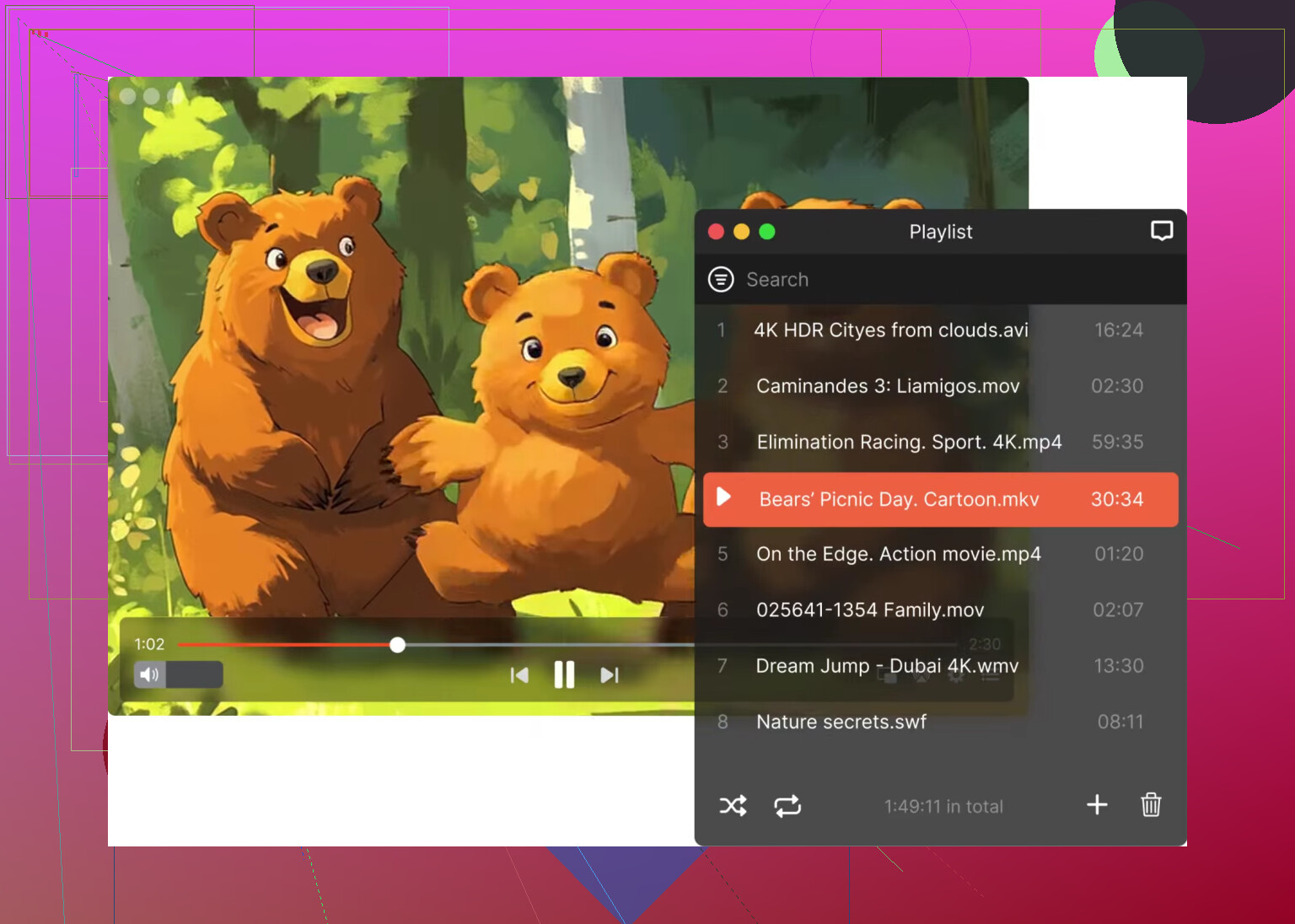
The difference was noticeable. Elmedia supports a similarly wide range of formats: MP4, MKV, VOB, and less common containers, while wrapping them in a far more polished macOS interface. The controls feel purposeful rather than inherited from an older era.
What stood out specifically:
- A built-in equalizer and audio/video sync adjustment, accessible without digging through settings
- Cleaner subtitle handling with more visible controls
- Playlist and library management that actually feels designed for macOS
- Streaming support that integrates more naturally into the experience
For users who want VLC’s format breadth combined with a modern, Mac-native feel, Elmedia is worth a serious look. It’s commercially backed, which generally means more consistent updates and a more deliberate design direction.
 My Overall Impression
VLC is remarkable software in one specific way: format support. If you have an obscure file that nothing else will touch, VLC will probably play it. That alone keeps it worth having installed.
But as a daily driver on macOS, it shows its age. The interface feels like a relic, performance on newer codecs can disappoint, and the macOS integration is minimal at best.
If your priority is pure compatibility and you don’t mind a utilitarian experience, VLC delivers. If you want that same reliability wrapped in something that actually feels at home on your Mac with better audio controls, a cleaner library, and a more intuitive layout Elmedia Player is the more refined alternative.
That’s where I landed after using both in real conditions.
53 Likes
I used VLC on a MacBook Air M2 and a Mac mini. My take is a bit less harsh than @mikeappsreviewer.
VLC works fine on macOS for the core job. It plays MKV, AVI, MP4, FLAC, old DVD files, and most subtitle formats without much fuss. Subtitle loading is one of its strong points. You drag in an .srt file, tweak delay, change size, move position, done. For fixing sync issues, VLC is still one of the easier free options.
Where it falls short is polish. Scrubbing through large 4K files feels hit or miss. HDR stuff also feels inconsistant on some files. The UI looks old, yep, but I stopped caring after a few days because the app did the job.
If your pain point is Apple’s default player not reading files or subtitles well, VLC is worth installing first. Free test, low risk.
If you want something more Mac-like for daily use, Elmedia Player feels cleaner. Better controls, less menu digging, nicer subtitle handling too. My setup now is simple. Elmedia Player for daily playback, VLC as backup for weird files. That combo solved it for me.
I’m a little less down on VLC than @mikeappsreviewer, but not quite as forgiving as @kakeru either.
On macOS, VLC is still one of those apps that earns its spot mostly because it opens stuff other players refuse to touch. If your main issue is bad subtitle support in Apple’s default player, VLC is a very real fix. External .srt files, embedded subtitles, delay adjustment, audio sync, all of that is usuallly pretty easy once you poke around for a minute.
Where I slightly disagree with both of them is performance. For normal 1080p and most 4K files, VLC has been stable enough on my Mac. Not amazing, not elegant, just reliable. I wouldn’t call it “smooth” in the polished Mac-app sense though. The interface still feels kind of glued together, and some controls are in weird places. Very VLC. Very 2012.
My take:
- Great for codec support
- Great for subtitles
- Fine for casual playback
- Not my favorite for daily Mac use
If you want a nicer everyday app, Elmedia Player feels more native on Mac and less clunky, esp if you care about cleaner controls and a better-looking interface. I still think VLC is worth installing anyway, even if it just becomes your backup for stubborn files. That’s kinda its superpower tbh.