Has anyone here used IINA for a while? I’m curious about real user experiences - does it actually work well day-to-day, or are there issues I should know about?
IINA Review (From My Experience)
I decided to try IINA because I wanted a native macOS player that could handle MKV and 4K files without feeling like a Windows port.
I’d been switching between different players. Some handled formats well but felt out of place on macOS. Others looked clean but struggled with modern codecs. IINA sat in the middle — at least on paper.
After a few weeks of using it as my default local player, here’s how it actually felt.
 How It Felt Day to Day
Interface & Design 
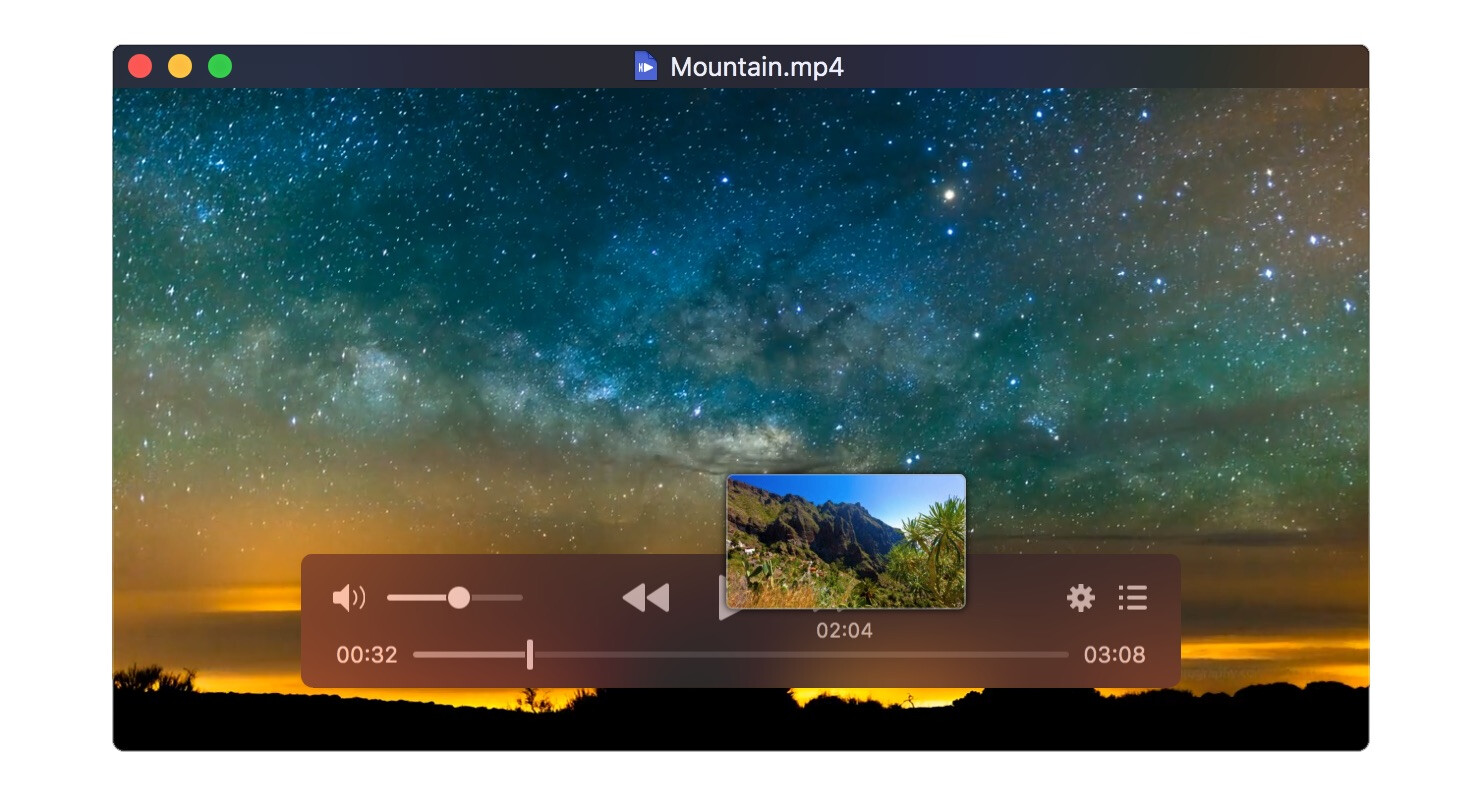
The first thing I noticed was how “Mac-like” it feels.
-
Dark Mode works exactly as expected
-
Picture-in-Picture integrates cleanly
-
Trackpad gestures are responsive
-
Fullscreen transitions are smooth
It doesn’t feel like a cross-platform app trying to imitate macOS. It behaves like it belongs there.
I especially liked the sidebar layout for playlists and chapters. It’s clean without being hidden.
What I didn’t love:
-
Some advanced settings dive straight into mpv-style terminology
-
Certain options feel technical if you go beyond basic playback
But visually and structurally, I found it polished.
 When I Threw Different Files at It
Format Support 
I tested it with:
-
Large MKV files
-
H.265 4K content
-
FLAC audio
-
Older AVI files
It handled all of them without asking for extra codecs. That’s where the mpv backend really shows its value.
 Performance in Real Use
On my Apple Silicon Mac, playback was smooth.
4K files ran without stuttering. Hardware acceleration appeared to work correctly. CPU usage stayed reasonable during most tests.
But here’s where things got frustrating.
At one point, I opened a file and the video played perfectly — but there was no sound. I checked the volume. I checked the system output. Nothing.
I eventually fixed it by manually selecting the audio track. Still, it shouldn’t require troubleshooting for basic playback.
It didn’t happen constantly. But once it did, I started paying attention. I found similar reports from other users describing the same issue.
When a media player fails on something fundamental like audio output, it undermines confidence — even if it’s occasional.
 What I Missed
IINA focuses on local playback. That’s clear.
There’s:
-
No built-in media library system
-
No integrated streaming interface
-
No casting ecosystem
If I wanted to stream directly from a URL, I had to look elsewhere.
I also noticed that development updates don’t always follow a predictable rhythm. It’s open-source and community-driven, which I respect, but it sometimes feels slower compared to commercially backed apps.
And of course, it’s macOS-only. If you use multiple operating systems, that’s a limitation.
 When I Looked at Alternatives
After the audio issue, I briefly explored other options.
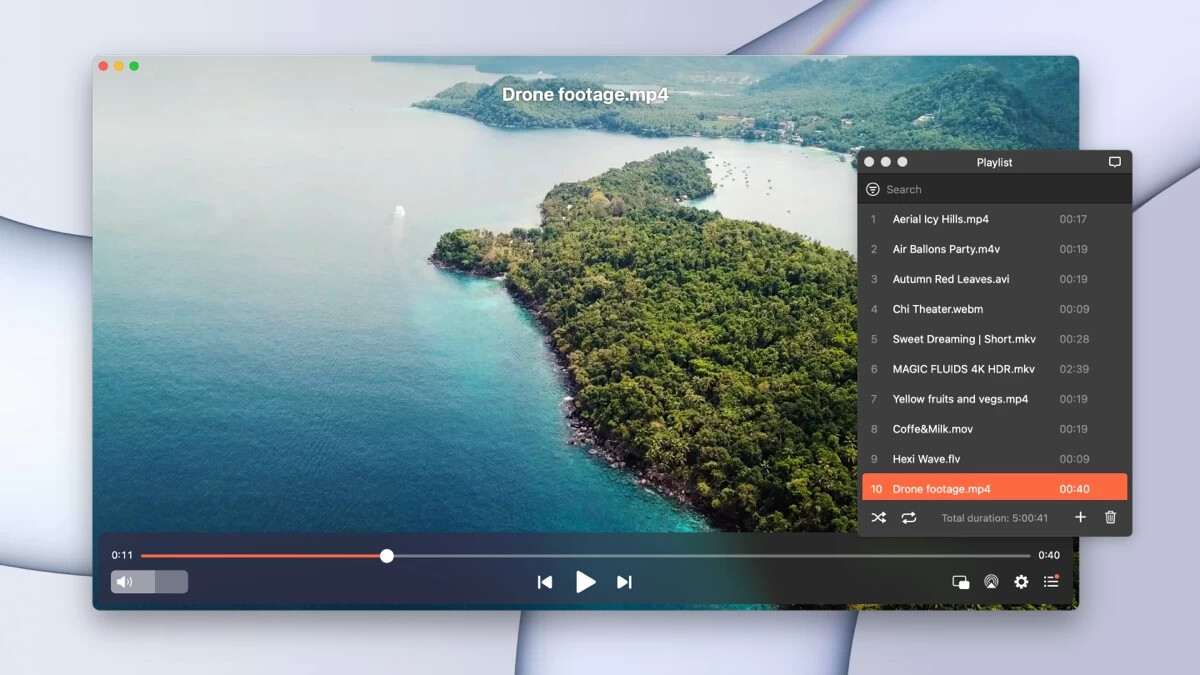
With Elmedia Player, I noticed a focus on enhanced playback controls, subtitle support, and richer audio tuning options such as a built-in equalizer and adjustment of audio/video sync. Its support for a wide range of formats – from common MP4/MKV to less common containers like VOB – feels very complete. Some of the convenience controls and playlist management are more immediately visible than in IINA, and it felt like a different balance of features and polish rather than doing the same thing in the exact same way.
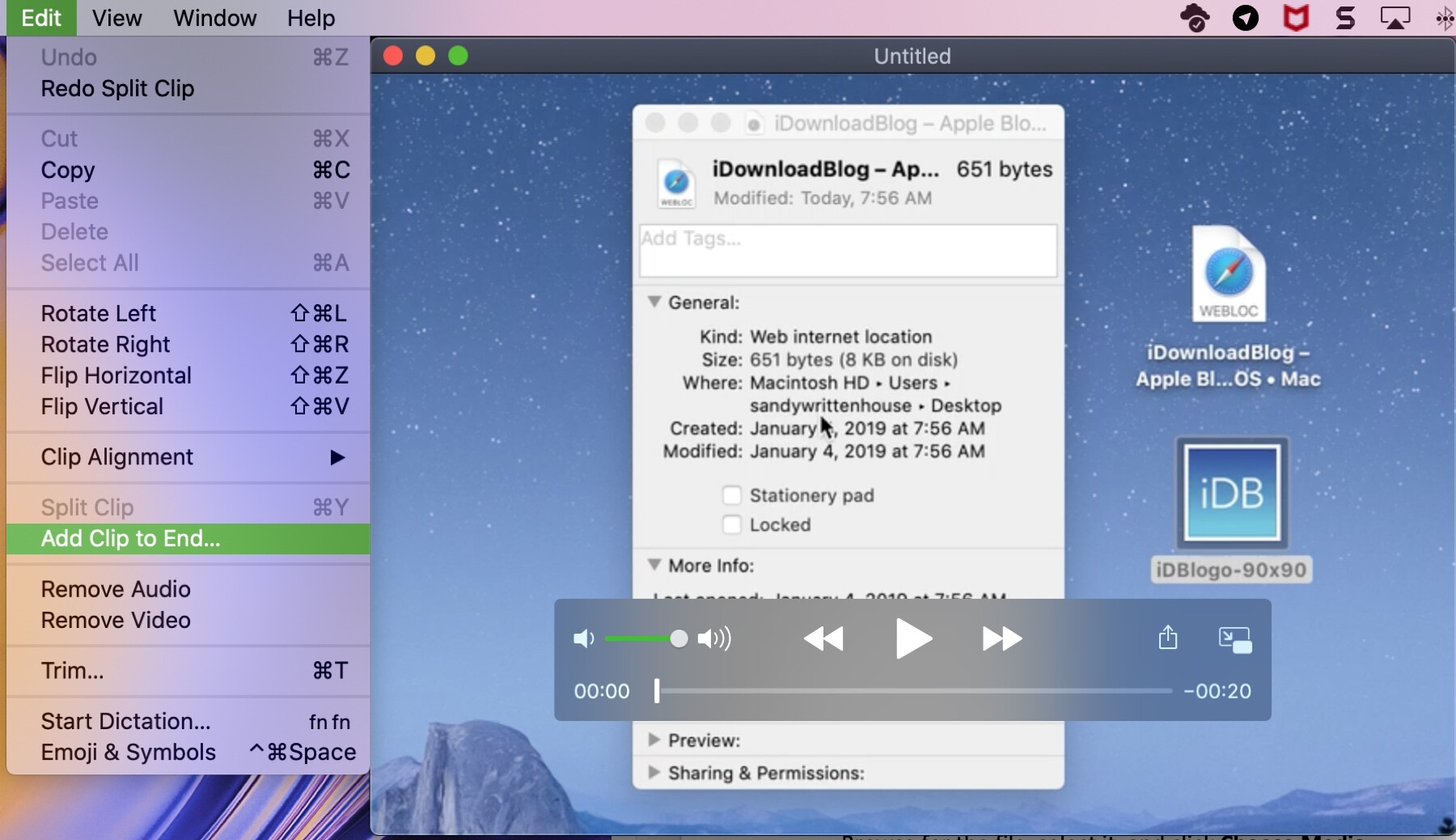
Then I revisited QuickTime Player. It’s far more limited in format support and lacks modern playback controls. The interface feels simpler and less flexible. But for basic supported formats, I found it stable and predictable. It doesn’t try to do much — and that simplicity can be reliable.
Each tool approaches playback differently. IINA emphasizes open-source flexibility and macOS-native design. Elmedia leans into streaming and commercial backing. QuickTime sticks to the basics.
 My Overall Impression
After using it extensively, I see IINA as a capable local media player with thoughtful macOS integration. It handled most files without complaint and looked good doing it.
But the audio issue reminded me that reliability matters more than design. If your usage is primarily local files and you value a native feel, IINA makes sense. If you need integrated streaming or absolute predictability, exploring alternatives is reasonable.
That’s where I landed after testing it in real use.
45 Likes
Using IINA daily on an M1 Pro MBP here for about a year. Short version: solid for local files, some rough edges, depends what you expect from a player.
My experience vs what @mikeappsreviewer wrote:
- Stability and audio issues
I did hit the “no audio” bug twice. In both cases IINA switched to a different audio device after I unplugged headphones.
Fix for me:
- Preferences → Audio → set Output device to “Default”
- Also remove any weird audio filter configs in Advanced
Once I did that, the bug disappeared. I would not call it a dealbreaker, but if you want zero hassle, it is something you will notice.
- Performance
On Apple Silicon it handles:
- 4K HEVC MKV
- 10‑bit anime releases
- FLAC and high bitrate stuff
All smooth, low CPU, fans stay quiet.
On an older Intel MacBook I had occasional frame drops with heavy 4K, even with hardware decoding on. If your Mac is older, test some heavy files first.
- Everyday use
What works well for me:
- Drag and drop any weird file, it plays
- Good subtitle support, including external .srt and .ass
- Picture in Picture works fine while working in other apps
- Keyboard shortcuts are fast and easy to customize
I agree with @mikeappsreviewer that the preferences get “mpv-nerdy” fast. If you like tweaking, you will like it. If you want no settings at all, some menus look confusing.
- Things I dislike
- No media library, no “Up Next” type browsing
- Not great for streaming network stuff, you often need to fiddle with URLs
- Updates feel slow, some bugs stay around for a while
- UI sometimes forgets last window size or position after updates
- How it compares in my setup
My current split looks like this:
- IINA for local MKV, fansubs, test encodes
- QuickTime Player for simple MP4s and screen recordings
- Elmedia Player for more “lean back” viewing and streaming
If you care about streaming, AirPlay, Chromecast, or browsing web videos from inside the app, Elmedia Player is stronger. It has:
- Built in library style view
- Easy casting to TV
- More obvious audio tools like equalizer and A/V sync sliders
IINA feels more like a clean shell over mpv, great for files on disk, less great as an all‑in‑one media hub.
My suggestion for you:
- Install IINA and Elmedia Player side by side
- Throw your heaviest MKV and 4K files at both
- Test: subtitles, audio device switching, fast seeking, and fullscreen switching
You will see fast which one fits your daily use better.
If your use is 90 percent local files on macOS and you do not mind an occasional quirk, IINA works well.
If you want something more “appliance like” with streaming and casting, Elmedia Player tends to feel more complete.
Been using IINA on a couple of Macs for ~2 years now, so I’ll just add a different angle to what @mikeappsreviewer and @reveurdenuit already covered.
Day to day: it’s my “throw anything at it” player. Local MKVs, 4K HEVC, random old TV rips, fansubs, all fine. I basically treat it like a nicer looking mpv, which is what it really is under the hood.
Where I disagree slightly with both of them is on how “reliable” it feels. For me it’s about 90–95% solid, but that last 5% is annoying:
- Once in a while a file opens with weird audio routing or super low volume for no obvious reason. Not every week, but enough that I notice.
- Some UI stuff randomly forgets settings, like subtitle style or window layout, after an update. Not a disaster, just mildly irritating.
- If you mess with advanced prefs, you can break stuff. It exposes a lot of mpv knobs and it’s pretty easy to dig yourself into a config hole.
Performance-wise, on Apple Silicon it’s great. On an Intel MacBook I had, heavier 4K HDR felt borderline. If your machine is older, don’t assume it’ll be magic.
Biggest gaps for me that might matter to you:
- No real library or “nice couch interface.” It’s a file player, period.
- Streaming feels tacked on. Network URLs work, but not in a “sit back and browse” way.
- Nothing like a proper casting experience. If you want to treat it like a mini Plex or something, you’ll be disappointed.
That’s where Elmedia Player comes in. I eventually installed Elmedia Player alongside IINA and kept both. IINA is my “power file player,” Elmedia Player is my “lean back, cast to TV, play web videos and not think too hard” app. For streaming, AirPlay / Chromecast, and an integrated feel, Elmedia Player is simply more appropriate. It also exposes audio tools like EQ and A/V sync in a way normal humans can find without digging.
So, does IINA work well day to day?
- If your use is: local files, lots of formats, you’re okay with the occasional quirk and maybe some light tinkering, then yes, absolutely.
- If you want: super predictable behavior, media library, casting, minimal settings, then I’d pair it with or even prioritize Elmedia Player instead.
Honestly the easiest move is install both, use IINA as default for local MKV/4K and fire up Elmedia Player when you want streaming or casting. That combo has basically covered everything for me without needing a full media server setup.
Day to day, IINA feels like “mpv wrapped in a Mac outfit,” which lines up with what others said, but I’d frame it this way:
Where IINA really works
- Great for people who like direct file control. Open folder, pick file, play. No library, no clutter.
- Format support is excellent. If it is a weird fansub, soft-subs, multiple tracks, it usually just works.
- Keyboard driven usage is strong. If you like mapping obscure shortcuts, IINA gives you a lot of headroom.
I’m slightly less bothered than @mikeappsreviewer about the occasional audio oddities, mostly because I treat IINA as a “power tool,” not an appliance. If once every few weeks I have to poke a setting, I live with it. If your bar is “never think about it,” that same quirk becomes a bigger deal.
Where I disagree a bit with @reveurdenuit and @himmelsjager is how much that last 5 percent unreliability matters. If you watch one or two long movies a week, a rare glitch is annoying. If you skim twenty clips a day, a brief hiccup is easier to shrug off because the restart cost is tiny.
Where IINA falls short in normal use
- No real “couch mode.” If you want to browse through seasons, posters, or a library, it provides none of that.
- Streaming feels like a feature bolted on for people who know what they are doing, not a primary workflow.
- Advanced preferences are powerful but very easy to over-tune. If you like to tweak, you can absolutely break your own setup.
Because of that, pairing it with something like Elmedia Player makes sense for a lot of people.
Pros of Elmedia Player
- Much better “sit back and watch” experience. Playlists, browsing, cast to TV, less thinking.
- Casting and streaming options feel first class rather than experimental.
- Audio tools like equalizer and A/V sync are obvious and usable without hunting.
- Interface is friendlier if you do not care about mpv-style tuning.
Cons of Elmedia Player
- Not as “pure” a file player if you just want a clean, minimal front end. It feels more like an application than a thin client.
- Advanced control and scripting are more limited compared to going deep with IINA and mpv settings.
- If you only watch local files and never cast or stream, some of its strengths are just extra UI you do not need.
How this shakes out in practice:
- If your usage is mostly: “Open local MKVs, care about subtitles, maybe adjust a filter once in a while,” IINA alone is fine.
- If you also want: “Play web video, cast to TV, and never fiddle with technical stuff,” keeping Elmedia Player installed alongside IINA is the most practical combo.
Given what @reveurdenuit, @himmelsjager and @mikeappsreviewer described, I’d say try both for a week, then set:
- IINA as default for local heavy files.
- Elmedia Player as your go to for streaming, casting and more relaxed viewing.
You covered it well. IINA shines for local files on Apple Silicon. Occasional audio glitch after unplugging headphones, fix by setting Output device to Default and clearing odd filters. Smooth 4K HEVC, 10 bit, low CPU. Older Intel drops frames. Great subitles, PiP, shortcuts. Weak streaming, no library. Updates feel slow.
Simpler path if you want fewer quirks. Try VLC as your single player. Install VLC, turn on hardware decoding, set it as defualt. It plays MKV, HEVC, FLAC, network streams. Casting works with the VLC iOS app or UPnP. Fewer tweaks, fewer surprises.