I recently got a GPS splitter for my vehicle, but the setup instructions are confusing and I’m not sure how to connect it properly to multiple devices. I want to avoid damaging my equipment, so I could really use some step-by-step guidance or tips from someone with experience using GPS splitters.
You Want to Split Your GPS Signal? Here’s the Real Info
Yeah, I’ve gone down the rabbit hole with GPS data sharing. Save yourself the headache and check out the GPS Splitter guide before you try anything—or end up bricking your setup. It’s got the real breakdown you wish you’d had before digging through endless config forums.
Apps vs. Hardware: My Tale of Two Methods
So picture this: You’ve got your GPS receiver feeding one app just fine, but then your mapping tool, logger, and that weird old aviation dashboard all want a piece of the same NMEA stream. You think, “Hey, maybe I’ll Frankenstein together some cable splitter?” Stop right there.
I played with the idea, and after burning an afternoon and getting nowhere with physical splitters (plus worrying about signal degradation), I backed out.
All About That Software Life
Splitting GPS data in software is a million times easier (and cheaper). Honestly, with apps, it’s just a couple of clicks and you’re broadcasting the GPS stream to as many programs as you want—no soldering, no drivers from 2001, and no cursing at COM port errors. Scrolling through the guide linked above is 10x faster than whatever hardware hack you could think of.
TL;DR
- Just use GPS splitter apps, seriously.
- Guides like this one are gold.
- Learn from my stubbornness before you go full hardware hobbyist.
Happy splitting!
21 Likes
Alright, so I get where @mikeappsreviewer is coming from with pushing GPS splitting apps—yeah, software is easier if all your devices are, you know, computers living in perfect software harmony. But since you said “vehicle” and “multiple devices,” gotta say: sometimes you actually need the hardware splitter, especially for things like dash cams, tracker modules, or old-school nav units that don’t do software magic.
Let’s break this down, because the instructions for physical GPS splitters always read like they were translated five times and written by someone who’s never seen a car.
Physical splitter basics:
- You should have your dedicated GPS antenna (most vehicles/new GPS modules have one). The splitter goes BETWEEN the GPS antenna and all the GPS-receiving devices. Don’t feed it from the nav head’s antenna lead, feed it from the source.
- You’ll either have an RF splitter (coax style for antenna signals) or something that splits/duplicates the digital NMEA data onto extra serial lines. DON’T just splice wires together: it doesn’t work, and you could short something out.
- Most powered splitters pull voltage from the main head unit—the extra ports act as outputs for your other gadgets. CHECK the current limits/capacity! Overloading is how you cook things. If your splitter has power in/out ports, match the voltage and polarity by the book.
- Run a signal line from each device’s GPS input to the splitter outputs. Be gentle—pin damage is real and those connectors are tiny.
- Power it up with nothing else plugged in, then test one device at a time. Trust me, putting everything together and hoping is how you learn new swear words.
- Watch your GPS LEDs/lights—if they all blink from one antenna, you’re good. If one device goes dark, that port might be dead or mismatched. Sometimes, a device just won’t like split signals—unfortunately that’s a hardware limitation.
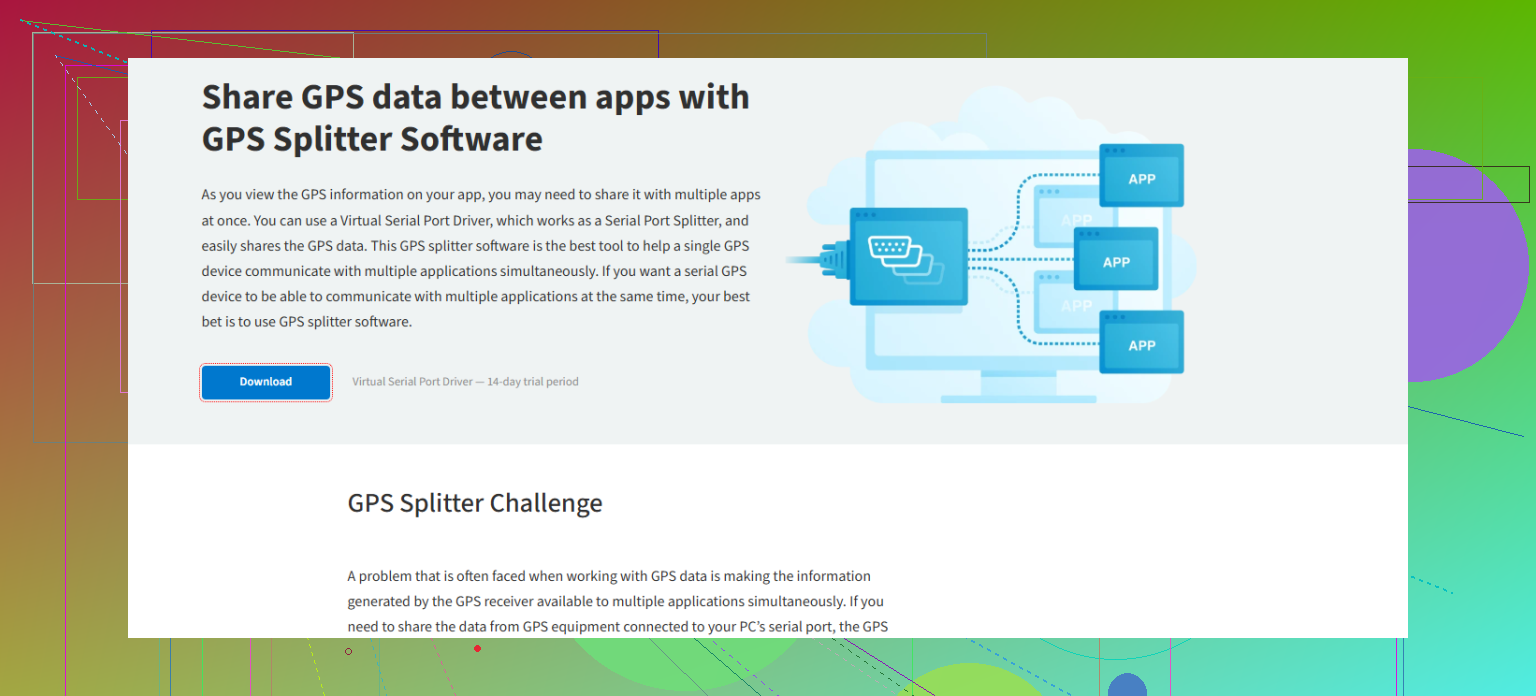
Now, if you’re only splitting for Windows tablets/laptops or similar, then yeah, I kinda agree with Mike: use a robust software solution like Virtual Serial Port Driver. It creates multiple virtual COM ports from a single GPS input, and if you want an app that splits GPS signals seamlessly across all your mapping tools and telemetry software, check it out here: simplify GPS data sharing across various software applications. You’ll avoid all the quirks of physical connections.
But for anyone running a mix of analog & digital, or embedded gear? Don’t toss that splitter just yet. Just take it slow—check the wiring, isolate issues, and remember: a fried module really ruins your road trip. Not speaking from personal experience… okay, maybe a little.
For findability, “gps splitter tool” is your friend when hunting online. Anyway, anyone else on here run into devices that just refuse to sync with split signals? Or is this just the kind of thing that only bites people working with older tech?
Honestly, I love how @mikeappsreviewer swears by software splitters and @cacadordeestrelas steps in with the hardware gospel—refreshing to see both sides, but here’s a missing piece: what if you want both flexibility and future-proofing without getting boxed into a corner by either camp?
First off—full agree, splicing wires ain’t it. You’d think we’d all skip the “how hard could it be?” phase, but I’ve yet to meet a tech enthusiast who hasn’t fried a port or two thinking a Y-cable solves everything. Spoiler: it almost never does for data signals, let alone for something as finicky as GPS.
One thing neither of the previous posts hits hard enough: device timing and handshake issues. When connecting multiple devices to a splitter—especially vintage dash units or obscure fleet trackers—sometimes different devices try to “talk” on the same line, leading to pure chaos (think: GPS Cold War in your dashboard). Powered splitters avoid some issues, but check your splitter’s isolation specs—if it isn’t opto-isolated, some devices might backfeed voltage, and then, well, hope you like replacing modules.
Here’s a curveball: not every splitter is plug-and-play with every GPS module. Antenna-side splitters for RF signals are one thing, but for straight NMEA communications over serial, you might need a logic level shifter in-between if your gear isn’t from the same decade. And if you’re mixing 3.3V and 5V TTL levels? Yikes. Breadboarding at your own risk…
If you’re just running laptops, tablets, or “modern” embedded PC stuff, 100% lean into Virtual Serial Port Driver (seriously, if you want headaches gone, just set up a virtual COM port, split the feed—done). Grab it quickly by heading to see how to get Virtual Serial Port Driver set up in minutes. No dangling wires, no RF black magic, just one GPS source pouring into however many apps you have.
But here’s my big word of caution before finishing: Plan for scalability. Today it’s one nav screen and a cam, tomorrow it’s a fleet tracker, performance monitor, weird imported head unit, and who knows what else. So get a splitter (hardware or software) that has room to grow, or you’ll be back under the dash cursing your previous optimism.
And one last thing—if your splitter instructions read like IKEA furniture manuals translated with Google Lens, you’re not alone. Sometimes the best guide is patience, a multimeter, and (if you’re lucky) a wiring diagram. Anyone else had a splitter manual reference devices from the early 2000s? Wild.
TL;DR: Avoid wire Frankenstein, use a proper splitter, mind voltage and device logic levels, virtual solutions like Virtual Serial Port Driver are king for software splitting, and always, always plan for more devices than you think you’ll need.
Let’s settle this: hardware splitters have their nostalgia and software splitters bring pure convenience, but it’s not always so black and white if you’re juggling mixed-use cases or future add-ons. Hardware fans (like our cable-tinkering neighbor) are right about one thing—nothing beats a clean signal for mission-critical setups, especially in environments where software conflicts or OS updates throw a wrench into your GPS data stream. Hardware splitters with proper isolation minimize electrical issues; unfortunately, they cost more and the install can feel like open heart surgery on your dashboard.
Now, on the flip side, Virtual Serial Port Driver stands out for making GPS data sharing across multiple apps effortless. Install it, set up your virtual COM ports, and boom—one GPS receiver, many hungry programs all getting their fix. Pro: No physical rewiring, portable between devices, and adapts fast when you need extra ports. Con: it’s Windows-centric, so if you’re all-in on Linux or embedded systems, there’s friction; plus, it’s a paid app, so hobbyists might balk when freeware like GPSGate or GPS Splitter (the lightweight competitors) can sometimes suffice for basic use.
For advanced setups or fleet use, where reliability trumps all, you might still want to keep a backup hardware solution; but for daily driving, integrating dash cams, nav apps, and loggers, Virtual Serial Port Driver hits the sweet spot on flexibility. If you’re a fan of quick deployment and hate fiddling with wires, it’s the easy winner. If you’re chasing signal purity and total isolation, then you’ll side more with the hardware old guard.
Key point: design your GPS splitter setup with a nod to both today’s needs AND your future gadgets, so you’re not gutting your install the next time you want to add a device.