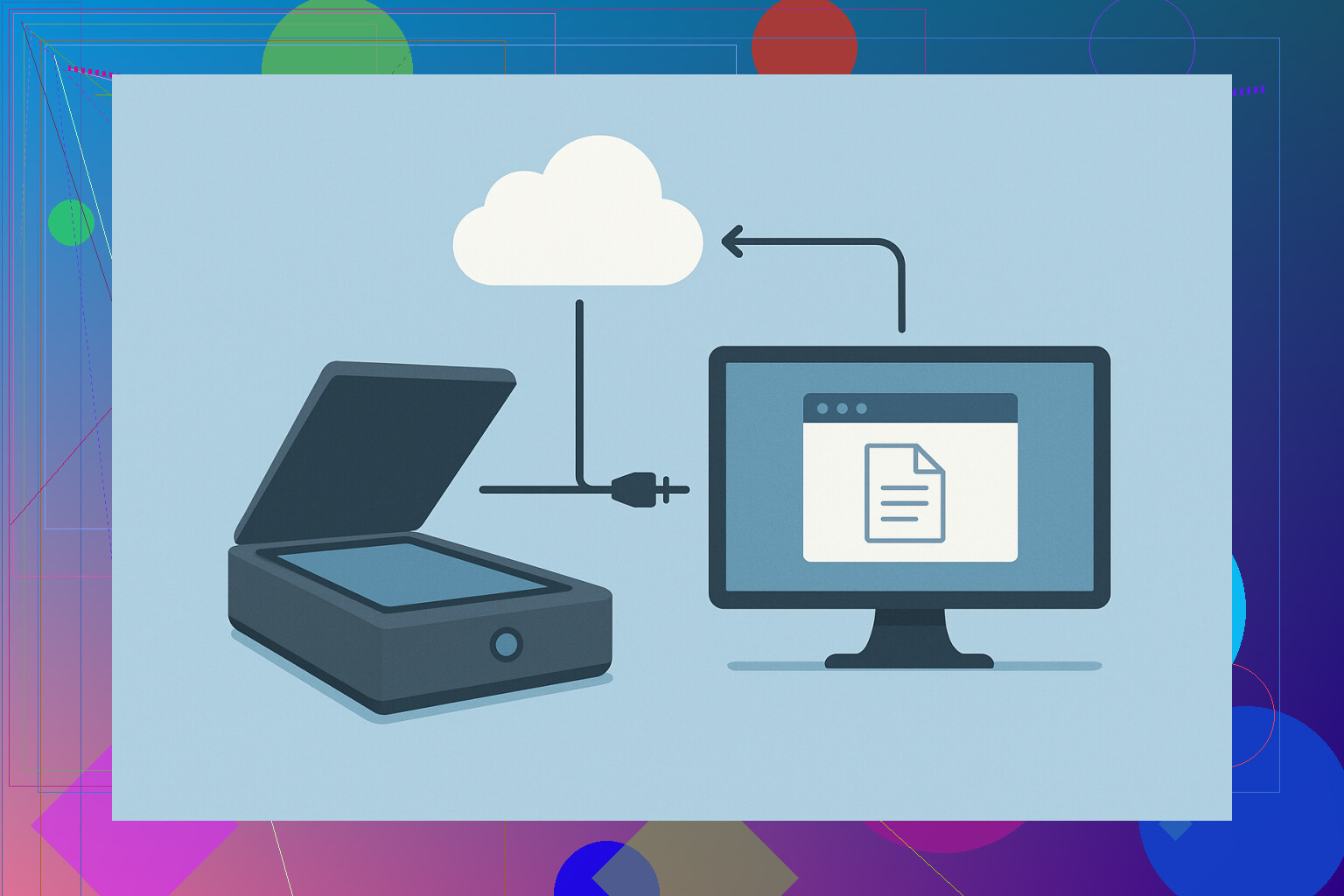
Trying to figure out how to share a scanner with multiple computers on my network using ethernet. I’ve checked the manual, but it doesn’t really explain the steps or if it’s even possible with my setup. Has anyone done this before or know what I need to do? Would really appreciate some guidance so everyone in my office can use the same scanner easily.
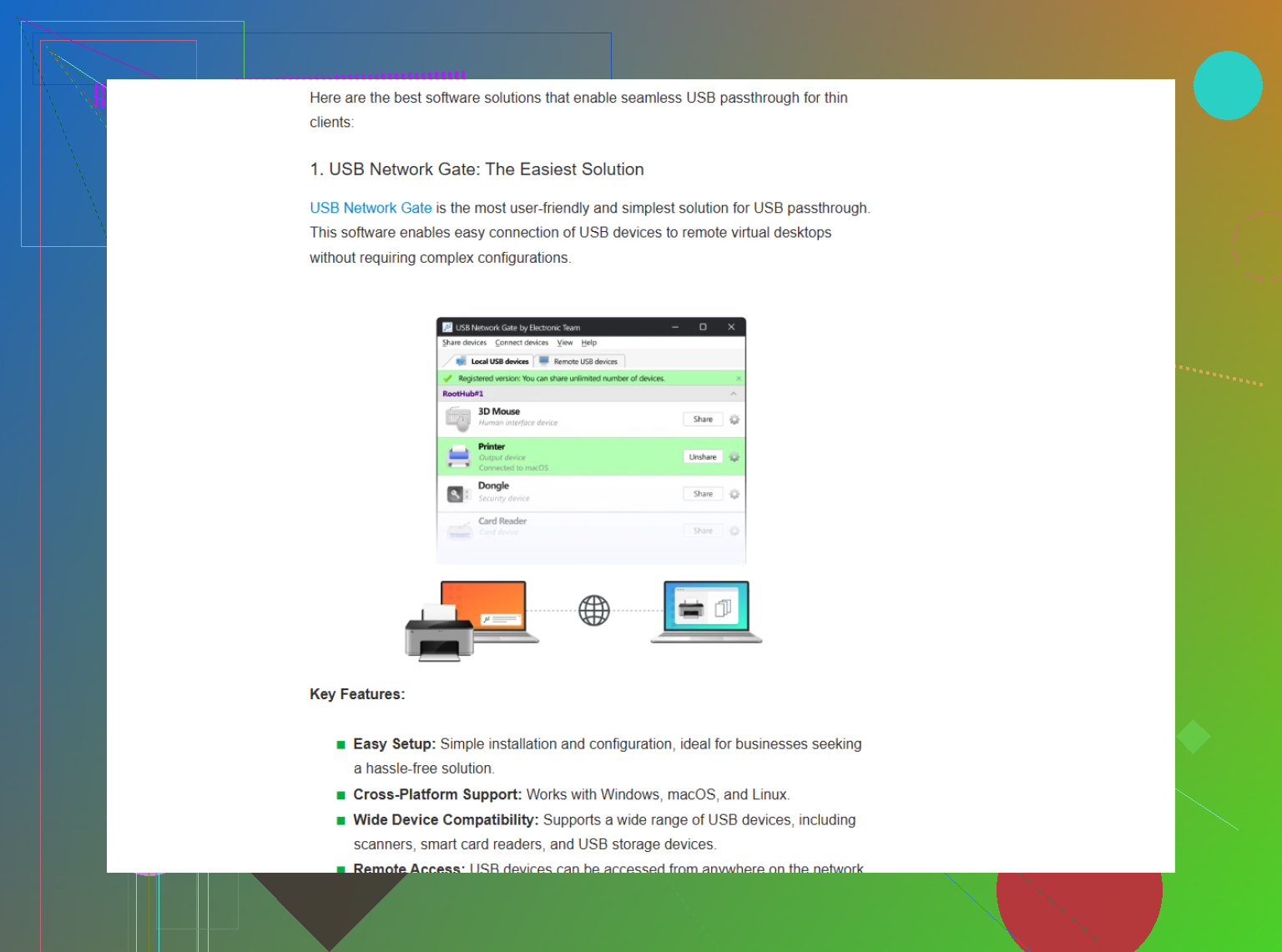
You can’t just plug a USB scanner into an Ethernet port, so you need something in between that “shares” the scanner over the network. The usual way is to connect the scanner to a PC and use USB over Ethernet software like USB Network Gate: you install it on the machine with the scanner, share the device there, then connect to it from another PC on the LAN, where it shows up as if it were plugged in locally, so your normal scanning software still works.
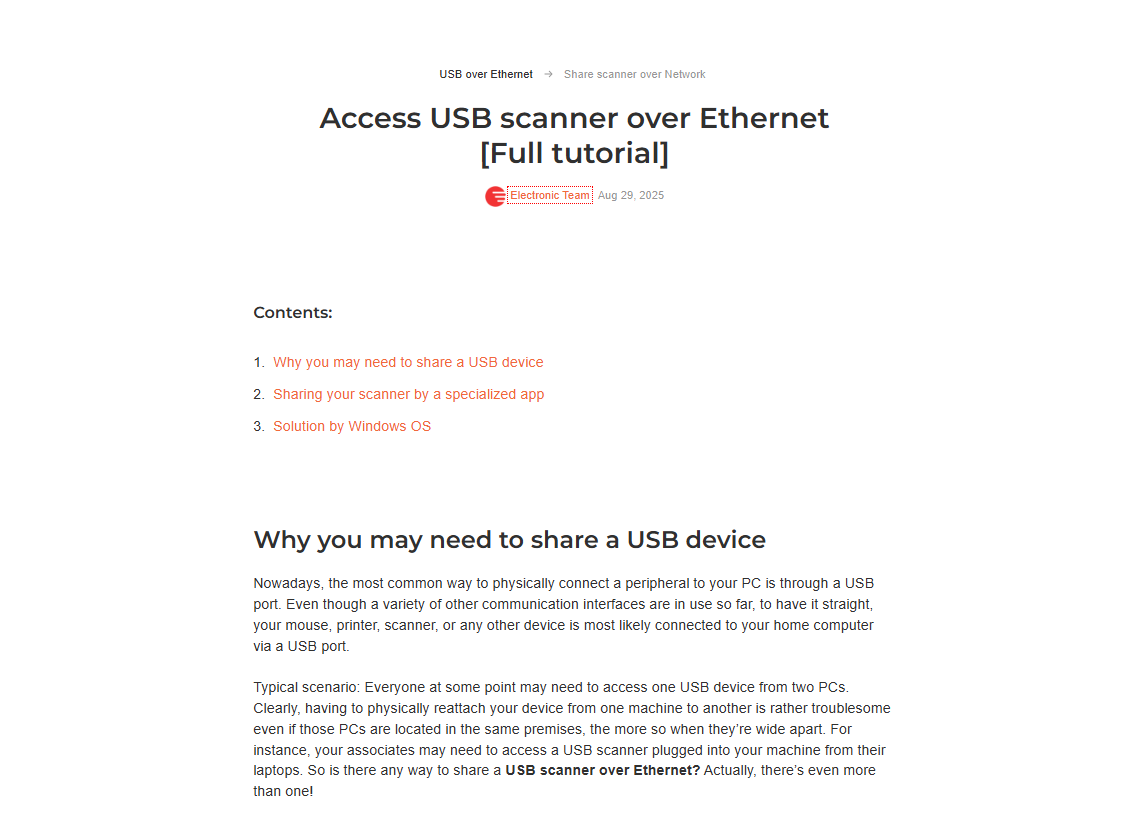
If you don’t want to rely on a PC, there are small hardware USB device servers that have USB on one side and Ethernet on the other, and can put the scanner on the network. And if you’re thinking longer term, a scanner or MFP with built-in network support (scan to folder/email) might be cleaner than sharing USB at all. As a quick workaround you can also just leave the scanner plugged into one PC and use Remote Desktop or VNC into that machine to run the scanning app there—less elegant, but it does the job in simple setups.
13 Likes
First, if your scanner isn’t a fancy “network scanner” with an Ethernet port and built-in server features (sometimes called “Scan to Network” or “Scan to Folder”)—it’s just USB—out of the box, you can’t just slap it onto the switch and call it shared. The manual probably dodged this topic for a reason.
Your options basically break down into three camps:
-
Use a Network-Enabled Scanner (the easy lane). These are scanners with their own Ethernet jack—plug into network, install drivers everywhere, and boom you’re good. Pretty much zero fuss.
-
Plug Into Another Computer and Share (the “meh, but it works” method). Hook your scanner to a PC and use Windows “Scanner Sharing,” but honestly, this is a headache—half the time you’ll trip over permissions, OS quirks, or drivers not playing nice. And that host PC has to be awake 24/7. Which is dumb.
-
USB-over-Ethernet Solutions (the clever hack but $$$ sometimes). This is where @mikeappsreviewer’s suggestion comes in, and I agree—it’s smarter than rolling your own janky network share. USB Network Gate is actually solid as far as these things go, especially if you’re juggling Mac, Windows, and penguin-Linux boxes. There’s a one-time fee, which is better than getting bled dry by subscription models. If you’ve got more than one scanner or other oddball USB stuff to share, that solution is actually decent value.
If you’re still hunting for workarounds, there’s always buying a dedicated USB-over-Ethernet hardware device (like Silex or StarTech print servers)—they’re basically little network bridges for your scanner’s USB port. But they’re quirky (sometimes refuse to work with certain scanner models) and can get pricey for zero guarantees.
Bottom line: true “sharing a USB scanner via Ethernet” for general-purpose home/office is a pain and usually needs extra gear or software. If you want a step-by-step adventure (and don’t mind a side trip through driver drama), check out this extremely detailed guide on getting your USB scanner to work over your local network. Just don’t expect official support from most manufacturers—once you’re off the beaten path, you’re driving the bus.
For anyone searching: “How to share scanner over Ethernet,” you’ll want to weigh usability against cost and your pain tolerance for tech weirdness. If this sounds like too much work—honestly, sometimes it’s just easier to buy a network-enabled scanner and call it a day.
Here’s my two cents, having played this game with three different home office setups:
- The “connect to PC, remote in, and share” method? Absolute pain. Windows sharing works only when the moon is full and all the drivers are just right. Not fun, not reliable if the “host” ever sleeps or updates.
- “USB-over-Ethernet” (or as some call it, seamless USB device sharing across network) software is absolutely a step up, especially USB Network Gate since it runs cross-platform, not just Windows. But let’s not sugarcoat: You’ll pay for that reliability, and there’s always a chance your scanner model is the snowflake that just won’t play nice (so: check compatibility lists!).
- Hardware USB-to-Ethernet “server” boxes? Mixed bag. My StarTech experience ended with me rage-returning it after two days of fighting driver errors. If your scanner doesn’t appear in their supported list, don’t bother.
Contrarian take: sometimes, it’s actually cheaper and way less stressful to buy a cheap, used network-enabled AIO printer/scanner off FB Marketplace or Craigslist. Scan-to-email or cloud direct from device, done. USB-only scanners just weren’t meant for the network age, and fighting to change that is a hobby, not a solution.
Biggest tip: whatever road you try, keep expectations low and patience high. The “perfect” solution doesn’t exist for this; just try to minimize pain and find what breaks the least for you. Also, don’t trust any site that promises one-click sharing for free—if it sounds too good to be true, you’ll be stuck debugging driver hell. Riding the struggle bus is part of the deal.