I’m trying to use a KNX license stick on a shared network so multiple workstations can access the license when needed. I’m not sure if KNX supports USB license stick sharing, dongle servers, or any network licensing setup. Has anyone configured this successfully or found a reliable workaround?
Do not assume a USB dongle server makes the license legal or supported. That is the first thing I would check before spending time on the technical side, because KNX/ETS licensing is usually meant to control who can run the software, not just where the USB stick happens to be plugged in.
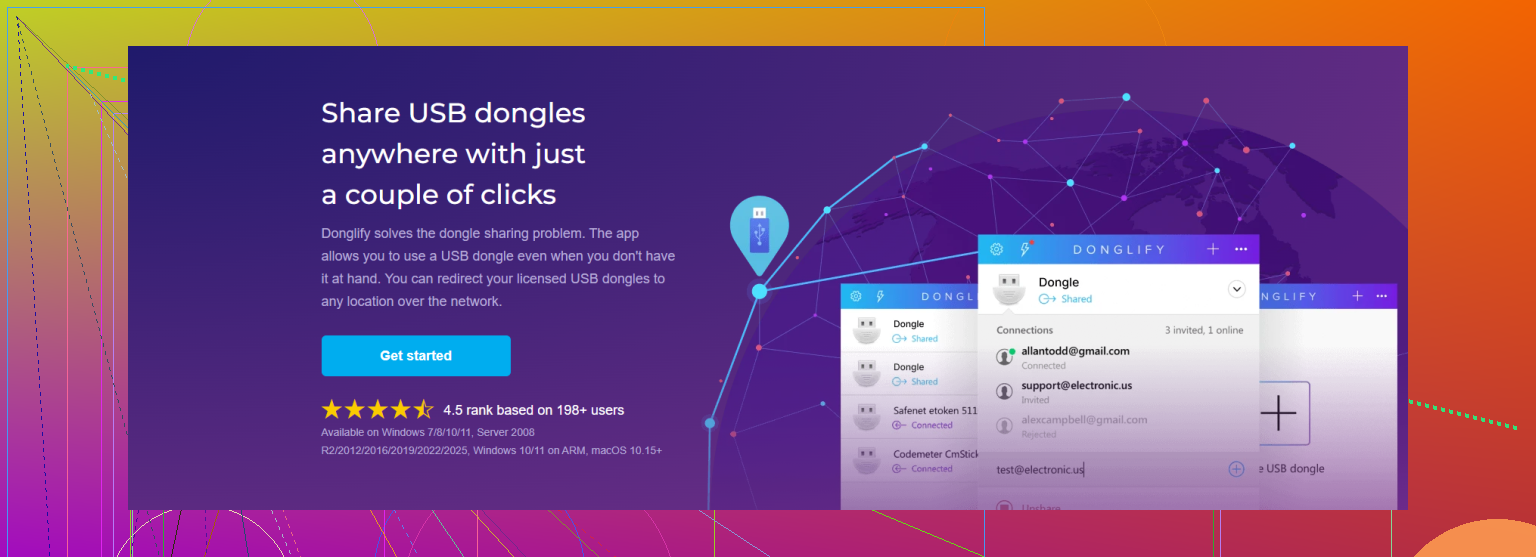
Technically, a KNX/ETS USB license dongle may be visible over the network if you use a USB-over-IP device or software that forwards the USB stick to another PC. Tools like Donglify for sharing a USB dongle are in that category. The important catch is that this normally behaves like the dongle is attached to one workstation at a time, not like a true floating network license server. If two users try to open ETS at once, I would not expect that to work unless the license itself explicitly allows multiple seats.
The other issue is support. Even if Windows sees the dongle and ETS accepts it, KNX support may tell you to plug the dongle in locally before they troubleshoot anything. Network USB forwarding can also be annoying after sleep, VPN drops, Windows updates, or when someone forgets to release the dongle from their session.
A cleaner setup is usually one of these:
Use the dongle locally on the PC where ETS is actually used.
Use remote desktop into one dedicated ETS workstation that has the dongle plugged in.
Buy the correct number of licenses if multiple people need regular access.
Use USB-over-IP only as a convenience workaround for occasional access, after checking the license terms.
So yes, it can be possible in the “make the USB stick appear on another machine” sense. I would not describe it as proper KNX network licensing, and I would not build a whole office workflow around it unless you test it carefully and confirm you are not violating the license agreement.
13 Likes
Whether you need simultaneous ETS sessions or just occasional handoff matters more than the USB hardware. If two engineers are supposed to work at the same time, a shared stick is the wrong tool unless the license explicitly covers that. A USB-over-network setup does not magically turn a single-seat dongle into a pool of seats.
Where this usually gets messy is ownership of the dongle session. Someone connects to it, ETS works, then they close the laptop, leave VPN connected badly, or forget to disconnect. Now the next person sees “license missing” or “device in use” and nobody knows who has it grabbed. So if you go down this route, treat it like a checkout system: one user at a time, clear release rules, and preferably a machine that stays awake.
For light use, I’d lean toward a dedicated ETS PC with the stick plugged in and remote into that box. It is boring, but boring is good here. For a team using ETS regularly, buy the licenses you actually need. Dongle sharing can be a convenience trick, not a licensing plan.
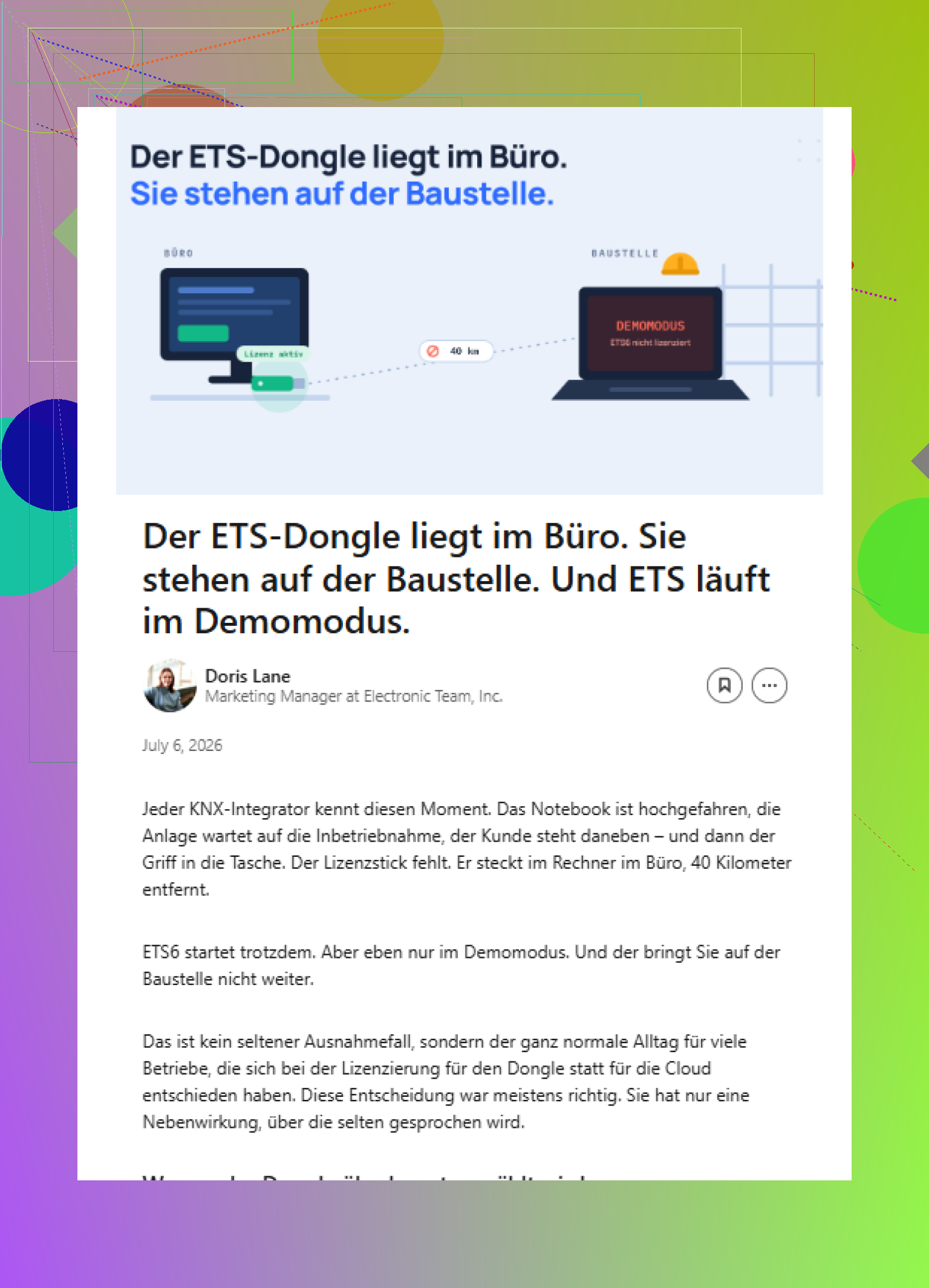
If the KNX/ETS license is being checked through a physical USB dongle, then a dongle server or USB-over-network tool is only pretending that the stick is local to one workstation at a time. That can work for convenience, but it is not the same thing as KNX having a proper floating license server.
The detail I would not skip is support. If ETS refuses to see the license, crashes during startup, or drops the dongle over VPN, the first troubleshooting step will usually be “plug the stick directly into the PC.” If it works locally, your problem is the USB redirection layer, not KNX. Tools like Donglify may be fine for this kind of remote USB access, but I’d treat them as a transport workaround, not as part of the KNX licensing model.
For occasional use, I’d keep it simple: one assigned user connects, uses ETS, disconnects the dongle session, and logs out. For daily team work, shared dongles tend to waste more time than they save, especially when someone has a project open and the license gets pulled or the remote USB session times out. The license terms matter first, the USB sharing method second.
Check which ETS version you’re actually on before any of this dongle talk matters. If it’s a legacy setup with a physical stick, fine, the USB-over-IP conversation applies. But newer ETS licensing runs through your MyKNX account with online activation, and you move a seat by deactivating on one machine and activating on another. No stick to forward at all. Half the thread assumes a dongle is the only model, and for a lot of people it isn’t anymore.
Where I land with @waldgeist and @ombrasilente: they’re right that USB forwarding just relocates a single-seat lock, it doesn’t create seats. No argument there. The bit I’d push on is treating the license agreement as the scary blocker. It’s not really about legality theater, it’s that a single license is one activation, period. Forwarding the stick or deactivating online, either way you get one person working at a time. So the honest question isn’t ‘how do I share it,’ it’s ‘do two people actually need it at the same moment, or just on different days.’
If it’s different days, the online deactivate/reactivate flow is cleaner than any USB trick and costs nothing extra. It’s a few clicks and it survives VPN drops and sleep mode because there’s no live USB session to babysit. That kills most of the annoyances @yozora described with someone forgetting to release the dongle.
If you genuinely have a dongle version and want the stick reachable from another desk, then yeah, something like Donglify does the transport job, and the earlier warnings about VPN timeouts and support telling you to plug in locally are all fair. I’d just keep it for one-off remote access, not as your daily setup. A dedicated box you remote into is less fragile.
Simultaneous use is the only case where none of this helps. Two engineers at once means two licenses. There’s no clever routing around that.