I formatted an old hard drive a few months ago and now I realized it had important files I still need. I have not used the drive much since then, and I’m trying to find out if hard drive data recovery is still possible after formatting. I need help figuring out the best recovery options before I make things worse.
I did this once with a drive full of photos, and the first move mattered more than anything after it. Stop using the drive now. If it is external, unplug it. If it is your system drive, shut the machine down and leave it alone until you have a plan.
The usual screw-up comes next. People try to repair the mess by copying files, installing recovery apps onto the same disk, or rerunning format tools. That makes things worse fast. New writes replace old data, and once those sectors get reused, your recovery odds drop hard.
What a format usually means
A quick format does not erase the whole disk in one pass. It mostly removes the file system index, so the OS treats the drive like empty space. The old file contents often stay there until something else lands on top of them.
A full format is a different story. On many systems, it scans the disk and writes over large parts of it. If you ran the long version, recovery gets bleak fast.
The drive type changes the odds
Old spinning HDDs tend to give you the best shot. I have seen quick-formatted HDDs come back with a lot intact.
Internal SSDs are rougher because of TRIM. The OS flags unused blocks, and the SSD clears them in the background to keep performance up. Once that happens, there is often little left to pull. External SSDs over USB are mixed. TRIM does not always pass through the same way, so outcomes vary.
What I would do first
- Use another computer, or at least another drive, for tools and downloads.
- If the data matters, make a byte-for-byte image of the formatted drive before scanning.
- Run recovery against the image if possible, not the original disk.
- Restore recovered files onto a separate drive, never back onto the formatted one.
If you want a GUI tool, Disk Drill is one I have seen regular people get through without much pain. It supports common file systems like NTFS, FAT32, and APFS. The useful bit is file reconstruction when folder structure and names are trashed. Sometimes the original names are gone, but the files still open.
Basic recovery flow
1. Install the recovery app on a different drive.
2. Connect the formatted drive and scan it.
3. Sort by file type if names are missing. You will often end up browsing buckets like images, video, docs.
4. Use preview before restoring. If the preview opens cleanly, your file is usually good.
5. Save everything recovered to another disk.
If you want the free route
PhotoRec is worth a look if you do not mind a rough interface. It is good at finding files by signature, but it is not pleasant. I used it once on a mangled SD card and got the files back, then spent hours sorting junk names like f12345.jpg, f12346.jpg, and so on. It works. It is ugly.
Check the boring places too
Before you spend hours scanning, sign in to your cloud accounts. I have seen people panic over a wiped Desktop, then find OneDrive had a copy the whole time. Same for Google Drive and iCloud. Takes five minutes. Sometimes those five minutes save your weekend.
If you have not written new data to the drive yet, your odds are still decent, mostly on HDDs and quick formats. If it was a full format on an SSD, I would keep expectations low. Still, stop all writes first. That part is non-negotiable.
11 Likes
Yes, months later is still within the window, if the drive saw little use. Time by itself is not the killer. New writes are.
I agree with @mikeappsreviewer on the HDD vs SSD part, but I’d push one extra point. Check the SMART health first. If the drive has bad sectors, clicks, slow reads, or drops offline, stop trying random scans. A weak drive gets worse fast. In tht case, clone it with a tool made for unstable disks, then work from the clone.
A few practical signs:
- Quick format on an HDD, decent odds.
- Full format on an HDD, poor odds, but not zero on older systems.
- SSD with TRIM active, odds drop a lot.
- Files recovered months later often lose folder names and dates. Content matters more than structure.
What I would do:
- Read SMART data.
- Clone first if health is sketchy.
- Scan the clone with Disk Drill or PhotoRec.
- Recover to a different drive.
- Spot check large files, videos, ZIPs, PSDs, databases. Those fail more often than JPGs.
One small disagreement with the usual advice. File carving is not always the best first scan. Start with file system reconstruction if the format was quick. You keep more names and folders if it works. If not, then go to signature-based recovery.
If you want a walkthrough, this formatted hard drive recovery video guide covers the process in a clean way.
Short version, yes, recovery is still possible. If it’s an old HDD and you barely used it, odds are still prety decent.
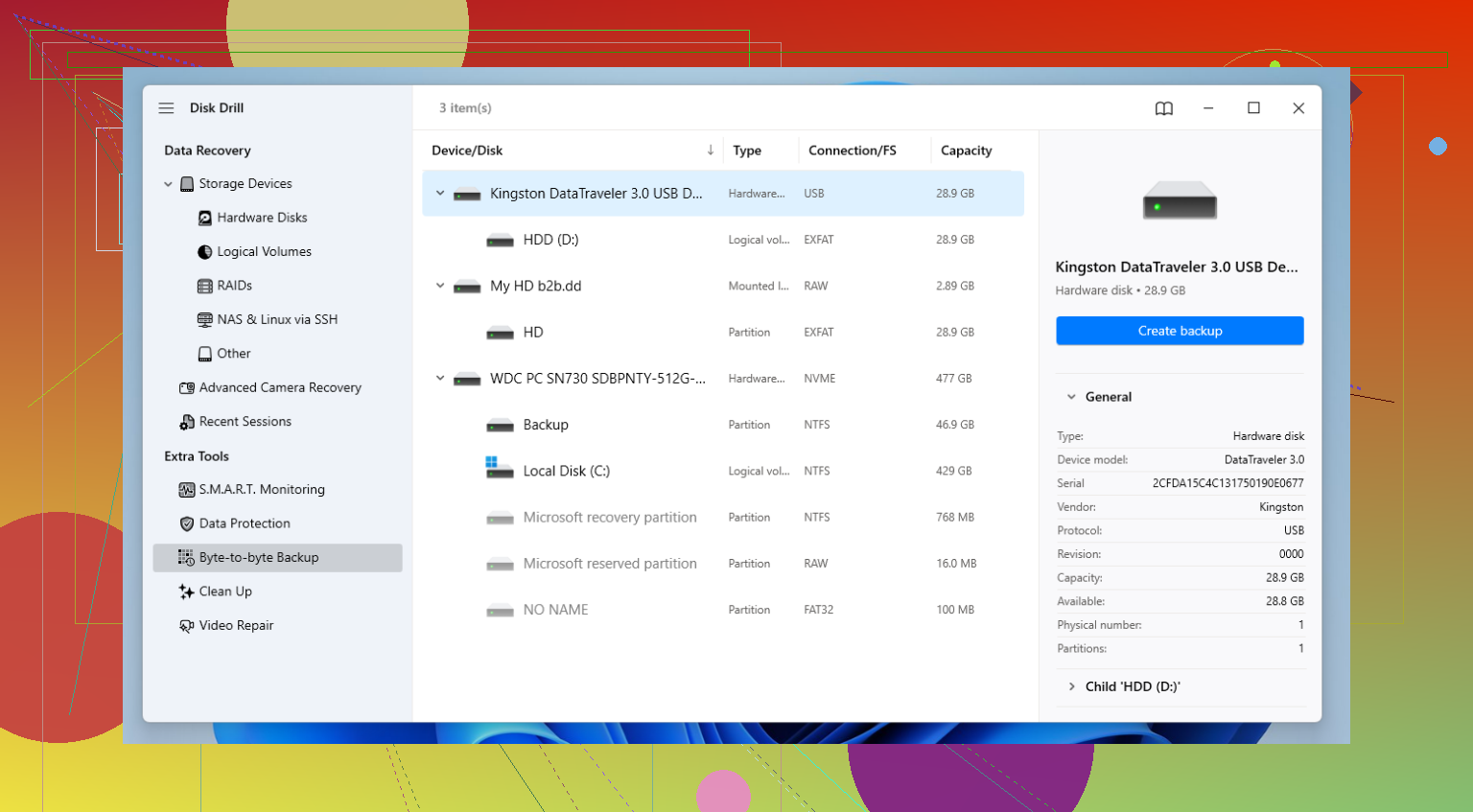
Yes, possibly. Months later is not the main issue. What matters is how much the drive was written to after the format.
I mostly agree with @mikeappsreviewer and @suenodelbosque, but I’m a little less doom-and-gloom about the timeline. A drive can sit for months and still be recoverable if it was barely touched. The real killer is overwrite, not the calendar.
One thing I’d add that they did not really stress: check what kind of “format” actually happened. Sometimes people say formatted, but they really just deleted a partition, reinitialized the disk, or did a quick OS reinstall. Those are different situations, and some are way easier to recover from than a true full format. If Windows just rebuilt the file system metadata, you may still have a decent shot at pulling back a lot of stuff.
Also, do not judge success by the first scan result. One tool can miss files another one finds. Disk Drill is a pretty solid option for formatted hard drive data recovery because it handles both file system scanning and deeper signature-based recovery without being a total pain to use. For an old HDD, that combo matters. If the first pass looks weak, sometimes changing scan mode or rescanning the image gives better results. Kinda annoying, but true.
My take:
- Old HDD + quick format + little use = fair chance
- Old HDD + full format = rough, but not always impossible
- SSD = way worse odds, esp if TRIM kicked in
- If the drive makes noises or freezes, stop messing with it
Also worth checking this list of best data recovery software for formatted HDDs and deleted files if you want to compare tools before touching the disk again.
If it were my drive, I’d avoid “trying stuff” on the original disk and work from a clone or image first. That part is boring, but it saves people from making the same mistake twice. Sometimes recovery works, sometimes it gets back a mess of unnamed files, but yeah, it is still very possible months later if you havn’t used the drive much.
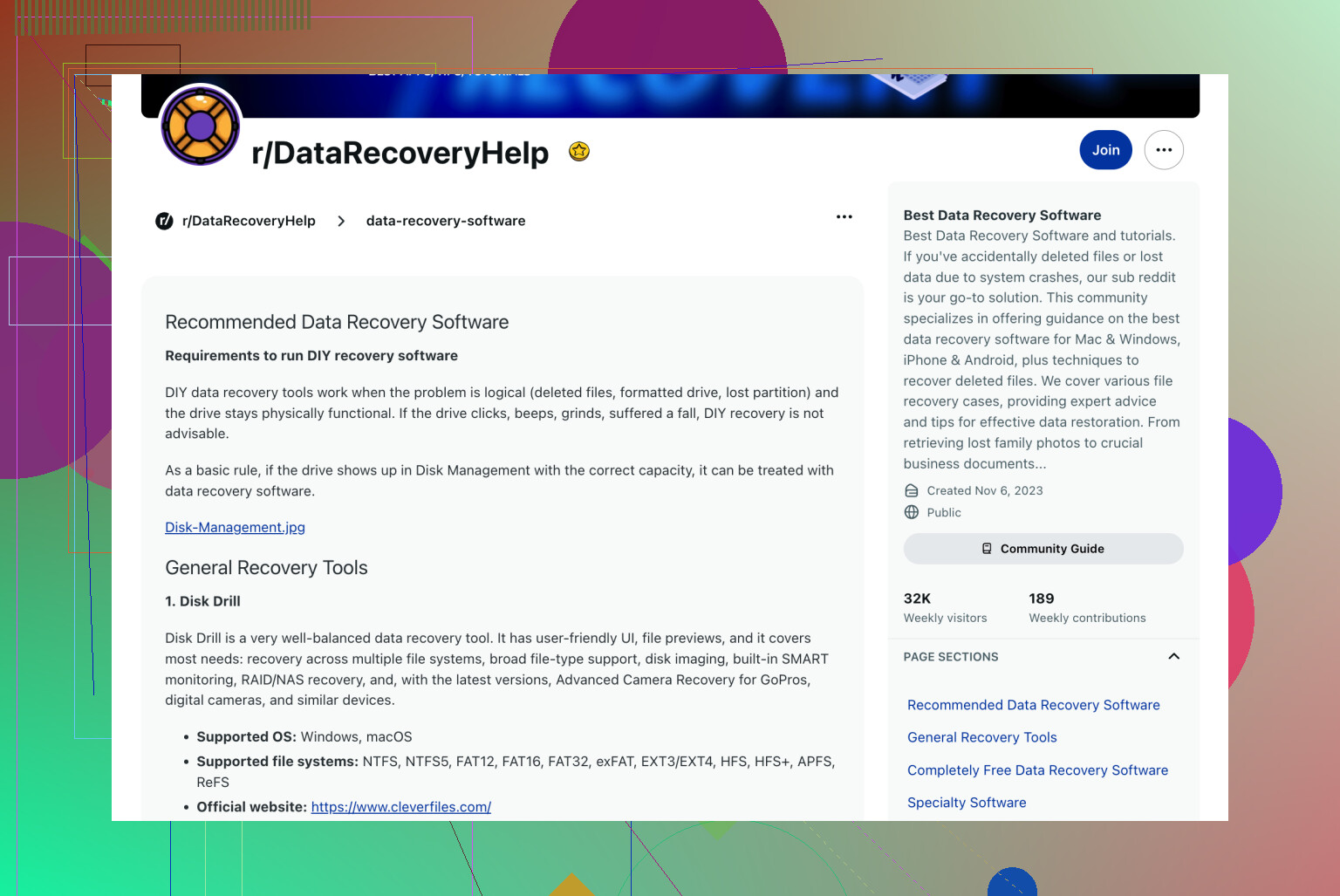
One thing I’d push a bit harder than @suenodelbosque, @viaggiatoresolare, and @mikeappsreviewer is this: if the drive was powered on regularly, especially an SSD, “months later” can matter indirectly. Not because time erases data, but because background maintenance can. HDDs usually don’t care. SSDs sometimes do.
Also, don’t assume recovery is all-or-nothing. A lot of people think “can I recover it?” means the whole drive. Real answer is often: documents and photos, maybe yes; giant video projects, VMs, databases, Outlook files, less reliable.
My rule of thumb:
- HDD after quick format: still worth trying
- HDD after full format: slim, but occasionally partial results
- SSD after format: possible, but odds can collapse fast
- Any drive reused for installs, downloads, or file copies: much worse
Small practical point nobody stresses enough: check file system type. NTFS, exFAT, APFS, ext4, etc. Some recovery tools do better on certain file systems. If the original metadata is partly intact, that can decide whether you get proper filenames or just a pile of recovered fragments.
Disk Drill is a reasonable choice here because it can do both filesystem-based recovery and deeper scans without being a headache.
Pros for Disk Drill:
- easy to use
- good previews
- decent at reconstructing formatted HDD results
- less overwhelming than some recovery tools
Cons:
- free recovery limits depend on platform
- deep scans can return lots of junk
- not magical on SSDs with TRIM
- advanced users may want more control
Bottom line: yes, still possible, especially on an old HDD with little reuse. But if the files are irreplaceable, every extra power-on and scan attempt is a gamble.