I found some old family and travel photos on my phone and want to give them a realistic vintage look using AI, but the apps I tried either over-edit them or make them look fake. I need help finding the best AI tools, prompts, or settings to create authentic retro photo effects without losing the original details.
How I’ve been turning newer photos into old-school portraits with AI
I tried this a few times this year, and the process is way easier than it used to be. Back then, getting a photo to look period-correct meant stacking filters, editing clothes by hand, fixing the background, then hoping the face still looked like you. Now most AI photo apps handle the whole scene in one pass.
What happens is pretty simple. You upload a selfie or portrait, pick an era, and the app reworks more than color. It swaps in period clothing, changes hair, shifts the lighting, and often rebuilds the background so the image fits the decade you picked. If the tool is decent, your face still reads as your face instead of turning into some random person with your eye color.
One app I spent more time with is the Eltima AI Headshot Generator app for iPhone. What stood out to me was how structured the style sets felt. I saw options leaning into 1940s studio portrait stuff, 1950s and 1960s fashion-photo looks, plus older formal styles with a more staged portrait vibe. There are also portrait sets with a Victorian feel, where the pose, wardrobe, and lighting all shift together. That part mattered more than I expected. It didn’t look like a filter slapped on top. It looked closer to a rebuilt shoot, with the face staying mostly stable while the rest of the image changed around it.
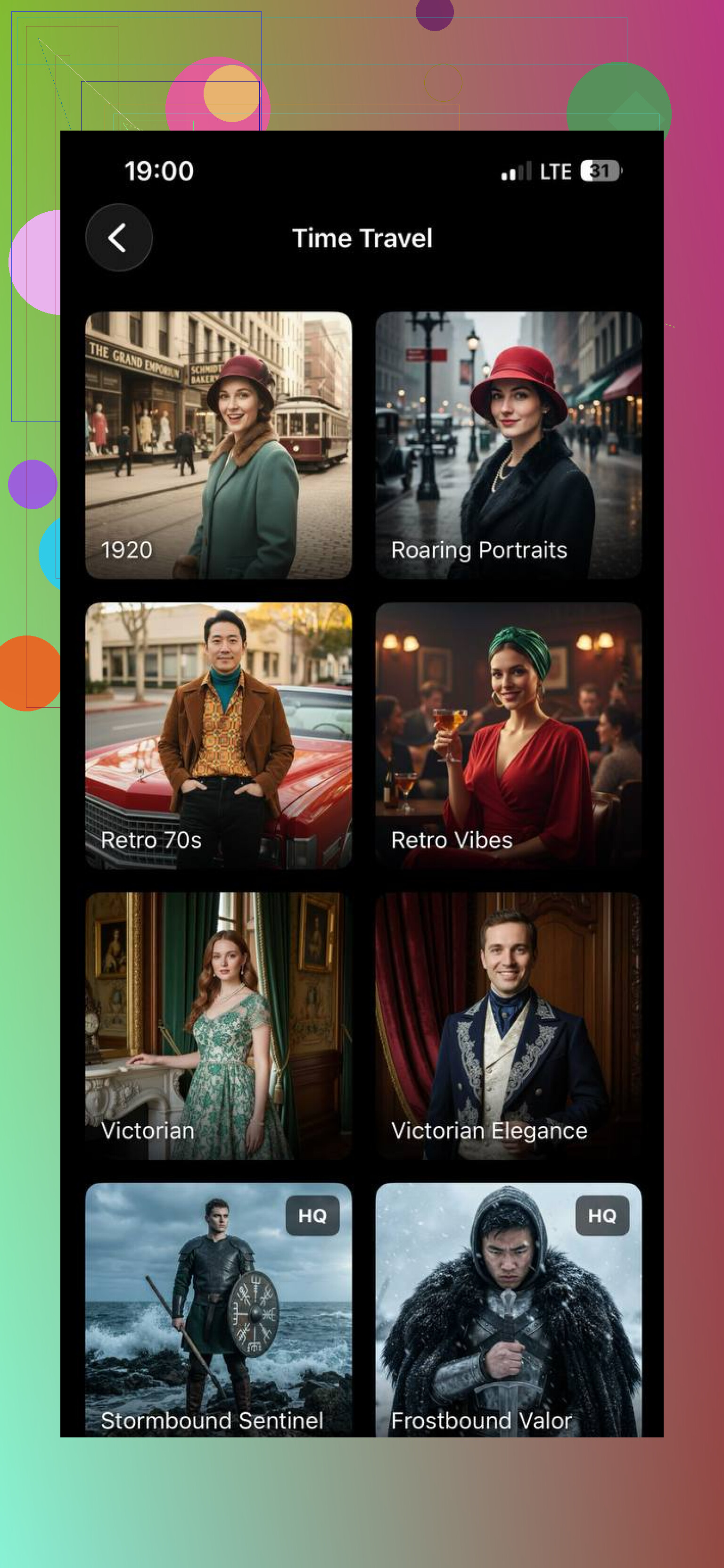
I also messed with MoMo AI. Different vibe. It feels more tuned for fast, flashy edits, the kind of thing people post right away. It has retro presets too, and some of them land well if you want an old-photo mood without caring too much about strict period accuracy. My results looked good at a glance, but a few had that polished AI look, where the image feels vintage-ish instead of tied to any real decade.
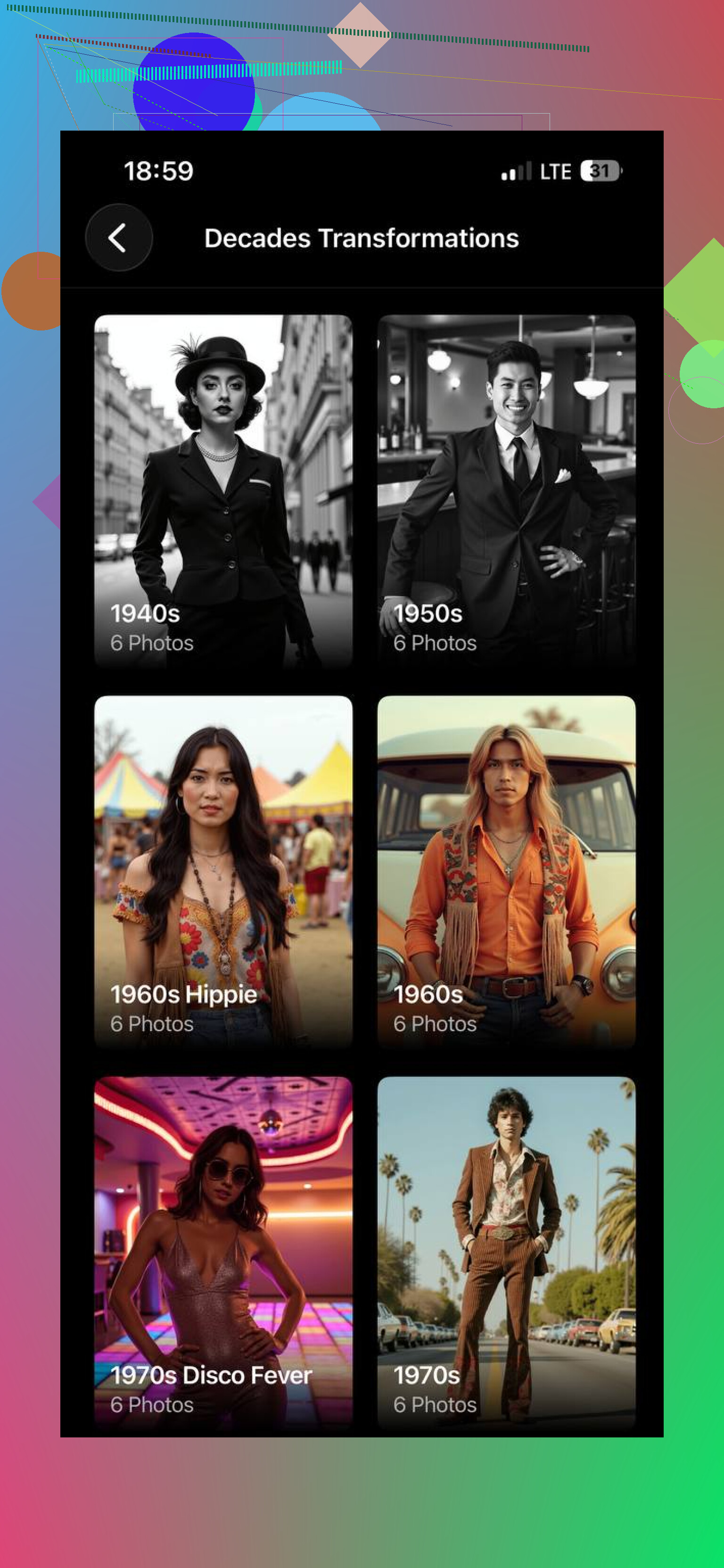
If you want the short version, here’s how I’d split them.
Eltima worked better when I wanted a portrait to feel like it belonged to a specific era.
MoMo AI worked better when I wanted something quick, stylized, and more social-media-looking.
For realistic vintage portraits, I’d lean toward Eltima AI Headshot Generator. The style packs feel more organized, and in my tests the face stayed more consistent from output to output. That made the final images look less like AI experiments and more like planned retro portraits.
18 Likes
I’d split this into two jobs, because one app rarely does both well.
For portraits, tools like the one @mikeappsreviewer mentioned make sense if you want wardrobe, hair, and studio-style changes. I don’t fully agree for family photos and travel shots, though. Those apps often rebuild too much. You lose the real place, the real clothes, the little details.
For your use case, I’d try a lighter workflow.
-
Start with restoration first.
Use Remini or Photoshop’s Photo Restore tools if the image is soft or noisy. Clean photo first, vintage styling second. -
Add era look with control.
Photoshop Neural Filters, Lightroom presets, or Snapseed usually look less fake than one-tap AI apps. Lower saturation, soften contrast, add grain, shift blacks upward, warm highlights a bit. Old photos were often flatter than people expect. -
If you want AI styling, use prompts carefully.
Try Midjourney or Stable Diffusion img2img with low strength. Prompt for “Kodachrome 1960s travel photo” or “1940s matte family snapshot,” not “vintage filter.” Small wording change helps a ton. -
Keep defects subtle.
Add mild grain, slight fade, tiny blur. Too many scratches looks fake fast. Thats where most apps mess up.
Best results, in my expereince, come from mixing one AI tool with manual edits after. One-pass apps are fast, but they often overcook it.
I’d actually push back a little on both @mikeappsreviewer and @codecrafter here. If your goal is realistic vintage, the biggest problem usually is not the AI tool. It’s people asking the tool to invent too much.
For family and travel pics, I would not start with portrait-generator apps at all unless you want a reimagined version. Those are fun, but they tend to rewrite faces, clothes, and locations. Cool result, wrong memory.
What worked better for me was this combo:
-
Upscale lightly first
Topaz Photo AI or even Lightroom denoise. Not too much or skin gets waxy. -
Use generative fill only for cleanup
Remove modern junk like cars, signs, power lines, plastic bottles. This does more for “period feel” than a fake sepia filter tbh. -
Apply film simulation, not “vintage” presets
Dehancer, RNI Films, or VSCO style packs usually look more believable because they mimic actual stocks. Try Kodachrome, Ektachrome, or faded matte B&W depending on era. -
Match the decade
1930s to 40s: lower dynamic range, softer detail
1950s to 60s: warmer tones, gentle contrast
1970s: slight color cast, grain, less perfect whites -
Print damage is optional
Most apps overdo scratches and dust. Real old photos are often just faded, not trashed lol.
If you want AI involved, use it surgically, not as the whole pipeline. That’s probly why your current results look fake.