I accidentally deleted photos and videos from my SD card while moving files to my computer, and some of them are really important personal memories. I stopped using the card right away so nothing gets overwritten. What is the best way to recover deleted files from an SD card, and are there any safe recovery tools that actually work?
I did this once with a camera card after a trip, hit delete on the wrong batch, then sat there staring at the screen. So first thing, do this now. Stop using the SD card. Pull it out of the camera, phone, or whatever it is in, and leave it alone.
What usually happens after deletion is simpler than it looks. The files are often still sitting on the card, but the card no longer points to them. Your device sees the space as free. If you keep shooting photos or recording video, new data starts landing on top of the old data. When that happens, recovery drops off hard. I learned this the annoyng way.
For recovery, you need software built for file recovery. https://www.youtube.com/watch?v=uhWmNUgIJTw
Skip repair tools from the operating system. CHKDSK on Windows and First Aid on Mac are meant to repair file system issues, not rescue deleted media. On an SD card with hidden deleted files, they often make things worse and wipe out what you were trying to save.
Here is the clean path.
1. Use a real card reader.
Connect the SD card to your computer with a dedicated reader. I trust this more than plugging the camera in by USB. Fewer weird handshakes, fewer disconnects, less chance of the camera doing something in the background.
2. Run recovery software made for SD cards.
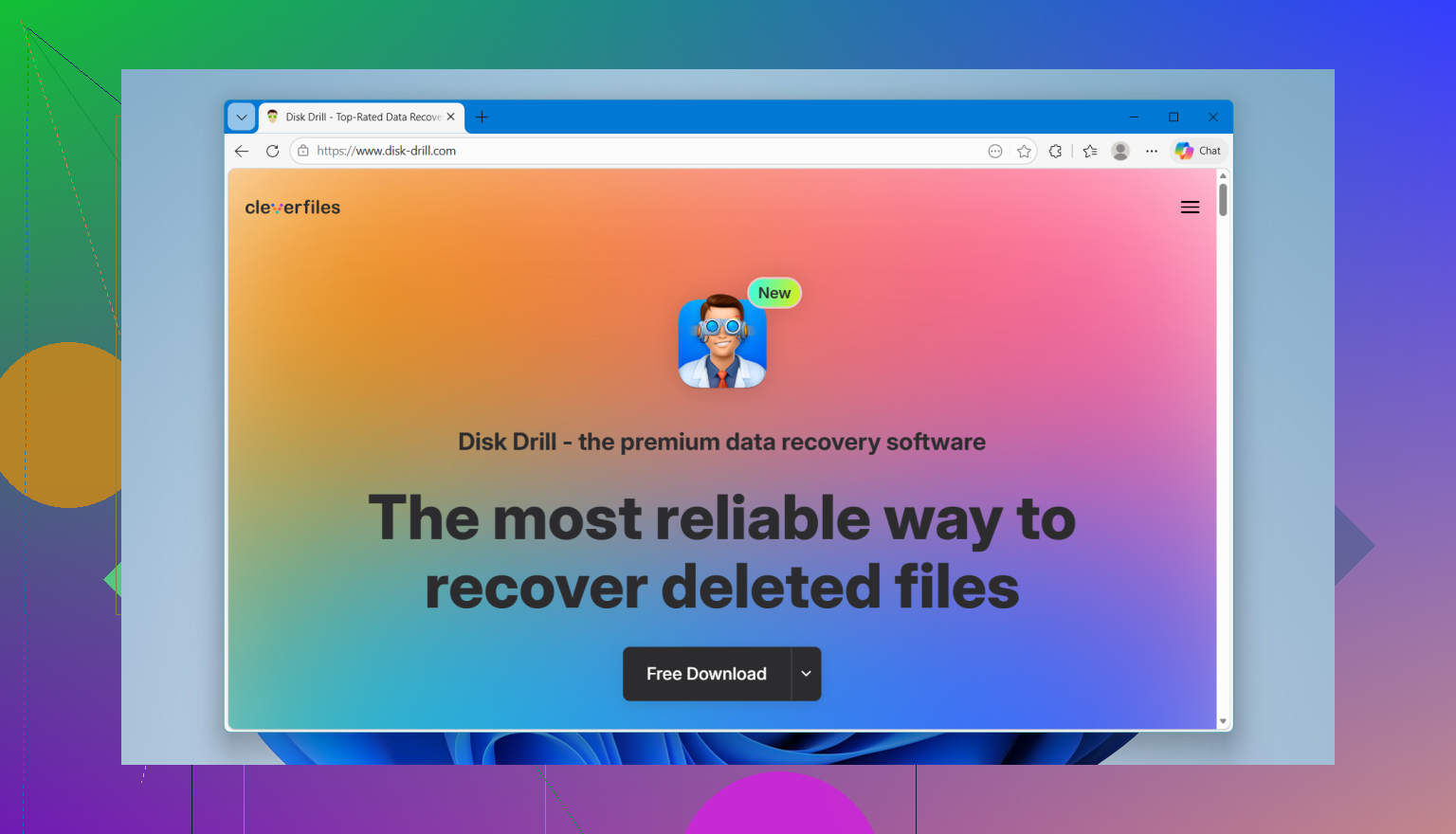
After trying a pile of these over time, I kept coming back to Disk Drill. The deep scan did a solid job for me, and the preview matters more than people think. You get to check whether the photos or clips open before recovering everything, which saves time and disk space.
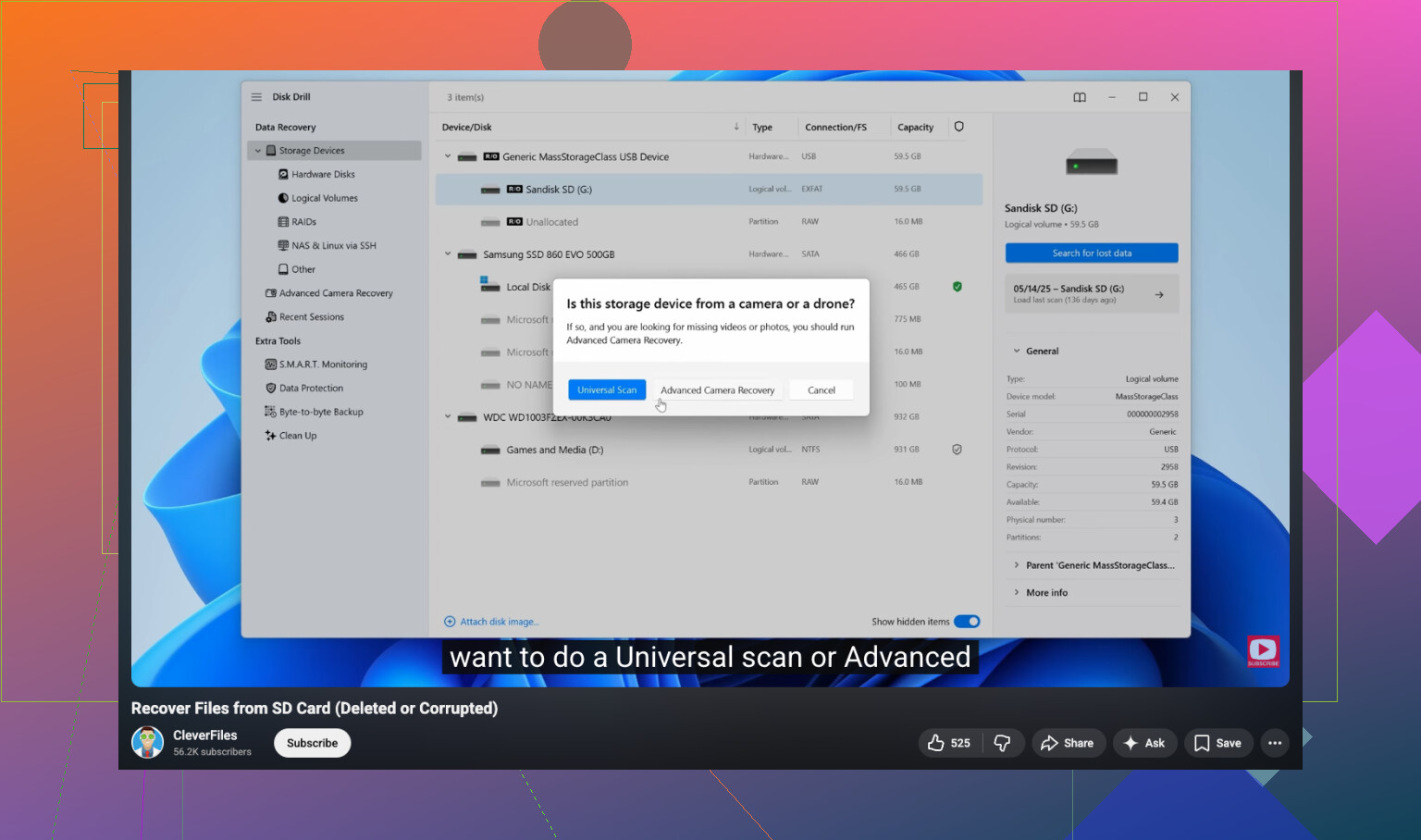
If your missing files are videos from a GoPro, Canon, drone, or similar camera, this part matters more. Those devices often scatter video data in chunks across the SD card. A plain recovery scan sometimes pulls back broken clips or files with the right size and zero playback. Disk Drill has an Advanced Camera Recovery mode built for piecing those chunks back together. It is freemium. On Windows, you get up to 100MB recovered free, so you can test whether it finds the right stuff before going further.
3. If you want free, know the tradeoff.
PhotoRec is the usual free answer, and yeah, it works. It is open source and pulls a lot off damaged or deleted cards. But using it feels rough. No preview. Command line interface. Original names and folder layout are gone. You end up with a huge pile of files named like they came out of a toaster. If you are recovering hundreds or thousands of images, sorting them later is a slog.
People also throw out Recuva and Windows File Recovery. Recuva is fine for simple deletes on some drives, though I saw it miss or mangle RAW camera formats often enough that I stopped relying on it for photo cards. Windows File Recovery is more stripped down than most people expect, and on FAT32 or exFAT cards, which is what most SD cards use, it felt clunky and limited.
4. Recover to a different drive.
This one is non-negotiable. Do not save recovered files back onto the same SD card. Send them to your computer’s internal drive or to another external drive. If you write recovered files onto the card you are scanning, you risk overwriting the exact photos or videos you are trying to pull back.
So, the short version. Stop using the card. Put it in a card reader. Scan it with recovery software. Save the results somewhere else. If you did not record anything new after the deletion, your odds are often good. I would start there and see what turns up.
15 Likes
You did the right first move. Stop using the card.
One small disagreement with @mikeappsreviewer. I would make an image backup of the SD card first, before you run any scan. Tools like USB Image Tool, Win32 Disk Imager, or ddrescue let you copy the whole card to an image file. Then you scan the image, not the card. If the card has read issues, or a recovery app freezes, you still have a clean source. That step saves people more often than they think.
My order would be:
- Lock the SD card if it has a write switch.
- Make a full byte-for-byte image of it.
- Scan the image with recovery software.
- Recover files to your PC or another drive.
If you want the easiest route, Disk Drill is a solid pick because it previews photos and clips before recovery. That matters when you have hundreds of files and dont want to restore junk. If your stuff was deleted during a transfer, file-system based scanning often finds the original folder layout faster than raw carving.
If the files are old camera JPEGs, RAW, MP4, MOV, odds are decent if no new writes happened. If TRIM was involved, common on SSDs but rare on SD cards, recovery odds drop hard.
Also, skip ‘fix’ options if Windows says the card has errors. Do not format it, even if the computer nags you.
If you want a walkthrough, this video is a decent quick guide for SD card photo and video recovery:
step by step SD card file recovery tutorial
If Disk Drill finds the files in preview, your chances are prety good.
You already did the most important thing, which is stop using the card. That gives you a real shot.
I mostly agree with @mikeappsreviewer and @mike34, but I would not get too hung up on making an image first if the card is healthy and you are not super technical. Imaging is ideal, sure, but a lot of people get stuck there and never actually recover anything. If the card reads fine, just connect it with a decent card reader and scan it.
What I would do in your case:
- use a card reader, not the camera
- do not let Windows “scan and fix” it
- run recovery software that can preview files
- restore everything to your computer, not back to the SD card
For photos/videos, preview is huge. If the thumbnails or clips open in Disk Drill, that’s usually a very good sign. I’d start with Disk Drill because it handles SD card recovery well and is easier to sort through than a lot of the free stuff. Free tools can work, but some are kinda a mess once you have hundreds of recovered files with garbage filenames.
One more thing people forget: check the computer first. If the deletion happened during a move, some files may still be sitting in a temp folder, import folder, or even the recycle bin depending on how the transfer was done. Not super common, but worth 2 min to look before a deep scan.
If you want a fast visual walkthrough, this SD card deleted photo recovery quick video guide is easy to follow.
So yeah, don’t format it, don’t keep testing stuff on the card, and don’t panic-click random “repair” tools. Scan first, recover elsewhere, then sort it out. That’s probly your best path.