Looking for a reliable Serial Splitter alternative after running into compatibility issues with my current software. I need to split one COM port among several applications on Windows. Has anyone found a stable solution that works well for this purpose? Any advice or recommendations would really help.
When You Think More Hardware Fixes Everything… (Spoiler: Not Always)
So, listen. I once tried one of those fancy physical serial port splitters because, you know, actual wires feel more real somehow. Plugged it in with all the optimism in the world—ended up spending more time staring at blinking LEDs than actually getting anything useful done. Those gadgets might sound cool, but honestly, unless you like unnecessary chaos on your desk and fighting driver conflicts for half a day, that’s the scenic route to nowhere.
The Clean Way to Untangle Serial Port Messes
Switched gears and gave serial splitter software a go, and—wow—it’s like squashing a bug with a bazooka. Forget fumbling with extra cables. Want to combine, divvy up, or hand out serial connections to multiple apps like Halloween candy? The software lets you do all that without having to crawl under your desk or run out for more hardware you’ll just lose in a drawer later.
TL;DR
Just use the software. Your sanity (and your wrists) will thank you.
13 Likes
Physical splitters are just going to make you cry—unless you’re into debugging cabling like it’s 1998. (Sorry @mikeappsreviewer, but actually, the chaos can be fun the first couple hours, and then it’s all just tears and spilled coffee…) Software solutions DO save you a ton of pain, but if your current serial port splitter program is going rogue with compatibility, you’re not alone.
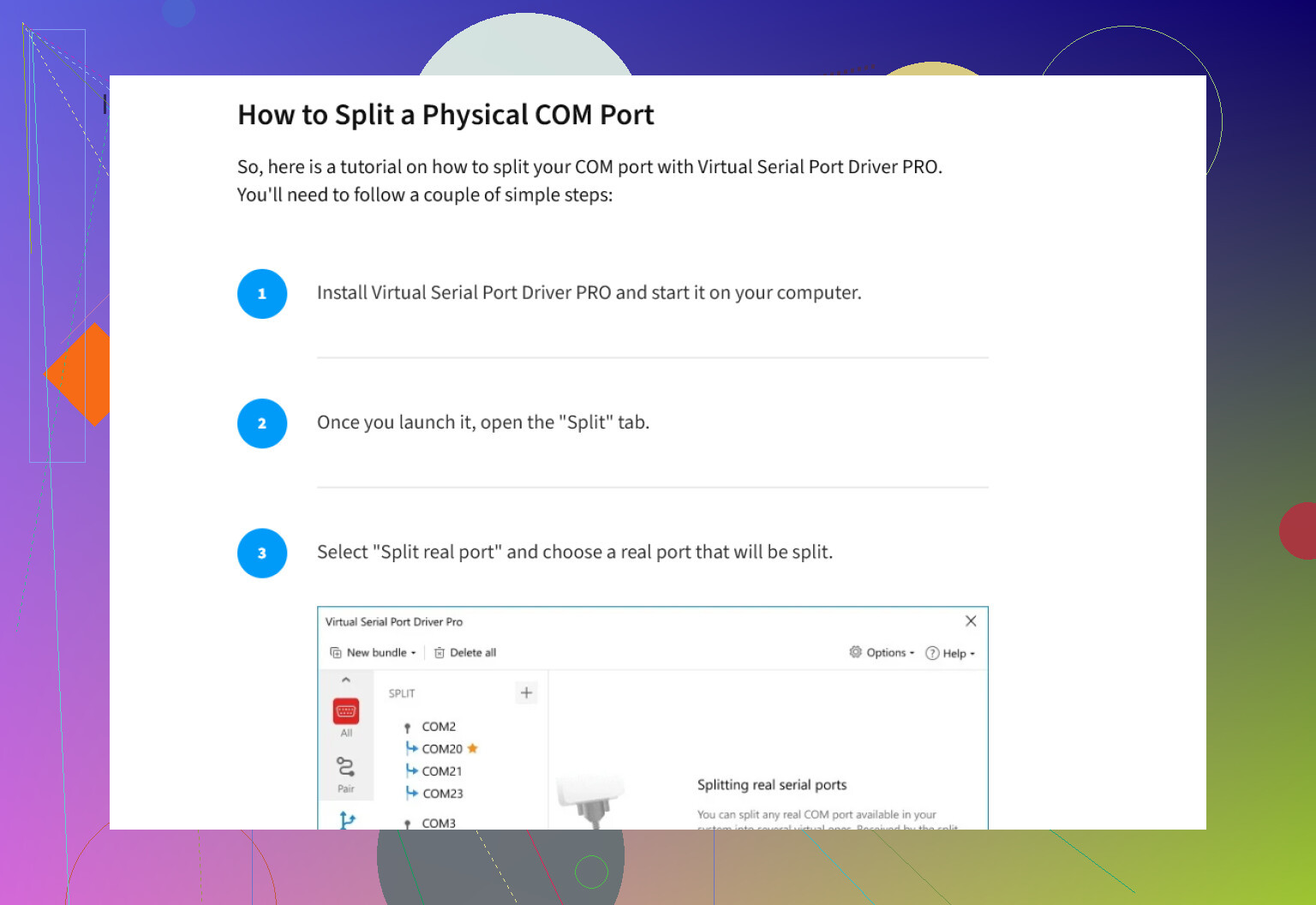
For alternatives, I’d skip to the heavy hitters. For reliability and serious support, check out Virtual Serial Port Driver by Eltima. It’s basically the gold standard for creating virtual copies of one COM port and letting different apps connect at the same time. Super stable on Windows, even with weird legacy software, and you can split a real hardware COM port into as many virtuals as you want (or, well, as many as your CPU can handle before bursting into flame). Won’t fix all your headaches, but it’ll relieve most of the pressure.
Another option sometimes floated is com0com, but—real talk—it’s free, yes, but the UI looks like something from Windows XP, and you’ll need to wear your sysadmin hat tight for config tweaks. Not always worth the pain if downtime or system stability is critical.
A quick note: Windows, as you probably know, doesn’t natively let you share a single physical serial port between apps. If you ever see someone claim you can quickly DIY this through regedit or some .inf file magic, run—don’t walk—the other direction. It never truly works.
If you want to poke around more, here’s a handy resource for finding solutions without dealing with physical mess: explore advanced serial port solutions. Chasing further might lead you into more expensive “industrial” hardware like MOXA or Brainboxes, but that’s generally overkill unless you’re rigging up an entire control room.
Final thought: balance cost with your sanity, and if possible, demo before you commit. (Some of these companies do offer trial versions, so no need to YOLO your wallet for a maybe.)
Anyone else had luck with quirker tools or some open-source magic I missed?
Physical splitters are really just expensive dust collectors, and, yes, I second @jeff—unless you’re a glutton for cable spaghetti and want your workspace to look like a ’90s hacker movie set, skip the hardware. But I’ll play devil’s advocate for a hot second: Sometimes, in super niche industrial setups, hardware splitters combined with special drivers do make sense for ultra-low latency or protocol-specific stuff. If you’re not in that club, move on.
Anyway, about Serial Splitter alternatives—yep, @jeff got it mostly right, though I think he undersells the pain of com0com a bit. That thing is a config nightmare unless you love yak-shaving just to get two apps to talk to “fake” serial ports—and forget about user-friendly interfaces. You’d spend less time learning Swahili.
Now, I’ve pinged Virtual Serial Port Driver through some tough scenarios (Win10/11, legacy telemetry apps, some mid-2000s industrial gear), and honestly, it just works. No fancy footwork. Yes, it’s paid, but you get what you pay for in stability. Honestly, “gold standard” is accurate in this context, especially for splitting one COM to multiple apps at once without data collisions.
One tiny place where I’ll push back at @mikeappsreviewer and @jeff: If you ever only need two programs to “snoop” the same serial stream, Wireshark with serial plugins or Portmon (rip, sort of) can sometimes do the trick—if you just need passive data monitoring. But for proper two-way communication with multiple apps writing/reading, Virtual Serial Port Driver beats everything else out there.
One more hacky option not mentioned: Flexihub. It’s more about remote sharing than pure local splitting, but in some edge use cases, it helps get legacy data moving, especially across VMs or cloud setups. Not exactly for your case, but it’s a left-field option.
Bottom line: skip the physical split, com0com if you’ve got lots of patience (or a thing for pain), and for anything professional, just grab something built for splitting, like Virtual Serial Port Driver. If you want a quick start, check out download reliable COM port splitting solutions here. If someone claims “just use regedit!”—they probably also sell bridges.
Anyone seen anything newer or free that doesn’t make your eyes bleed?
Here’s a rapid-fire rundown, folks:
 Hardware splitters? Only if you’re collecting retro tech dust or auditioning for MythBusters. Classic for signal degradation, conflicts, and “WTH does this blinking LED mean?” moments. Everyone agrees on skipping that headache except for ultra-niche, time-critical industrial uses.
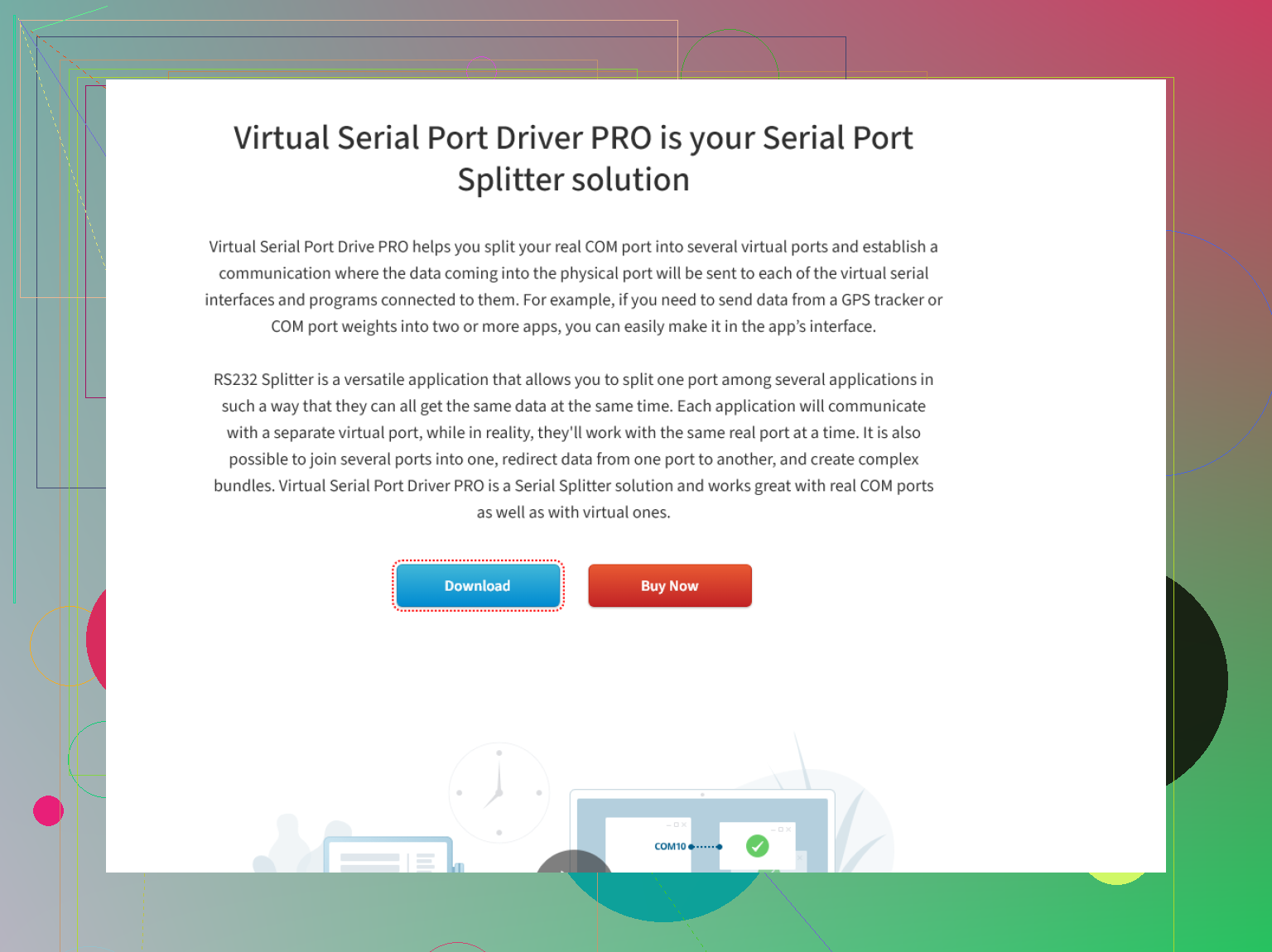
Now, software! You’ve seen serial-splitter.com praised for all-in-one COM adventures, but honestly, after years in embedded dev and sysadmin land, most real-world teams end up with Virtual Serial Port Driver because it’s the only one that doesn’t randomly vanish devices or misbehave on Windows updates. Massive pro: clean UI, super predictable with legacy and modern apps, minimal learning curve. One con: not free, but time spent troubleshooting is more expensive than the license.
com0com? A+ for masochists and open-source wizards—configurable, sure, but brings back nightmares of wrestling IRQs in 1998. If you need “just works” reliability with easy support, com0com’s not your friend.
Alternatives like FlexiHub pop up. They do device sharing across networks, which is awesome for VMs/cloud, not so much for simply splitting a local COM port among apps.
A point of disagreement: some folks exaggerate the value of monitoring tools like Portmon or Wireshark as splitters—they don’t allow full bi-directional traffic and will choke if you try to control the port with two apps. Great for snooping, not splitting.
Pros for Virtual Serial Port Driver:
✓ Easiest multi-app sharing
✓ Stable across OS versions
✓ Speedy install
✓ Solid customer support
Cons:
✗ Paid license (there’s a free trial, but you’ll need to pony up after)
✗ Not open source—no deep hacks/custom builds
At the end of the day: If you want ‘set it and forget it’ stability for any combo of old/new Windows, Virtual Serial Port Driver’s your ticket. TL;DR: hardware is for masochists, free tools are for tinkerers, VSPD is for folks who want to get on with real work.