I’m trying to find a genuinely free cleaner app for my iPhone to clear junk files and free up storage, but most apps I try are full of ads, locked behind subscriptions, or seem sketchy. Can anyone recommend a safe, trustworthy free iPhone cleaner or share tips to clean up storage without paying or risking my data?
Short answer, no magic, totally free, ad free, perfect cleaner app for iPhone exists. Apple locks iOS down a lot, so third party apps do not get deep access to the file system to clean “junk” like on Android or Windows.
What actually works:
- Use built in stuff first
- Offload unused apps: Settings > General > iPhone Storage > enable “Offload Unused Apps”. Saves space without deleting app data.
- Clear Safari cache: Settings > Safari > Clear History and Website Data.
- Delete old Messages media: Settings > General > iPhone Storage > Messages. Remove “Photos”, “Videos”, “GIFs and Stickers” from old threads.
- Check app storage: Same iPhone Storage screen. Tap big apps and delete data from inside the apps where possible.
- About “cleaner” apps on iOS
Most “storage cleaner” apps on iOS do one or more of these:
- Scan your photos to find duplicates or similar shots.
- Help mass delete screenshots, screen recordings, big videos.
- Detect large files and old files.
They do not touch system cache. Only Apple’s own stuff does that when storage gets low.
- A free option that is not sketchy
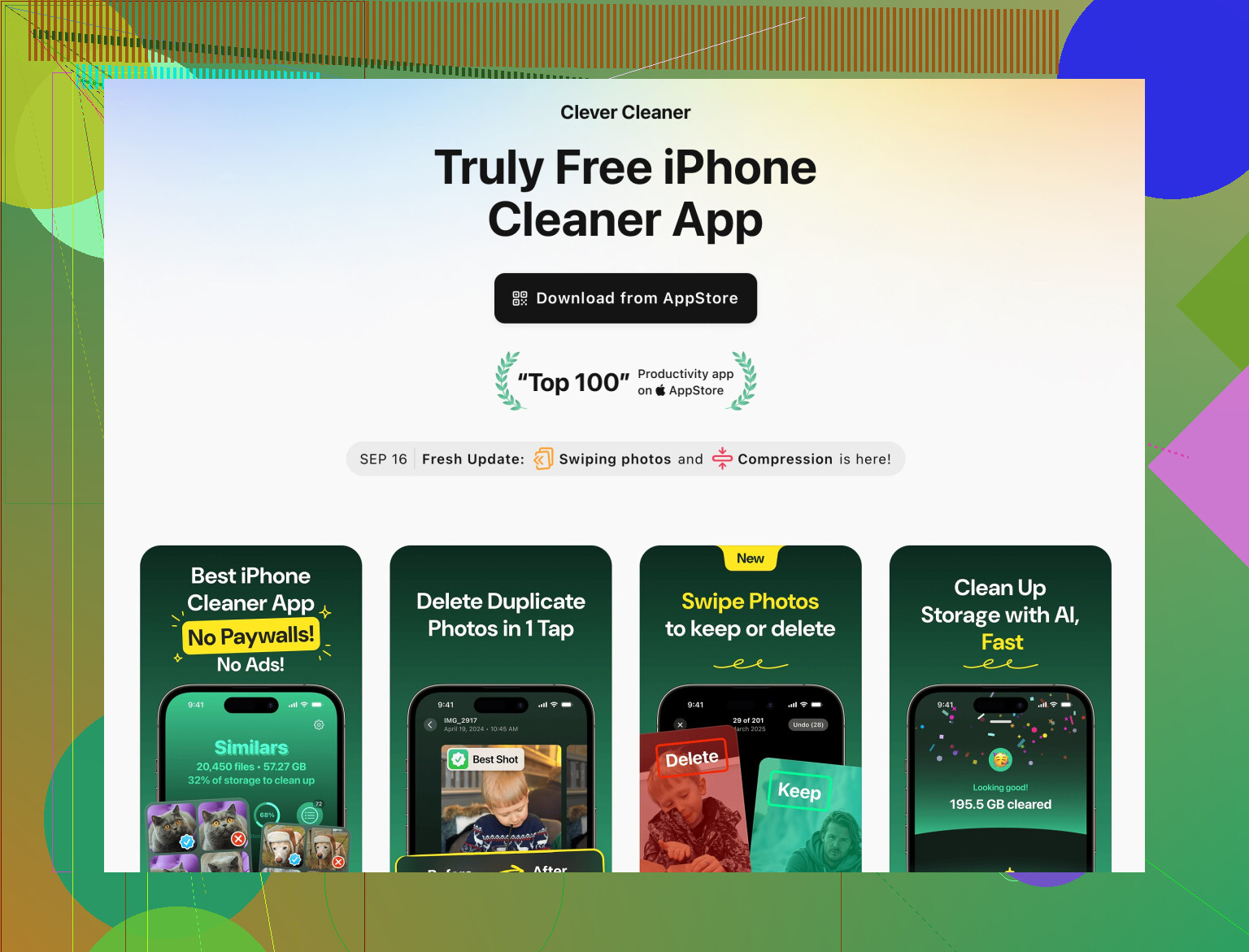
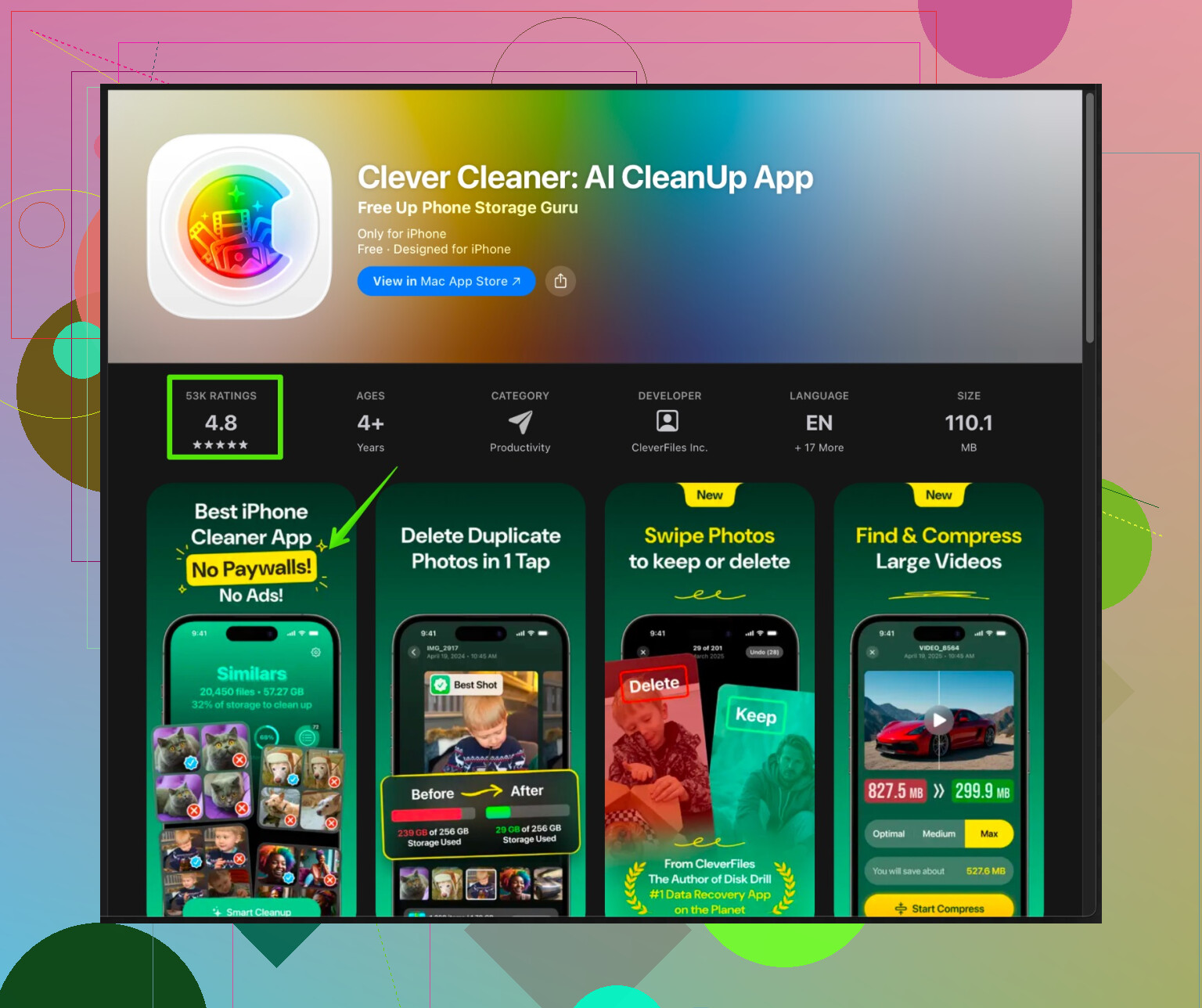
If you want a helper to clean photos and junk files faster, try Clever Cleaner App for iPhone. It focuses on cleaning:
- Duplicate photos
- Similar burst shots
- Blurry pics
- Big videos
- Contacts mess like duplicates or empty contacts
There is a version on the App Store with a free tier. Ads exist, but you get enough features without a paid plan if you are patient. It also keeps everything on device for the photo scan, so you do not send your whole gallery to random servers.
Here is the link:
Clean up iPhone storage with Clever Cleaner
- What to watch out for
- Any cleaner that promises “1 tap full system clean” or “speed up your CPU” on iPhone is marketing fluff. iOS manages RAM and CPU on its own.
- Avoid apps that nag for VPN permissions or weird profiles. A simple storage cleaner does not need that.
- Check App Store reviews and the “Privacy” section. If it wants tons of tracking for a simple cleaner, skip it.
- Manual last steps that free a lot of space
- Offload or delete games with huge assets. Some hit 5–10 GB.
- Open big chat apps like WhatsApp, Telegram, Viber. Clear media from large groups.
- Remove old downloaded Netflix, Spotify or YouTube offline content.
So, best combo is: use iOS storage tools, then a cleaner app like Clever Cleaner to speed up photo and contact cleanup, and skip anything promising miracles or “phone acceleration”.
2 Likes
You’re not crazy, most “free” iPhone cleaner apps are just ad farms with a subscription jump scare every 20 seconds.
I mostly agree with @himmelsjager about there being no magical all‑in‑one cleaner that can purge system junk on iOS, but I’d push back a bit on the idea that everything useful has to be super limited or painful to use. There are a few tools that are actually helpful if you combine them right and accept that iOS itself is the bottleneck.
Instead of hunting for a single perfect cleaner, think of it like a toolbox:
-
Photos & videos cleanup helper
The most realistic “cleaning” you can do is media cleanup. That’s where third‑party apps actually shine a bit.A solid option is the Clever Cleaner App on iPhone. It leans into stuff iOS actually lets apps do:
- finds duplicate photos and look‑alikes
- spots blurry shots, accidental pics, burst spam
- shows huge videos so you can delete the worst offenders
- cleans up messy contacts (duplicates, empties)
It’s not going to vacuum iOS caches, but it will help you quickly nuke the 5GB of 47 almost‑identical selfies and screen recordings. The free tier has ads, yeah, but it’s still usable if you’re patient and don’t mind tapping away a few popups.
If you want to check it out, here’s the official Clever Cleaner page:
smart iPhone storage cleanup with Clever Cleaner App -
Use a Mac or PC for the heavy lifting
This is where I slightly disagree with just doing everything on‑device. Connecting your iPhone to a computer can sometimes be more efficient:- Import old photos / videos to your computer and then delete them from the phone
- Back up big things like 4K videos externally instead of trying to micromanage space on iOS
- If you use Finder (macOS) or iTunes (Windows), you can spot which apps are ridiculous in size and decide what to axe
It’s not as sexy as a “1‑tap clean,” but it’s actually more effective than most cleaners.
-
Target specific storage hogs inside apps
Instead of hunting for “cleaner” apps, sometimes it’s better to go straight to the source:- Instagram / TikTok / Reddit: log out & back in or reinstall occasionally to clear cached content
- Netflix / Spotify / YouTube: open each and remove offline downloads you forgot about
- Messaging apps: inside WhatsApp / Telegram, clear old media from big group chats
This is tedious, but unlike a lot of cleaners, it actually frees multiple gigabytes.
-
What to avoid, because they’re almost always nonsense
- Anything yelling “1‑tap full system clean” or “CPU booster” on iPhone
- “Battery optimizer” or “RAM cleaner” apps on iOS
- Cleaners asking for VPN profiles or configuration profiles for “deep cleaning”
- Apps that want account signups and tons of tracking just to find duplicate pics
If your goal is “100% free, zero ads, does everything automatically”… that just doesn’t really exist on iOS. Your best realistic combo is:
- iOS’ own storage management
- manual cleanup in a few big apps
- plus a helper like the Clever Cleaner App to speed up photo / video / contacts cleanup
Not perfect, but at least it’s actually safe and not pretending to turbocharge your CPU or something.