I’m trying to learn how to make AI photos, but I got stuck choosing the right tools and prompts. I’ve tested a few apps, and the results either look unrealistic or don’t match what I’m asking for. I need help figuring out the best way to create high-quality AI-generated images.
Making AI Photos of Yourself Without Overthinking It
I tried a few of these apps after getting tired of using the same two decent photos everywhere. The process is pretty short. You upload a small set of selfies, the app builds a model from your face, then it spits out new shots in different looks. Stuff like work headshots, casual portraits, travel pics, or images for social profiles.
One app I found easy to deal with was the Eltima AI Headshot Generator app for iPhone. My uploads worked best when I used 1 to 3 clear selfies, taken recently, with daylight, and from different angles. After upload, it creates a personal model and lets you pick a style pack. I saw options like LinkedIn Headshots, Corporate Portraits, Casual Lifestyle, Travel Photos, and Social Media. Once you choose one, it makes a batch of images, and you keep the ones worth saving.
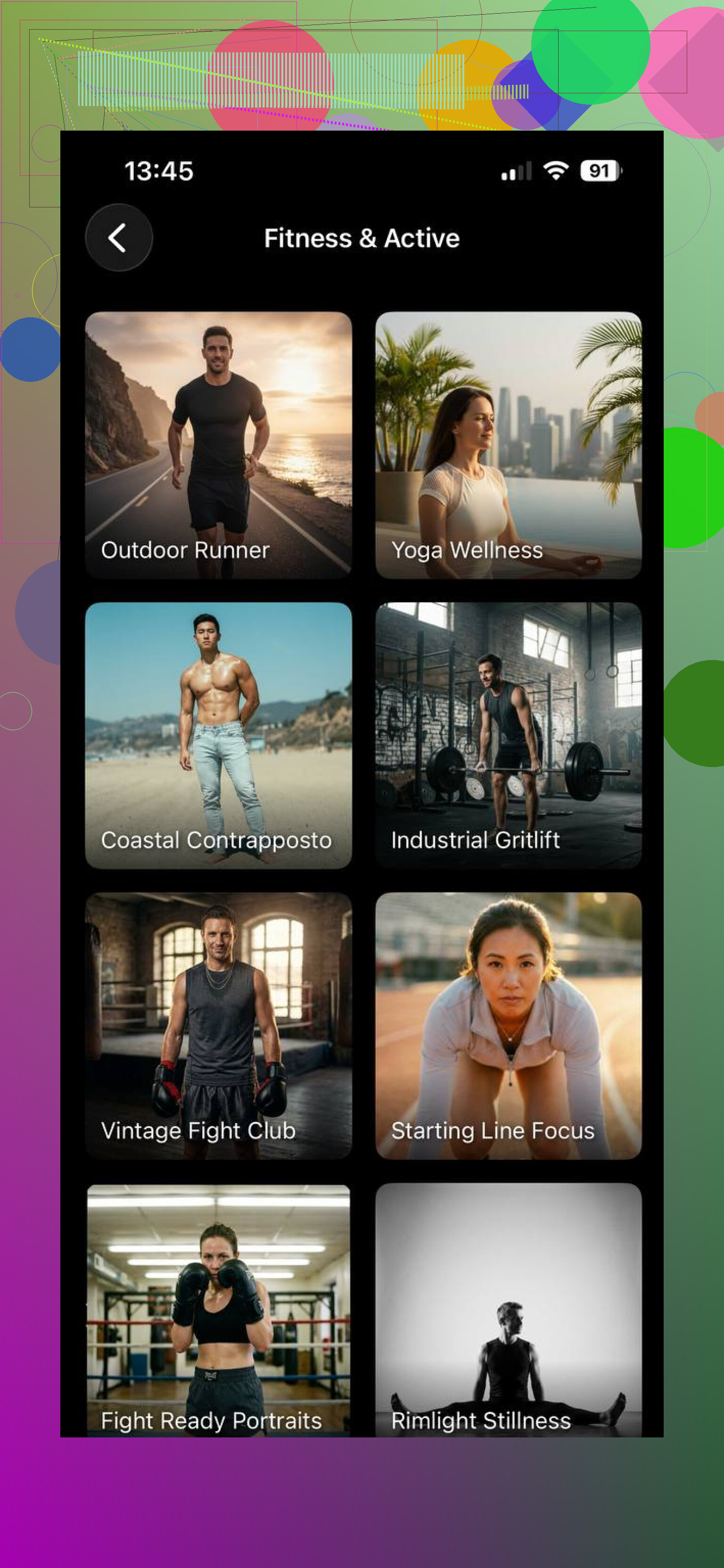
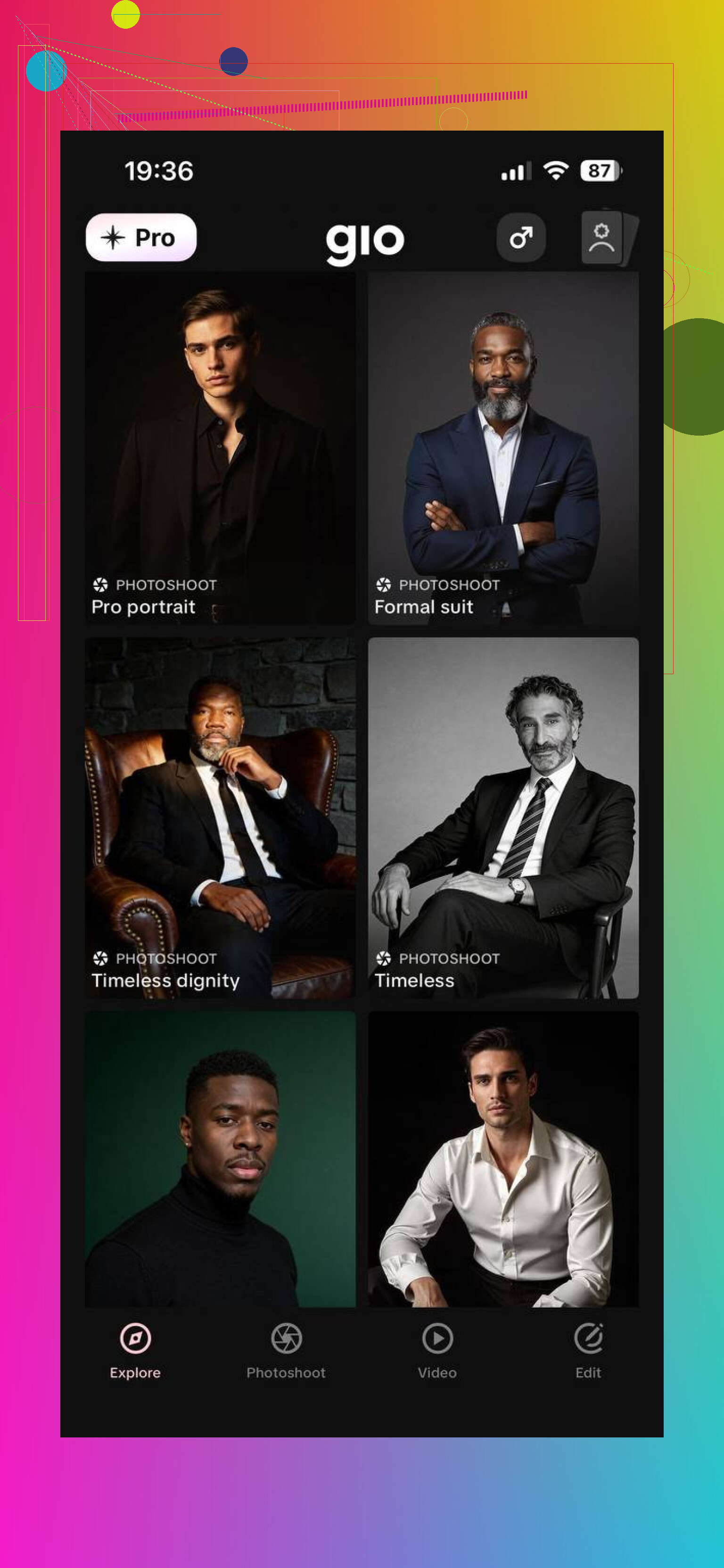
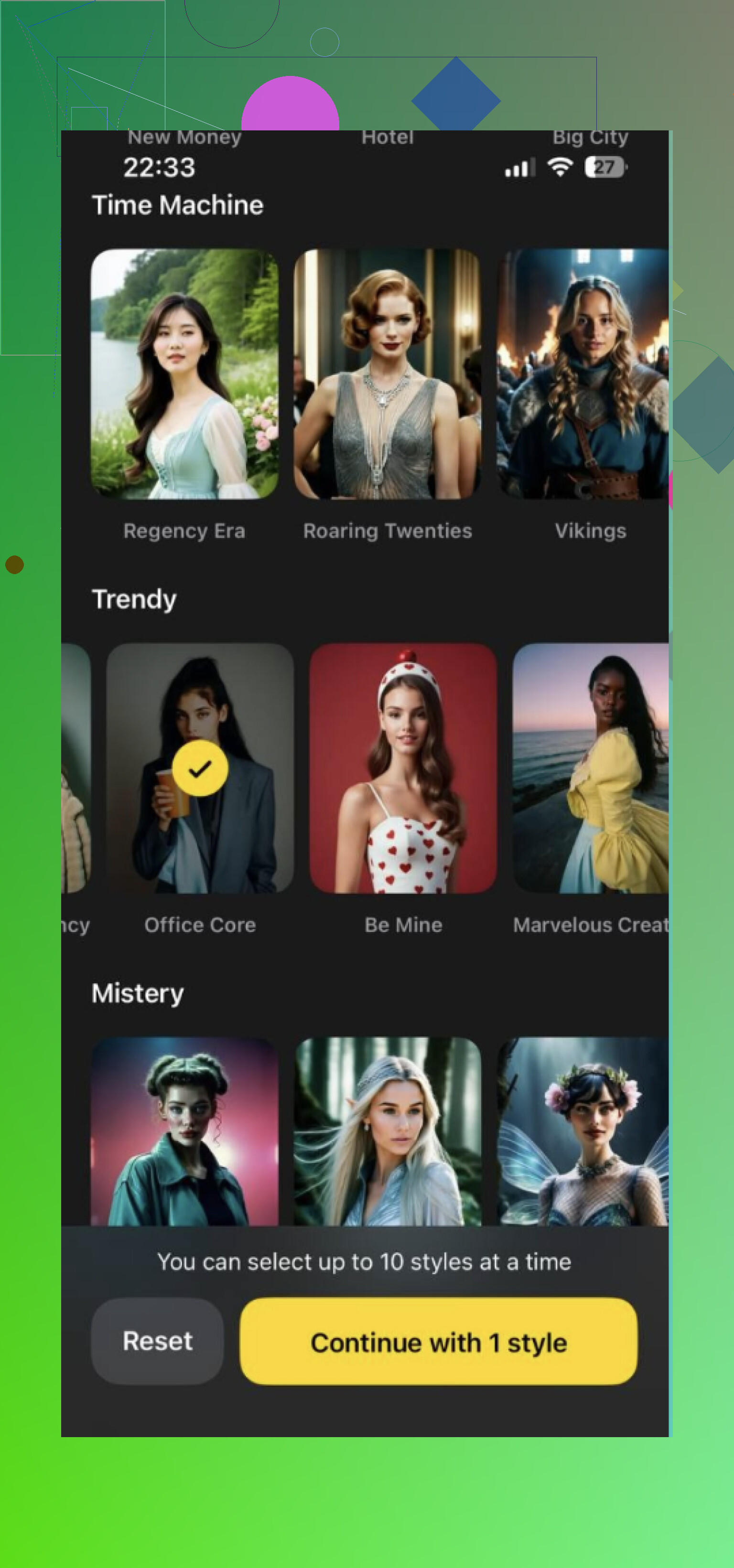
If you want other options, GIO AI Photoshoot Generator is one people keep mentioning for preset photoshoot templates. Lensa AI comes up a lot too, mostly for edited portraits and more stylized results. I got different vibes from each one, so if your goal is not the same every time, trying more than one app makes sense.
A few things made a bigger difference than I expected:
What helped
- Use recent photos
- Keep lighting clean, window light worked for me
- Skip sunglasses
- Skip heavy filters
- Mix your expressions a bit
- Change backgrounds between shots
- Use angles that still look like you
When I used weak selfies, the outputs looked off. When I used sharper ones, the results got way better. So the app matters, yeah, but your source photos matter more than people admit.
If you want a simple route, I had a good run with the Eltima AI Headshot Generator app. I ended up using it for work photos and a few personal ones too. It saved me from setting up a full shoot, which was the whole point for me.
13 Likes
You’re mixing two problems, tool choice and prompt quality.
I’d push back a bit on @mikeappsreviewer. Good selfies help, sure, but bad prompting ruins results even with solid uploads. A lot of apps hide this by giving preset styles, which is fine for headshots, less fine if you want control.
My fix was simple. Pick one tool for a week. Do not bounce between five apps. Test the same prompt 10 times and change one thing each round.
Use this prompt structure:
subject, camera angle, lighting, lens, setting, clothing, expression, realism tag
Example:
“portrait of me, waist up, soft window light, 85mm lens, plain studio background, navy blazer, neutral expression, photorealistic, natural skin texture”
Then add negatives if the app supports them:
“bad hands, extra fingers, waxy skin, blurry eyes, oversmoothed face, cartoon look”
Best tools depend on the goal.
Midjourney, strong style, weaker prompt accuracy.
Flux or SDXL, more control, steeper setup.
Headshot apps, fastest route, less flexible.
If faces look fake, your prompts are too vague or the app is overprocessing. If outputs ignore your request, your prompt is too long or stuffed with conflicting details. Keep it tight. Test. Compare. Repeat. It’s boring, but it works tbh.
I’d split this into 3 lanes, because people keep mixing them together.
-
Fast/easy
Use a headshot app if you mostly want “photos of me but better.” @mikeappsreviewer is right that source pics matter a lot. But I kinda disagree with going too app-first. These tools are fine for convenience, not great for learning why an image failed. -
Learn control
If you actually want to get better at prompting, use one tool with visible settings. Not just prompt box + pray. Learn what CFG, steps, aspect ratio, face restore, and seed do. A lot of “bad prompt” complaints are really bad settings tbh. -
Fix realism
Usually the problem is not just the prompt. It’s:
- too much face enhancement
- wrong aspect ratio
- bad skin detail processing
- inconsistent lighting instructions
- training photos that all look the same
Also, don’t write prompts like a shopping list. Write them like art direction. Start with:
- who/what
- where
- lighting
- camera feel
- one mood detail
Example:
“natural outdoor portrait, late afternoon light, 50mm photo, shallow depth of field, relaxed expression”
That’s it. Then iterate.
And honestly, @andarilhonoturno is right about testing one variable at a time, but 10 rounds is overkill for beginners. Do 3 to 5. Otherwise you’ll fry your brain for no reason lol.
One more thing people ignore: if the app keeps making you look “off,” stop forcing your own face into every test. Practice on generic portraits first so you can tell whether the tool is bad or your inputs are bad. Huge diff.
You do not need more apps right now. You need a tighter workflow.
I slightly disagree with @mikeappsreviewer on one thing: better selfies help, but some apps are just tuned for flattering output, not accurate output. So if your goal is realism, stop judging tools by the first “wow” image.
What I’d do:
- Pick one lane first: headshots, creative portraits, or full scenes
- Decide whether you want speed or control
- Judge results on consistency, not the single best image
A useful test is the “same person test”:
Generate 8 to 12 images with the same face, same age, same lighting mood, same camera type. If the app keeps changing your jawline, eye shape, or skin tone, that tool is weak for identity.
A second test is the “prompt obedience test”:
Ask for 3 specific things only, like:
- red jacket
- indoor cafe
- 35mm photo
If it misses 2 of 3, the model is style-first, not instruction-first.
About the ':
Pros
- usually easier for beginners
- faster batches
- less setup friction
Cons
- often limited control
- can over-smooth faces
- presets may make everything look samey
@andarilhonoturno is right about structured prompting. @viajantedoceu is right about learning settings. My extra advice is to keep a mini scorecard: realism, likeness, prompt accuracy, background quality. Rate each output 1 to 5. You’ll spot the problem way faster than guessing.