I’ve been testing Ai Cleaner to clear space on my drives, but I’m not sure how accurate it is at detecting real duplicate files versus similar ones. Some important photos and documents were flagged, and now I’m worried about deleting the wrong things. Can anyone share honest experiences or tips on how reliable Ai Cleaner is for duplicate detection and how you safely use it without losing data?
AI Cleaner vs Clever Cleaner storage apps, my take
AI Cleaner: Clean UP Storage – my experience
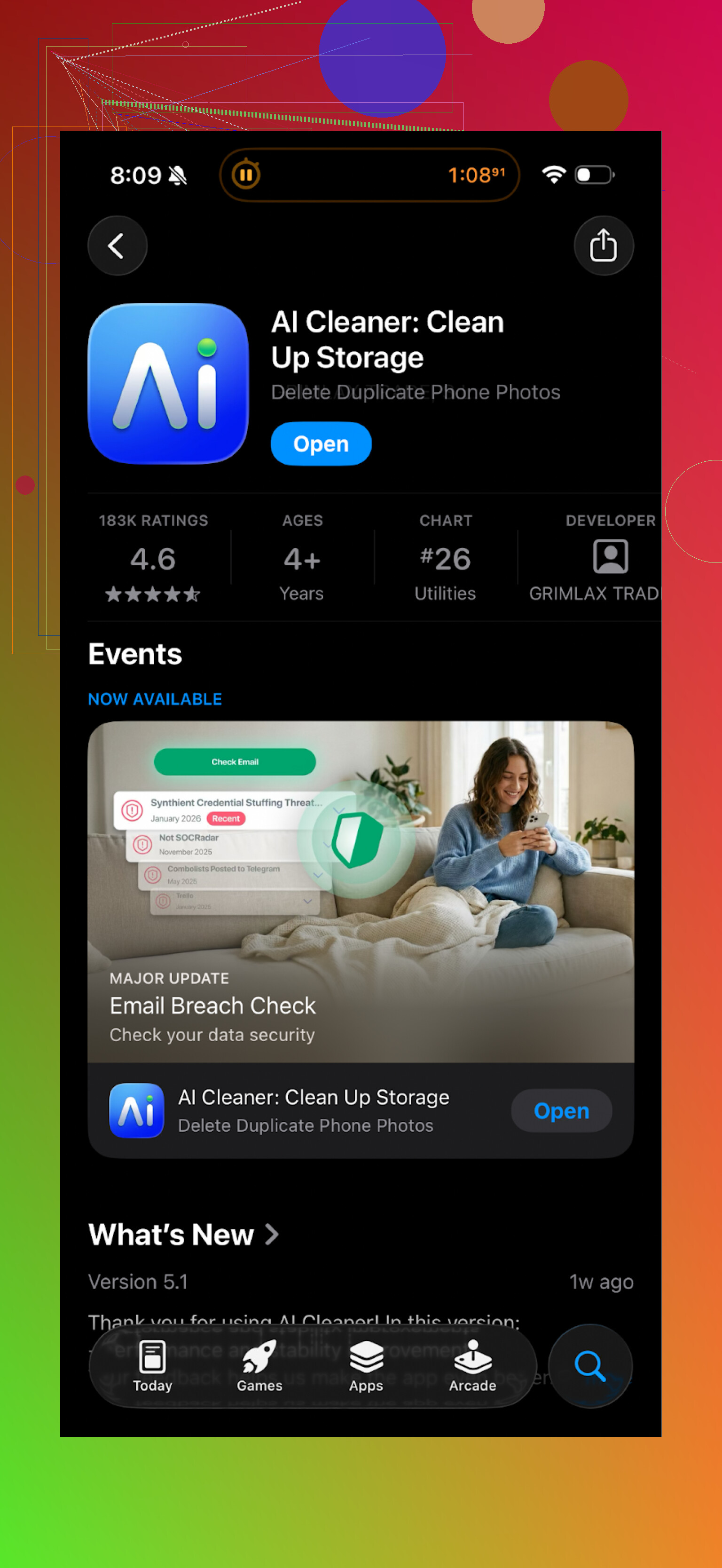
I installed AI Cleaner: Clean UP Storage when my iPhone was yelling about low space again. First run looked fine, nice UI, the scan finished in a couple of minutes, and it showed a big colorful chart of what was eating storage.
Then I tried to do anything useful.
Every time I went to clear something, it threw a paywall at me. Delete duplicates? Subscribe. Clean videos? Subscribe. Auto-select junk? Guess what. Even simple actions kept bouncing me into upgrade screens, so it felt more like a funnel than a tool.
The “AI” part did not impress me either. Some examples from my run:
- It marked two different photos from the same day as duplicates just because the background was similar.
- It missed a bunch of obvious burst shots where I took 10 near-identical photos of my cat.
- It grouped edited and original photos together in a strange way, and I had to double check everything to avoid losing the edited ones.
So I spent more time reviewing its choices than I would have just cleaning manually in Photos.
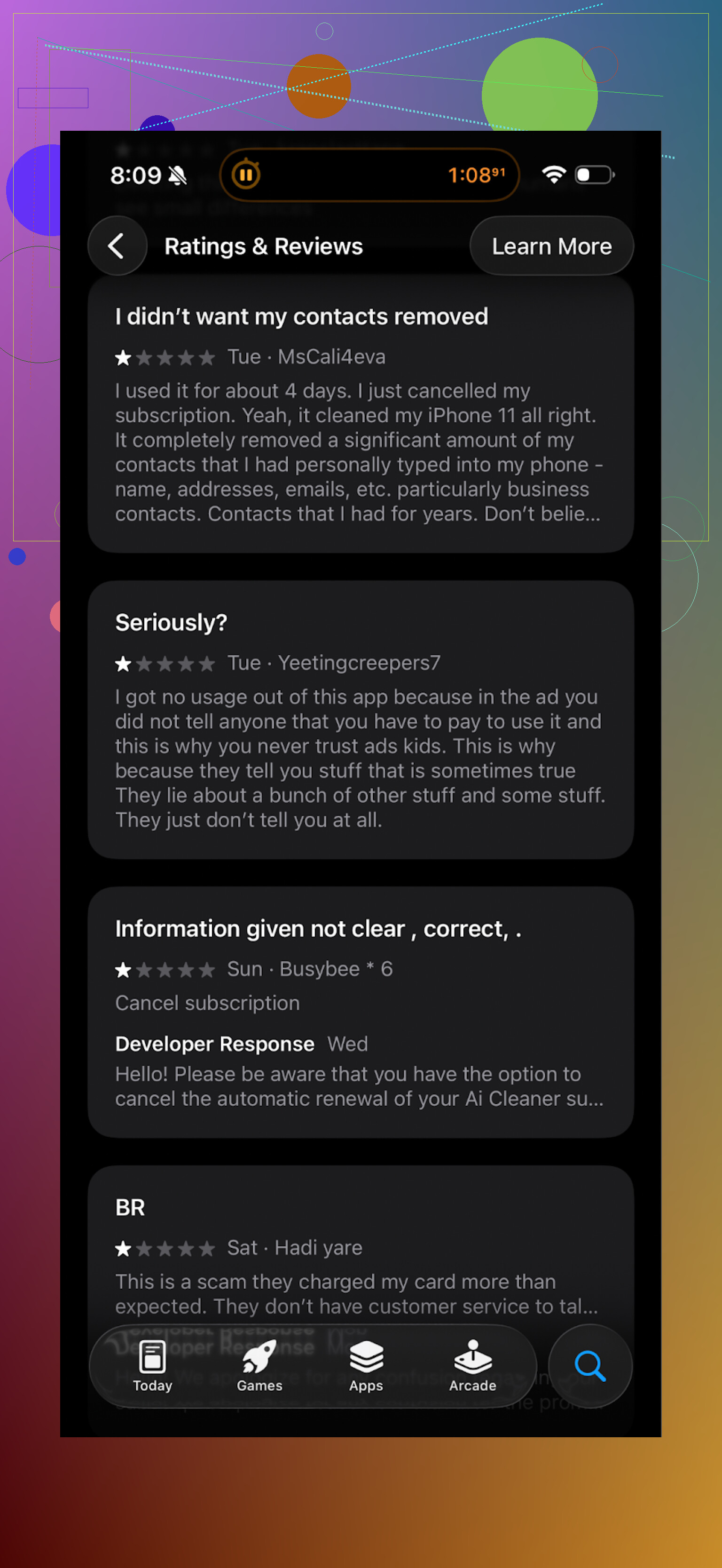
Real user feedback looks similar to what I saw:
What I switched to: Clever Cleaner
After uninstalling AI Cleaner, I tried this instead:
First difference I noticed: it did not hit me with a subscription wall on every tap. No random popups mid-action. No forced signup.
What it did on my phone
- Found duplicate and “almost the same” photos
- Flagged screenshots
- Listed large files and videos that were eating space
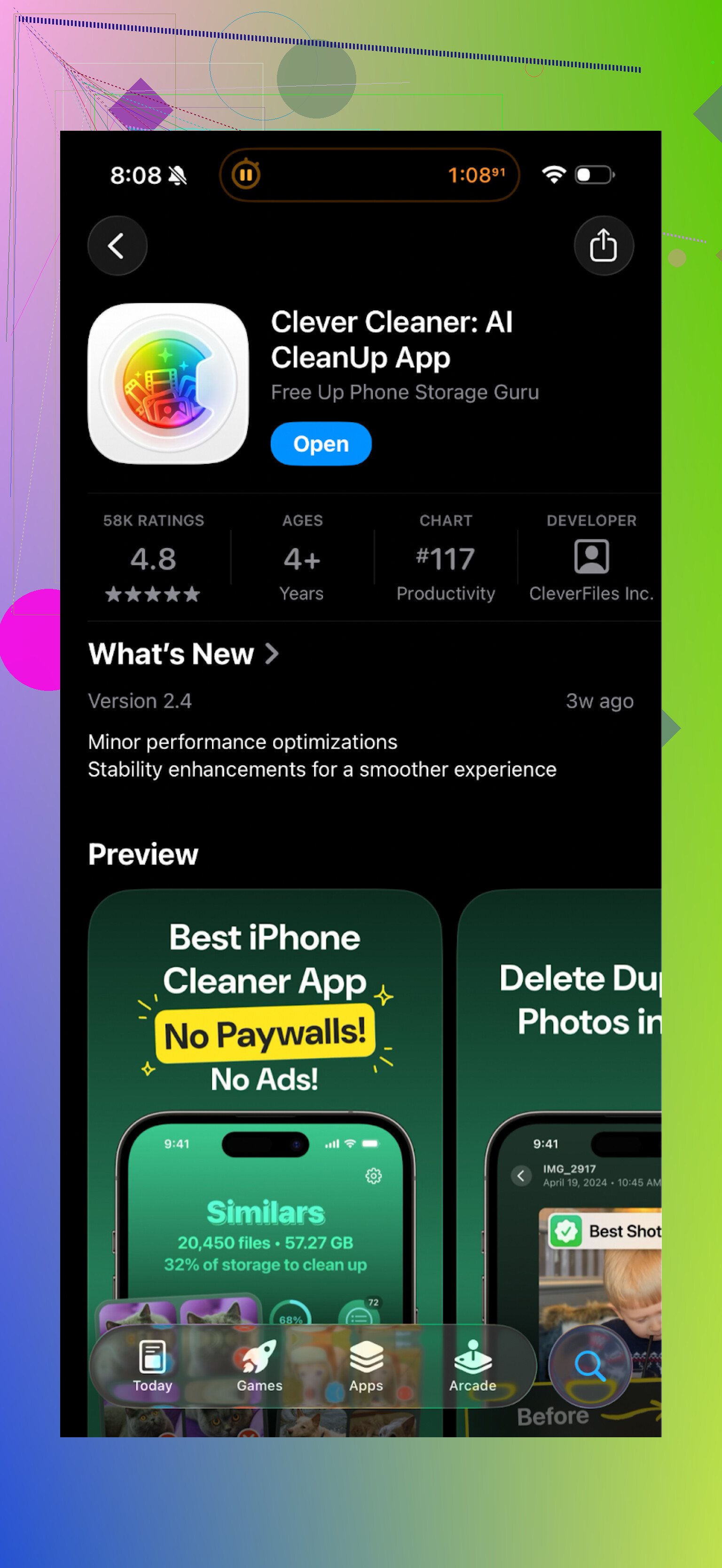
It went through my library pretty fast on an iPhone with about 20k photos. The similar photo detection felt safer. It grouped obvious near-duplicates, like 5 selfies in a row, instead of weirdly unrelated shots.
Here is roughly what it showed:
Privacy part
One detail I cared about. The app works on the device. The analysis runs locally, photos are not uploaded to some server. That lowered the stress for me, since I have personal and work stuff mixed in my camera roll.
In day to day use, Clever Cleaner felt:
- Less pushy
- Quicker to act on things
- Easier to trust with bulk deletion, because its “similar” groups made more sense
If you want to see it in action
YouTube video:

Official page:
App Store:
Extra reading before you install any cleaner
There is a decent thread on this topic here, worth skimming before you commit to any storage cleaner:
Best cleaner apps on Reddit:
https://www.reddit.com/r/DataRecoveryHelp/comments/1d733gm/best_iphone_cleaner_apps_and_why_you_shouldnt_use/
6 Likes
Short answer for Ai Cleaner: it finds “similar” more than it finds real duplicates, and it is not safe to trust on auto-pilot.
What you are seeing with important photos and docs getting flagged matches what others report. The app leans hard on visual similarity. So it treats:
• Two photos from the same spot as “duplicates” even if they are different shots
• Original plus edited exports as “duplicates”
• Scanned docs with small text edits as the same file
The opposite happens too. It often misses true file duplicates because it does not always compare exact file hashes. For storage cleanup, this is a problem. You want exact matches for bulk delete, not loose “looks similar” guesses.
I disagree a bit with @mikeappsreviewer on one thing. They focus mostly on the paywall pain, which is real, but the bigger risk in my opinion is data loss. If you accept its suggestions without manual review you can lose the only edited version of a photo or the final revision of a doc.
If you keep Ai Cleaner, I would use it like this:
- Never use “delete all” on duplicates or similar.
- For photos, only delete things you remember as throwaway, like 10 selfies in a row or obvious bursts.
- For documents, ignore its “duplicates” list unless you verify file names, dates, and sizes match exactly.
- Turn off any auto delete or auto optimize feature if it exists.
If you want something safer on iOS, the Clever Cleaner App that @mikeappsreviewer mentioned is a better fit for your type of concern. Not because it is magic, but because:
• It keeps “similar” photos grouped in a clearer way, like bursts and multiple selfies.
• It runs on-device and does not push constant paywalls during every action.
• It makes it easier to review groups before deleting, which matters when you have irreplaceable photos.
That said, I would still treat any cleaner as a helper, not a decision-maker.
Extra steps I recommend before trusting any cleaner app:
-
Back up first
• iCloud, Google Drive, or a local computer backup.
• Confirm some sample photos and docs restore correctly. -
Do a test batch
• Let the app flag duplicates.
• Manually review 50 to 100 items.
• Track how many are:
– True exact duplicates
– Similar but both worth keeping
– Wrongly flagged important filesIf more than about 5 to 10 percent of its picks feel risky, do not bulk delete with that tool.
-
For important docs
• Sort by file type and size.
• Only delete files where name, size, and modified date all match.
• When in doubt, rename the “keeper” file with something clear like FINAL_ before you delete the extra.
If you do not want another app at all, you can also:
• Use the Photos “Duplicates” album on iOS 16+ for safer photo merging.
• Use Finder on Mac or Explorer on Windows to sort by size and manually spot obvious large duplicates.
Bottom line, Ai Cleaner is ok as a scanner to show where space goes. It is not safe as an automatic judge for what to delete, especially for your important photos and documents. Use it as a suggestion list, not as the one in charge.
Short version: Ai Cleaner is “okay-ish” at finding similar stuff, not reliable for true duplicates, and definitely not something I’d let loose on important files without babysitting it.
I’ve seen pretty much the same pattern you’re describing:
-
It flags:
- Different shots from the same moment as “duplicates”
- Originals + edits as if one is disposable
- Scanned docs that look alike but actually have different content
-
It misses:
- Exact file copies in different folders
- Bursts or series that are literally near-identical
That tracks with what @mikeappsreviewer and @sognonotturno said, but I’ll push back on one thing: I don’t even find it that useful as a scanner. Once it starts mixing “maybe similar” stuff with real duplicates, its whole results list becomes noisy. When I’m cleaning storage, I need a tool that’s boring and predictable, not one that’s trying to be clever with “AI vibes.”
A few extra angles that weren’t really covered:
-
Photos vs docs behavior
- Photos: It’s clearly using visual similarity, not metadata or hashes. Great for finding “kinda the same selfie,” bad for determing what’s safe to delete.
- Documents: This is worse. Visual similarity on documents can easily hide version differences. One word changed in a contract and the app will still treat them as the same.
-
Why important stuff gets flagged
- Edited photos often share most pixels with the original, so any naive “image similarity” model screams “duplicate.”
- PDF scans with only a date or signature changed still look nearly identical to an algorithm that isn’t parsing actual text.
- If filenames are ignored or downplayed, you lose one of the safest signals for real duplicates.
-
What I’d actually use Ai Cleaner for
- View a breakdown of storage usage.
- Maybe find candidates for cleanup.
- Then sanity-check everything yourself.
- Personally I’d turn off or ignore any “auto” or “smart” delete it offers. It’s not that smart.
On alternatives: since you’re specifically worried about important photos/docs, the Clever Cleaner App mentioned by those other posters is a more reasonable fit. Not perfect, but for me:
- Its “similar” photo groups actually made human sense (bursts, small variations), instead of mixing random shots.
- The on-device analysis is a big win for privacy.
- The UI makes it easier to quickly compare and keep the best shot instead of guessing.
I don’t entirely buy the idea that any cleaner app is harmless if you “just review stuff.” The whole point is to save time. If an app like Ai Cleaner forces you to triple-check every suggestion, it defeats its purpose.
If you stay with Ai Cleaner:
- Treat every flagged doc as guilty until proven innocent to keep.
- For photos, only delete when you see obvious throwaways in a group.
- Never hit “select all” on duplicates/similar. That’s how people nuke their only good edits or final documents.
If you’re mainly trying to solve storage pain and reduce risk, testing the Clever Cleaner App on a small subset first is a lot less anxiety-inducing than wrestling with Ai Cleaner’s aggressive “similar” detection.
Skip duplicate scanning. Free space by removing known large files first.
Open Settings, General, iPhone Storage. Review downloaded videos, podcast episodes, message attachments, offline maps, and unused apps. A single 4 GB video saves more space than deleting hundreds of risky photo matches.
Start with files over 500 MB. Confirm each item, then delete it. Offload unused apps to keep their data. This method is slower at first, but safer and less stressfull. You avoid trusting messy “AI” guesses with your importent photos and documents.
The word ‘duplicate’ is being stretched to cover two completely different things, and that’s the root of the confusion here. A true duplicate is byte-for-byte identical, and you find those with a checksum or hash. No guessing, no similarity score, no ‘AI.’ Either two files hash the same or they don’t. Visual similarity is a separate feature entirely, and it’s fuzzy by nature. When an app dumps both into one ‘duplicates’ list, you stop being able to trust the safe part because it’s mixed in with the guesswork.
So when people say Ai Cleaner is ‘okay at finding similar but bad at real duplicates,’ what’s actually happening is it’s probably leaning on perceptual matching for everything and skipping proper hashing. That’s why your edited photo shows up next to the original. Same pixels, different file, and the tool never checked whether the bytes matched.
@cache1871 I’d push back a little. Killing duplicate scanning entirely throws out the one job these tools do reliably. Exact-match dedupe, when it’s genuinely hash based, is boring and safe, which is exactly what you want. Large-file cleanup is great advice and I do it first too, but it doesn’t help the person with three copies of the same 40 MB PDF scattered across folders. Those are real space wins with basically zero risk once you confirm they’re identical.
The Clever Cleaner mention above fits for the photo side since the on-device grouping is the useful part, but I wouldn’t lean on any of these apps to decide what’s a duplicate document. For files where the content actually matters, sort by size, then compare the ones that match in size by name and modified date, and only then delete. Two files with the same size and same hash are safe. Same size but different hash means keep both and look closer. That single check catches almost every ‘it looked the same but wasn’t’ mistake people are worried about in this thread.