How I Set Up Encryption on My S3 Bucket (With Pics!)
Alright, check this out—stumbled on this while tidying up some ancient AWS setups. If you’ve ever messed around with Amazon S3 buckets, you know the feeling when you forget to turn encryption on. It’s one button but will haunt you later. Here’s my personal walkthrough for locking stuff down (with bonus Mac integration for the curious).
Locking Down Your S3 Bucket: My Steps
So, you’ve got some data chilling in S3. Maybe you’re a stickler for privacy, or your boss is giving you that “Are we secure?” look. Here’s how I did it—practically muscle memory by now:
- Roll into the AWS Console
- Log in (2FA, always), and choose your bucket.
- Hunt Down the Properties Tab
- Not even kidding, it’s like the sibling to the Overview tab.
- Find “Default Encryption”
- It’s tucked in there. Click it.
- Pick Your Poison: Server-Side, Client-Side
- You’ll get options. I usually just go server-side (SSE-S3 or SSE-KMS). But hey, if you want to encrypt before uploading, you do you.
- Smash “Save” Like It Owes You Money
- This locks in your setting for future uploads.
Pro tip: If you poke the “change” button, you’ll see if your settings are actually in effect. AWS doesn’t always trust you to remember what you did, and honestly, neither should you.
Want MOAR Layered Security? I Use CloudMounter on Mac
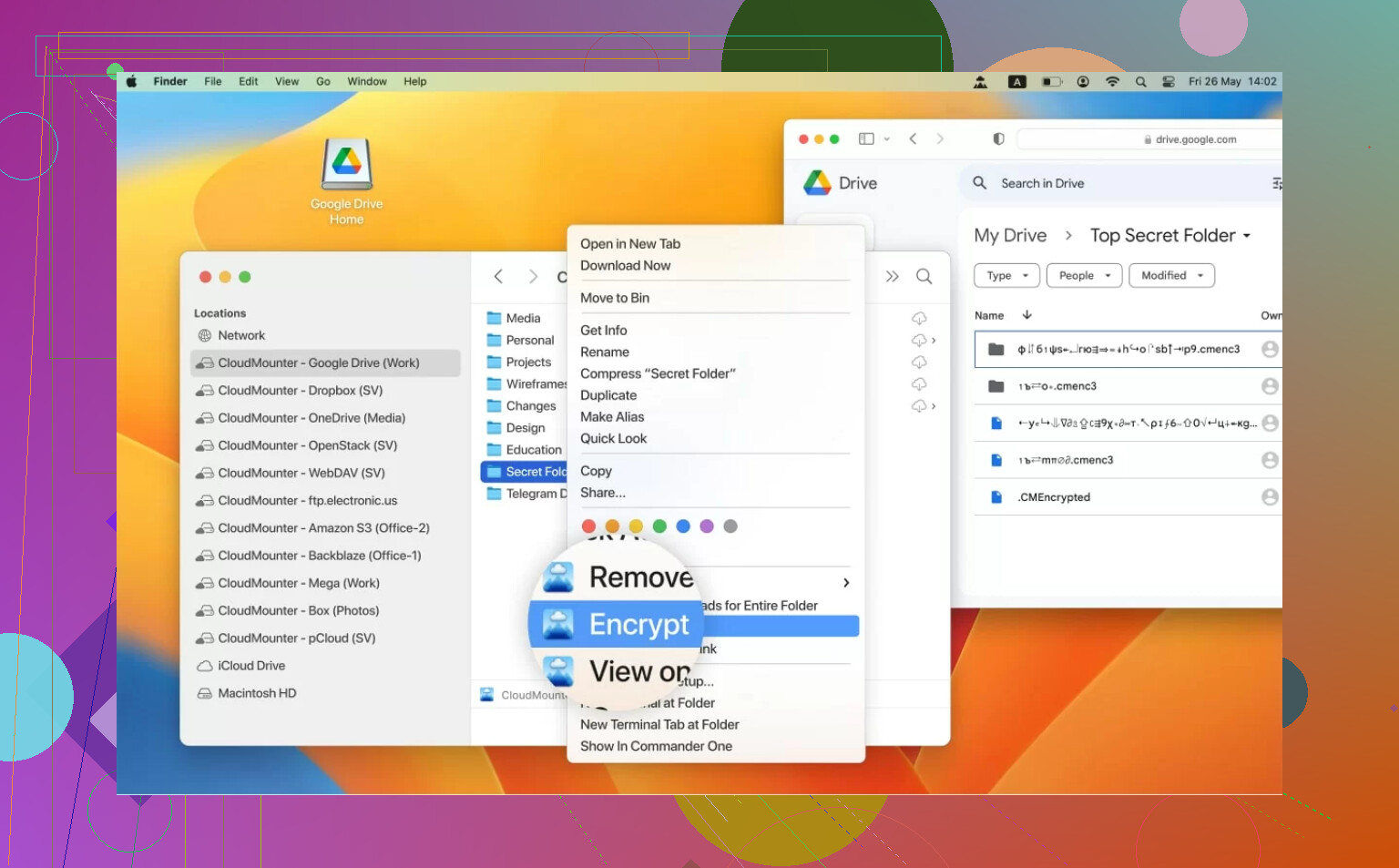
Let’s say you’re on a Mac (I am) and you wish your S3 cloud felt more, well, local. Like, Finder-level access. Enter CloudMounter. This gem lets you actually “mount” your S3 as a drive.
- Browse and search your cloud files as if they’re just part of your desktop.
- Bonus points: It encrypts before anything even leaves your Mac.
- Not just S3—this thing mates with all kinds of cloud services.
Honestly, it’s one of those tools you don’t realize you need until you try it, then you wonder how you lived without it. No more awkward Amazon Web UI dancing.
That’s my workflow. Anyone else encrypt their buckets differently? Do you trust AWS-managed keys, or are you rolling your own KMS and losing sleep about it? I’m nosey, drop your war stories.